4
Safety Instrucons
20. Wall or Ceiling Mounng – When mounng the product on a wall or ceiling, be sure to install the
product according to the method recommended by the manufacturer. Only use wall or ceiling
mounngs approved for holding specied TV size.
21. Power Source – This product is intended to be supplied by a listed power supply indicated on
the marking label. If you are not sure of the type of power supply to your home, consult the
product dealer or local power company. When the unit has to be used with another power
supply voltage, the power cable must be changed. The socket outlet should be installed near the
equipment and easily accessible. Use only the power cord designated by our dealer to ensure
safety and EMC.
When connecng other products such as VCRs and personal computers, you should turn o the
power of the unit for protecon against electronic shock.
22. Panel Protecon – The LCD panel used in this product is made of glass. Therefore, it can break
when the product is dropped or impacted upon by other objects. Be careful not to be injured by
broken glass pieces in case the LCD panel breaks.
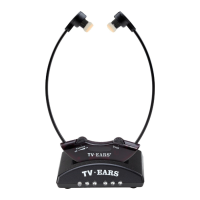
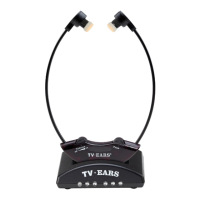
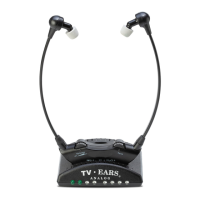
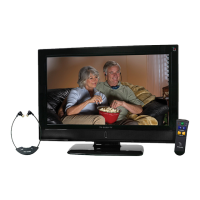
Headset Warnings: Do not remove baeries from the headset. Headset baeries are not customer
replaceable.
Headset Warning: TV Ears speakers, located in the ear p ends of the headset, emit a minimal
magnec eld. When used as indicated, TV Ears headsets should not cause magnec interference
with pacemakers or internal debrillators. The magnec eld strength of the speakers is less than 1
Gauss when within 1 inch (3 cm) of the pacemaker or internal debrillator. It is recommended that
the user keep the ear ps at least an inch away from any pacemaker or internal debrillator.
We have not had any customers indicate a problem using TV Ears in the presence of a pacemaker
or internal debrillator. We recommend not placing the ear p ends of the headsets (where the
speakers are) on your chest or directly in the vicinity of a pacemaker or debrillator. If you have
concerns, we recommend you contact your physician.


 To Next Page