Page 12 of 102
TVL 351
ISSUE 15
3. MMI – Quick Start
The Ethos Two is fitted with a 7” touch screen as standard; this offers the user a comprehensive and easy to use
menu system, and allows extensive built in help screens so problems can be diagnosed swiftly and accurately.
The figure overleaf gives an overview of the main MMI features; feel free to press the buttons on the touch screen to
explore each feature in more depth.
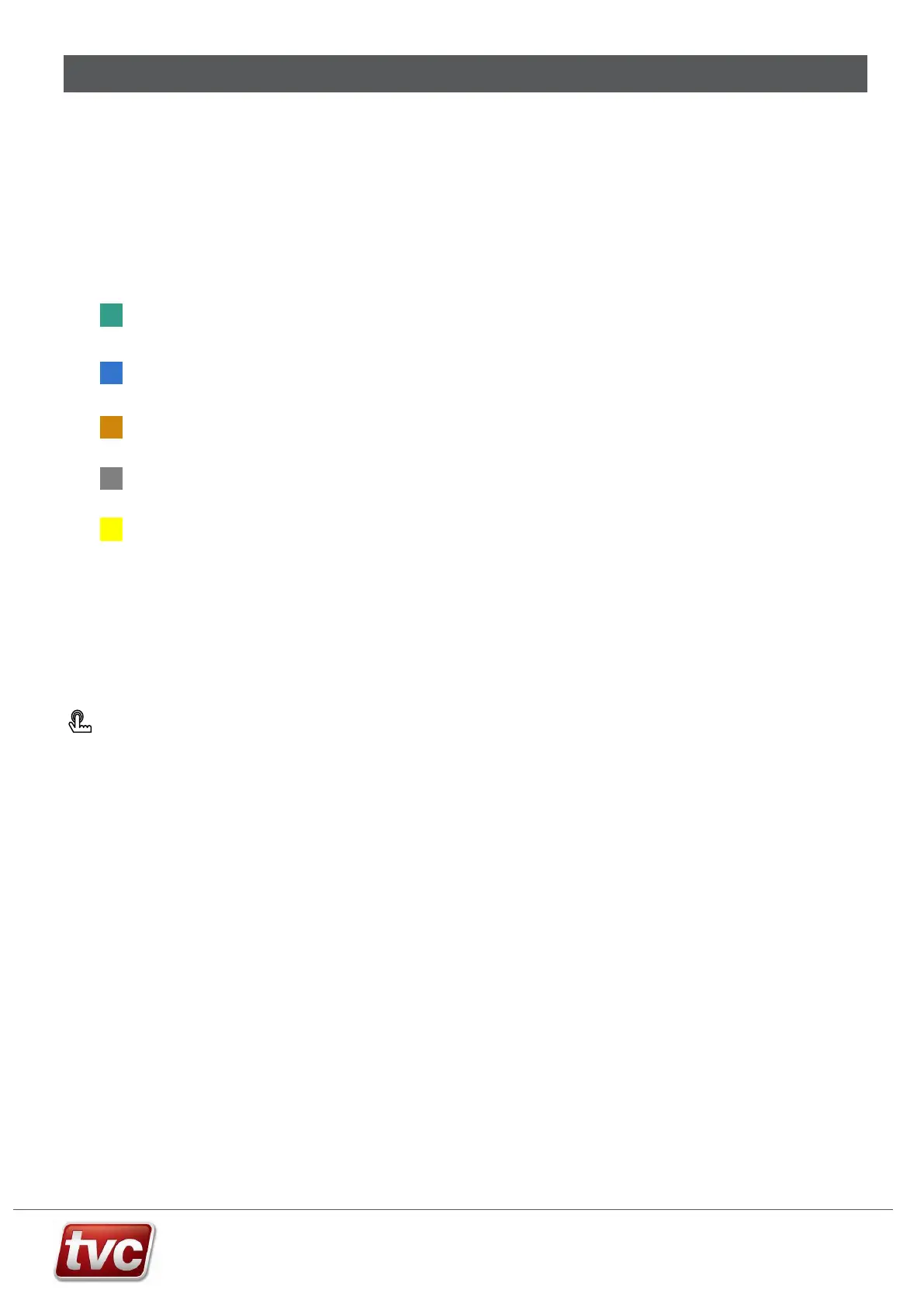
3.1. MMI Key
Fixed button that can be pressed for additional features / menus.
Programmable button, tap to access function, touch and hold to assign a different function.
Main navigation Buttons.
No touch function, Information or Inactive button.
Active Feature.
Additional help and hardware connection diagrams are available in the toolbox menu.
Some screens will require you to login – the password is set to [222222] for technician level access.
3.2. Screen Calibration
If the touch screen is behaving inaccurately, please carry out a screen calibration.
Press: Toolbox → Calibrate Screen.
Follow the on screen prompts to re-calibrate the screen.
If the touch screen isn’t working at all, turn on DIP 2 on SW4 on the MMI and reboot the MMI by pressing the reset
button directly under SW4. The processor will now reboot into screen calibration mode. Follow the on screen
prompts to re-calibrate the screen, turn DIP 2 off after use and reset.



 To Next Page