Page 23 of 102
TVL 351
ISSUE 15
5. Solutions and Event Logger
5.1. Solutions
The solutions button gives an instant notification of the lift having a current problem that is restricting service.
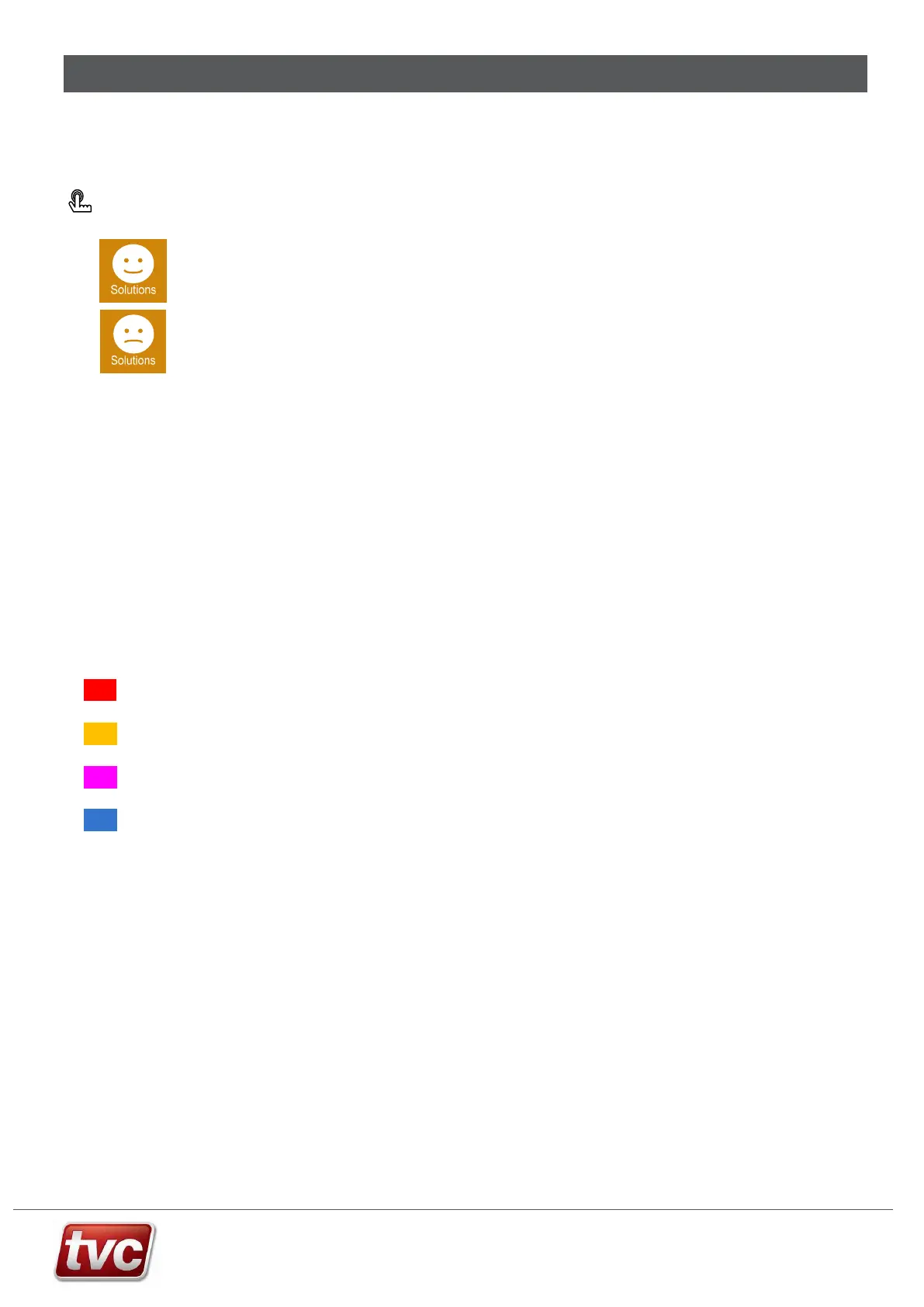
Press: Solutions
Happy – In service. If no current breakdown events are active the solutions button will show
the happy face icon.
Sad – Out of service. The controller has an active breakdown event or is in test / inspection
mode.
Within the solutions screen you will find a list of events that are stopping the lift running. If multiple events are
present these can be scrolled through, each event is shown with its description. A button is available on each event
to jump to the point in the Event Logger where the event occurred. Some events may require a manual reset this
can be done from within this screen. A snapshot event can be logged to capture the current lift status for further
examination at a later date.
5.2. Event Logger
Ethos Two can record over 250 different events that will give detail on problems encountered with the lift.
The logger will display up to 500 events, older events are archived on the built in SD card that can accessed via the
USB connection.
Events are categorised into 4 types:
[Breakdown] Red – Breakdown / major fault that is stopping the lift from working.
[Fault] Orange – Faults are problems that are logged but may not take the lift out of service.
[Service] Magenta – Typically service event e.g. the lift is on fire service.
[Information] Blue – General information events, e.g. when the lift is parking etc.
For each event the logger will record, position, speed, direction, state of IO etc. Pressing an event in the event list
shows the detailed information that was captured at the time of the event. Once in this detailed level, the I/O at the
time of the event can be seen. More detail on a particular event can be found via the Help button.
Press the timeline button to show graphically when the lift was in and out of service for a particular day.
The next section is a list of event codes with a description of each event. Each event code has a group which
specifies the particular area the code is related to e.g. Doors or Motion. Events can be Double Sided or single Sided
Double Sided Events (DBL)
Conditions that persist over a reasonable period generate two logger entries. An initial “assert” entry logged when
initial conditions are met and a secondary “restore” entry is logged when the condition ends e.g. “Fire Service”
(assert), “Off Fire Service” (restore).
A double-sided event is current (or active) from the moment of assertion up until the event is restored or the
processor is reset. On power up all double sided events return to their inactive unasserted state i.e. double sided
events do not persist through processor resets.
The View Events and select Active Events lists double sided events that are currently asserted and awaiting
restoration. It can often offer an indication as to why the lift is not responding to car or landing calls.



 To Next Page