Page 51 of 102
TVL 351
ISSUE 15
Now program the lift board following these steps:
Move the SD card from the display to the lift board.
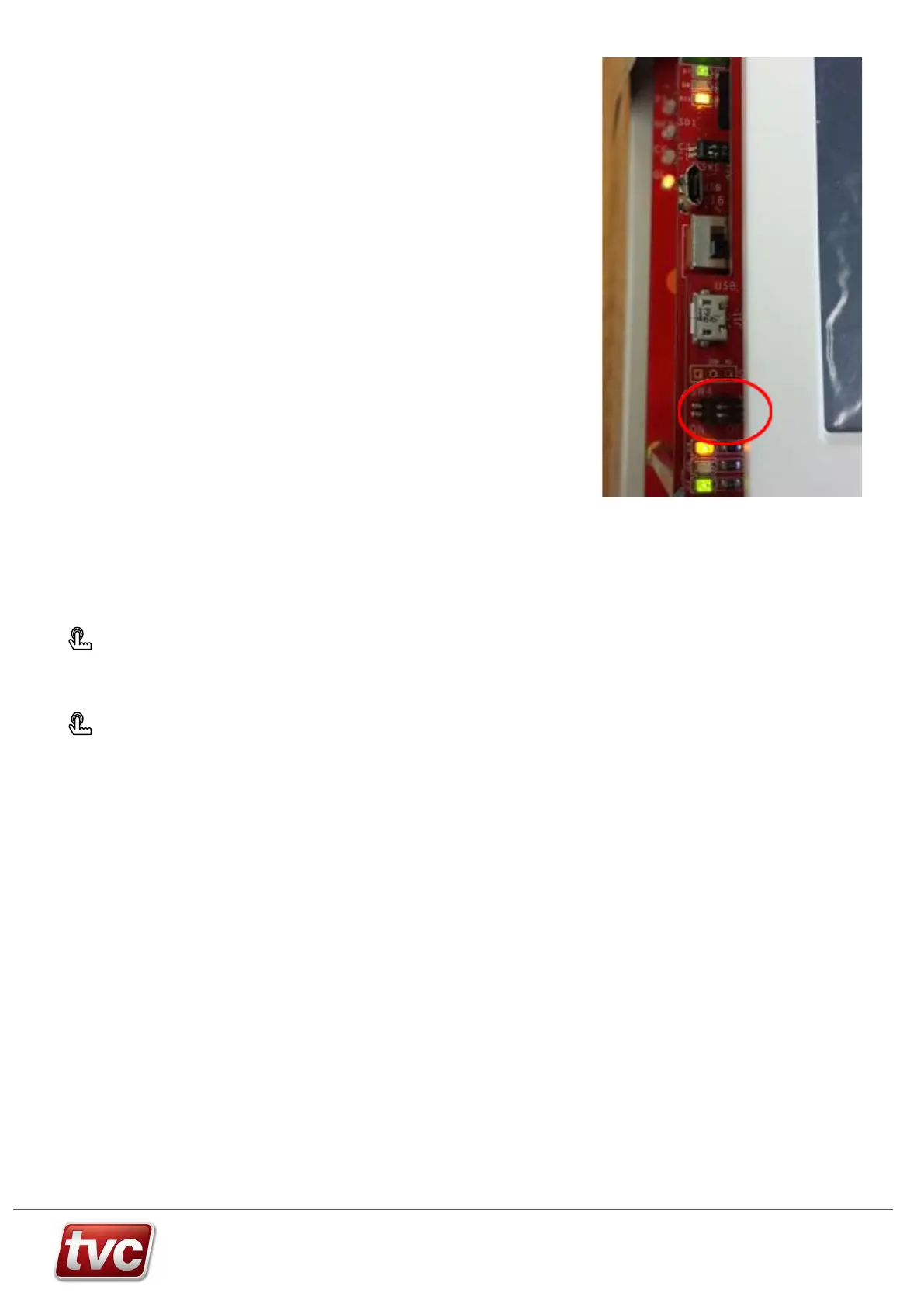
Move the upper DIP on the display board (SW4-2) into the ON (left)
position. (as shown)
Reset the display processor by pressing the reset button (under the SW4
DIP switches).
Reset the lift processor by pressing the reset button (top edge of the board
SW8).
Wait for the lift software flashing process to complete.
The screen will say jumping to main program when finished.
Move both pairs of display board DIP switches into the OFF (right) position
and move the lower lift board DIP switch into the OFF (right) position. All
four DIP switches should be in the OFF (right) position during normal
operation.
Reset the display processor. Check the parameters have migrated and are in good order (repeat checks in Step 1.
above). Reset the lift processor.
The software revision, build date and time of the Lift, Display and ETSD card may be viewed in
Press: About → Software
Configuration data status may be viewed in
Press: Settings → View Changes
Use View Changes to verify parameters have been migrated successfully. A parameter problem (or absent lift
processor SD1 Card) will be reported as an “Unable to fetch differences” message in this screen.



 To Next Page