FHD OLED Reference Monitor 17
● HD DISPLAY MODE
- Used to control the display ratio of HD mode.
- Available values are 16:9,1.85:1 and 2.35:1.
● TIME CODE ENABLE
- Used to display the Time Code.
- Available modes are VITC, LTC and OFF.
● ORBITER CIRCUIT
- Used to prevent the image sticking eect on
OLED Panels when signal input is used. The
user can decide the number of pixels to
move.
- The number of pixels should be within range
between MIN(0) and MAX(100). Moving
speed is 10 minutes per one pixel line.
● CLOSED CAPTION
- Used to select Closed Caption.
- Available modes are OFF, 708, 608(LINE21),
608(ANC), OP47 and OP42.
* 608 : CEA-608-B, 708 : CEA-708-C standard
display only
● 608 CHANNEL SELECT
- Used to select Closed Caption 608 channel.
- Supports CC1~CC4.
● 708 CHANNEL SELECT
- Used to select Closed Caption 708 channel.
- Supports SERVICE 1~SERVICE 6.
● TELETEXT PAGE
- Used to control OP47/42 pages.
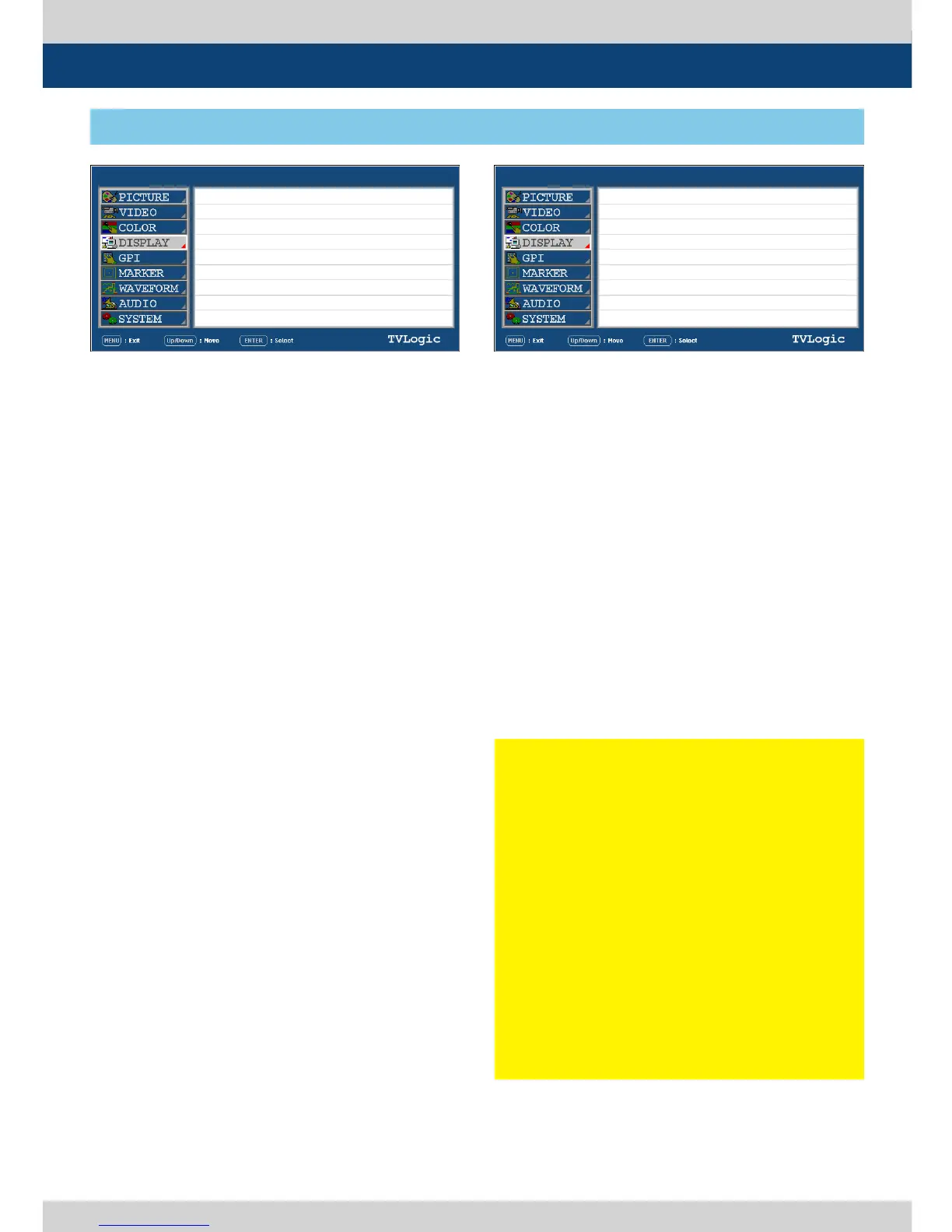
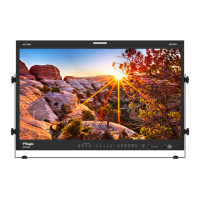
[4] DISPLAY
5. Menu Operations
LEM-250A LEM-250A
SDI A
SDI A
PAGE I >> PAGE II
HD DISPLAY MODE
TIME CODE ENABLE
ORBITER CIRCUIT
CLOSED CAPTION
608 CHANNEL SELECT
708 SERVICE SELECT
TELETEXT PAGE
PAGE II >> PAGE I
SCREEN SELECT
BORDER COLOR
BORDER THICKNESS
16:9
OFF
OFF
OFF
CHANNEL 1
SERVICE 1
801
ALL SCREEN
WHITE
1
● SCREEN SELECT
- Enables control for individual screens (1 or 2)
or full screen (both) in PBP mode.
- Screen selection order : ALL SCREEN ->
SCREEN 1 -> SCREEN 2.
- For easy screen selection, use the [F1] button
in the front panel.
● BORDER COLOR
- Used to select the border line color between
the displays in PBP Mode.
- Available values are WHITE, GRAY, BLACK,
RED, GREEN and BLUE.
● BORDER THICKNESS
- Used to adjust border line thickness between
displays in PBP Mode.
- Sets value range in pixel 0 ~ 7.
< Warning : Burn-In >
Similar to CRT or Plasma display, OLED is
also a self-luminescence display and due to
the characteristics of the materials used for
this technology, Burn-In, Image Sticking or
regional brightness reduction may occur
when displaying a static image, markers,
characters, overlay graphics or masked
images for specic screen ratio over a certain
period of time. To prevent burn-in, it is highly
recommended to turn o the power of the
monitor when it is not used. And displaying
markers, characters, overlay graphics, static
images or masked screen for more than 10
minutes are not recommended. Please turn o
these functions whenever possible.


 To Next Page