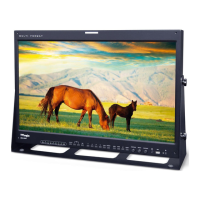
28 FHD OLED Reference Monitor
LEM-250A
SDI A
● USER CONFIG SET
- Used to save and apply three kinds of user
conguration.
- Available modes are USER1, USER2 and
USER3.
- Assignable items for each USER1, USER2 and
USER3 settings are the [MARKER] menu of
MARKER, CENTER MARKER, SAFETY AREA,
MARKER MAT and MARKER COLOR, the
[PICTURE] menu of BRIGHT, CONTRAST,
CHROMA, PHASE and APERTURE.
● LOCK NUMBER
- Lock number is product’s serial number.
● LOCK ENABLE
- Factory use only.
● OSD DISPLAY
- Controls the OSD display time.
- Available values are 3 SEC, 20 SEC and
CONTINUE.
● OSD POSITION
- Controls the OSD position.
- Available positions are Center, Right-
Top(T-R), Bottom-Right(R-B), Top-Left(L-T)
and Bottom-Left(L-B).
● INTERNAL PATTERN
- This item generates internal white pattern.
- The white level select between 0% and 100%
(Per 5% increase or decrease)
● SET DEFAULT
- User can use SET DEFAULT menu to initialize
to factory setting.
- Initializes the values to 0 of BRIGHT,
CONTRAST, CHROMA, PHASE and APERTURE
of the monitor.
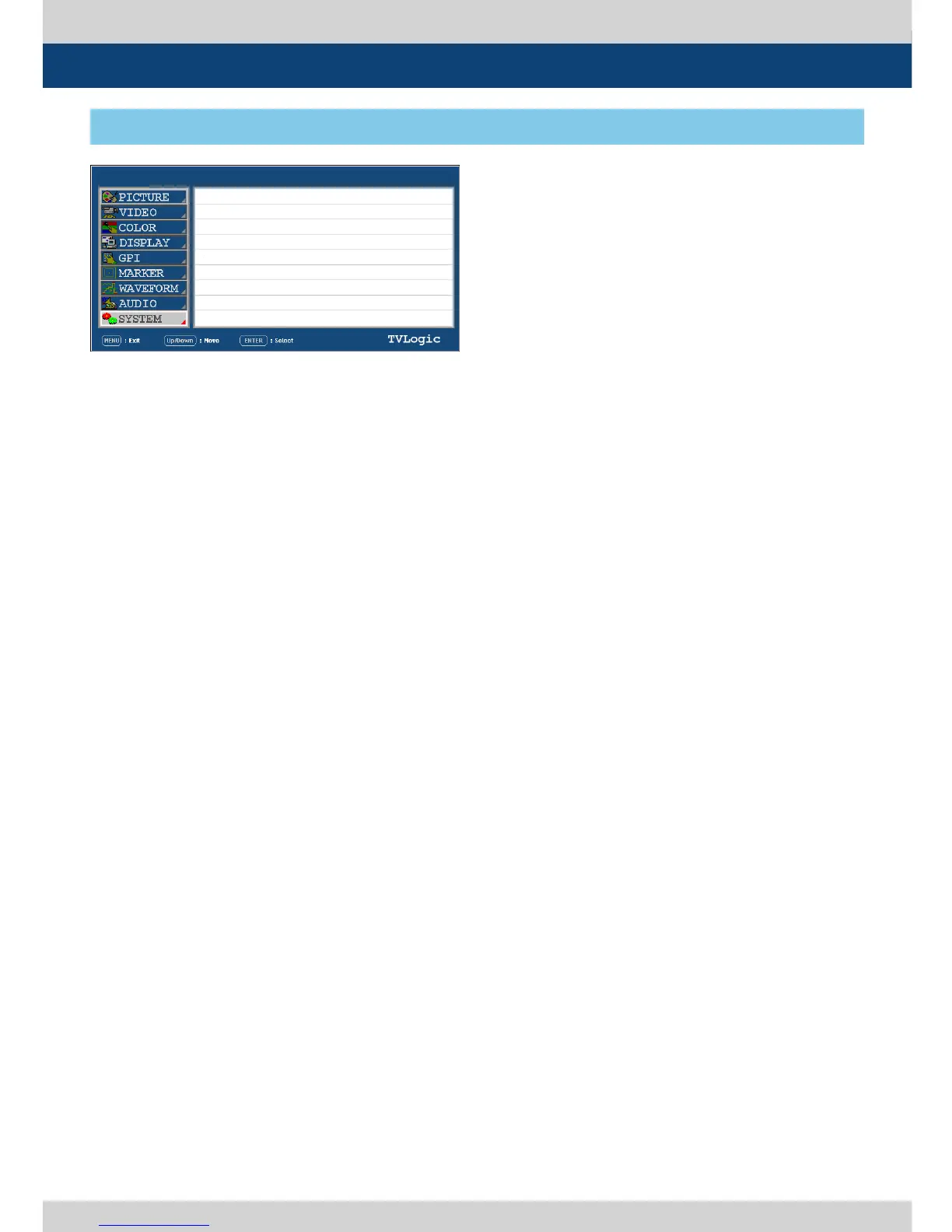
[9] SYSTEM
5. Menu Operations
PAGE I >> PAGE II
USER CONFIG SET
LOCK NUMBER
LOCK ENABLE
OSD DISPLAY
OSD POSITION
INTERNAL PATTERN
SET DEFAULT
USER 1
LEM000000
--------
CONTINUE
L-T
OFF


 To Next Page