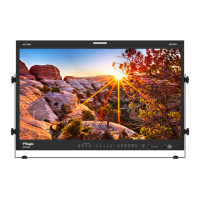
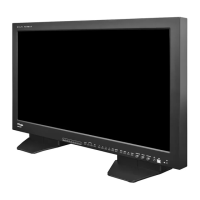
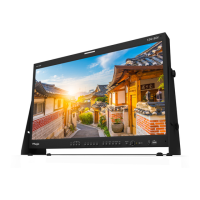
32 FHD OLED Reference Monitor
6. Other Functions
2. Use the UP/DOWN button to select desired
input source and press the ENTER button to
conrm.
3. Input signal resolution displays on the
bottom of OSD menu.
4. Press SOURCE button again to remove the
OSD menu from display.
5. Menu will be disappeared when time set is
over from the screen
<Warning!!>
When using SOURCE mode, always check
the input method and modify the setting as
needed for optimized output results.
● This product is capable of processing all
input signals usable in ANALOG mode.
The ANALOG input settings are as follows:
1. Press SOURCE button on the front of the
product and activate the menu below.
[1] ANALOG Button
COMPOSITE 1
COMPOSITE 2
COMPOSITE 3
S-VIDEO
COMPONENT
RGB
DVI ANALOG
DVI DIGITAL
HDMI
NO SIGNAL


 To Next Page