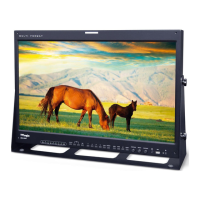
24 FHD OLED Reference Monitor
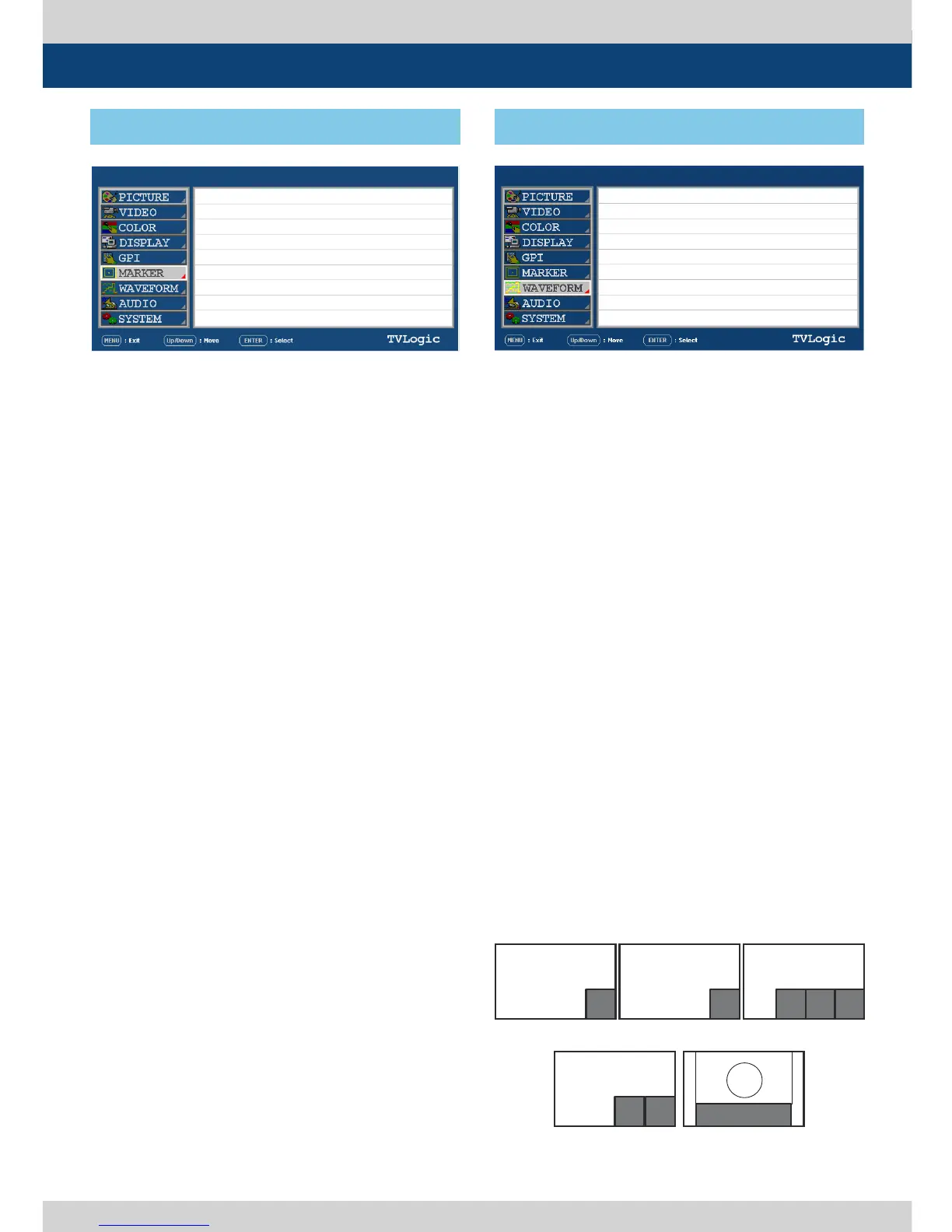
● USER MARKER H1
- Used to control the position of the rst user
dened horizontal marker line.
- Marker option USER needs to be selected.
● USER MARKER H2
- Used to control the position of the second
user dened horizontal marker line.
- Marker option USER needs to be selected.
● USER MARKER V1
- Used to control the position of the rst user
dened vertical marker line.
- Marker option USER needs to be selected.
● USER MARKER V2
- Used to control the position of the second
user dened vertical marker line.
- Marker option USER needs to be selected.
● WAVEFORM/VECTOR
- Used to set the Waveform and Vectorscope.
- This feature is available in SDI, COMPOSITE
1/2/3, S-VIDEO, COMPONENT modes.
- Selectable features: OFF, WAVEFORM,
VECTOR, YCbCr, MODE 1(WAVEFORM +
VECTORY), MODE 2(VECTOR + Y/Cb/Cr),
WIDE-Y
- Displays on the bottom right of the screen
and moves above the UMD, if UMD feature is
selected.
* WAVEFORM : Displays the shape and form of
luminance level of a signal.
* VECTOR : Displays color components B-Y and
R-Y of the input signals on the XY axis.
HD and SD inputs are classied into two
kinds, depending on the input. 100% and
75% scales indicated on a display.
* Y/Cb/Cr : Displays each Waveform for
elements of the luminance and Cb/Cr of the
input signal.
* RGB : Displays each Waveform for elements
of the Red, Green and Blue of the input
signal.
* W+V : Displays waveform and vector scope
simultaneously.
* WIDE-Y : Stretches the waveform to t width
of the screen and displays it on the bottom
of the screen.
LEM-250ALEM-250A
SDI A
SDI A
[6] MARKER [7] WAVEFORM
5. Menu Operations
PAGE II >> PAGE I
USER MARKER H1
USER MARKER H2
USER MARKER V1
USER MARKER V1
MIN
MIN
MIN
MIN
PAGE I >> PAGE II
WAVEFORM/VECTOR
WAVEFORM INTENSITY
WAVEFORM TR ANS
WAVEFORM SIZE
LINE WAVEFORM ENABLE
LINE POSITION SELECT
LINE POSITION DRAW
OFF
OFF
OPAQUE
NORMAL
OFF
0
OFF
<WAVEFORM>
<WAVE+VECTOR>
<VECTOR> <YCbCr/RGB>
<WIDE Y>
WAVE
FORM
WAVE
FORM
VEC
TOR
VEC
TOR
Y/R
WAVEFORM
Cb/G Cr/B


 To Next Page