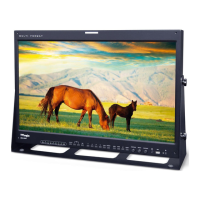
34 FHD OLED Reference Monitor
6. Other Functions
3. The following represents the dierent
types of scan mode. When a scan mode is
selected, display skips the next mode if its
required condition is not met.
- OVER SCAN : Zooms in/out of the image to
96% of its original size without changing
the aspect ratio of.
- ZERO SCAN : Zooms in/out of the image
without changing the aspect ratio.
- UNDER SCAN : Zooms in/out of the image
without changing the aspect ratio. Also,
displays the data at the top of the horizontal
blanking block.
- 2:1 SCAN : Magnies the original image two
times. This feature is available only when the
size of the original image is ½ size or smaller
than the screen size.
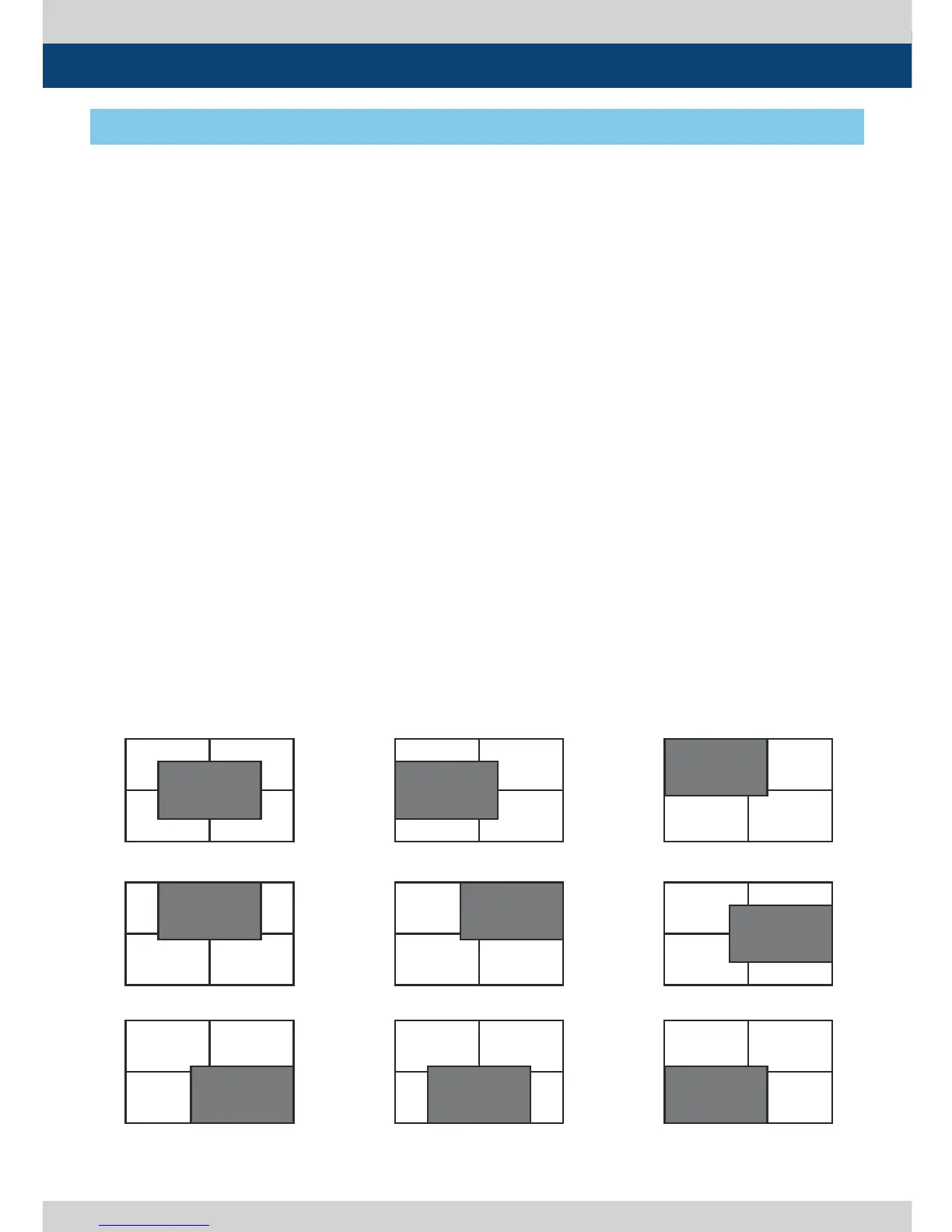
- 1:1 SCAN : 1:1 pixel mapping of original
image. This feature is available only when
the size of the original image is bigger than
the screen size. Press [ENTER] button to
rotate the position.
MID LEFT -> TOP LEFT -> TOP MID -> TOP
RIGHT -> MID RIGHT -> BOT RIGHT ->
BOT MID -> BOT LEFT
- FIT WIDTH : In SD mode, zooms in to t
width of the original image to the width of
the screen without changing the aspect ratio.
- USER ASPECT : Displays in user aspect
ratio of HORIZONTAL and VERTICAL value
that is selected under USER ASPECT item in
[PICTURE] MENU.
- 3 X ZO O M : This feature is only available
under PBP 16:9 mode and displays the
image with 2 x zoom in.
When “3 X ZOOM” message window
appears, press [ENTER] button to activate
vertical position control of image. Use
[UP]/[DOWN] button to adjust the vertical
position of image. Press [ENTER] button
again to activate horizontal position control
of image. Use [UP]/[DOWN] button to adjust
the horizontal position of image.
[3] SCAN
<Position change in 1:1 SCAN>
<MID CENTER>
<TOP MID>
<BOT RIGHT>
<MID LEFT>
<TOP RIGHT>
<BOT MID>
<TOP LEFT>
<MID RIGHT>
<BOT LEFT>


 To Next Page