http://www.tyan.com
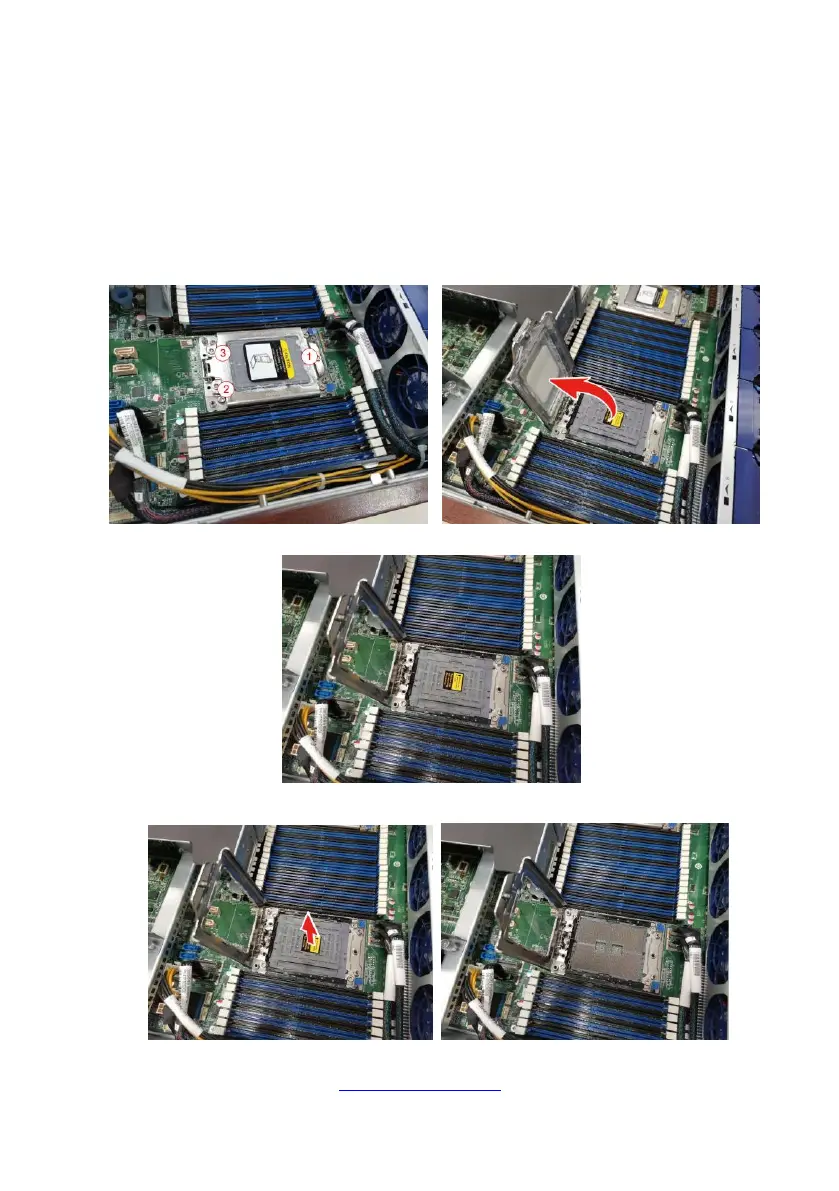
2.1.2 Installing the CPU and Heatsink
Follow the steps below on installing CPUs and CPU heat sinks.
1. Use a T20 Torx screwdriver to loosen the screws securing the force frame in a
sequential order (3->2->1).
Note: The force frame will automatically eject after the captive screws are being
released.
2. Pull to release the rail frame. Then lift the rail frame to its fully open position.
3. Remove the external cap from the rail frame.
4. Using your thumbs and forefinger, remove the PnP cap by lifting it up vertically.



 To Next Page