59
http://www.tyan.com
3.3 Removing the Cover
Before replacing any parts you must remove the chassis cover first. Follow
Chapter 2.1.1 to remove the cover of the TS75-B8252.
3.4 Replacing Motherboard Components
Follow these instructions to replace motherboard components, including the
motherboard.
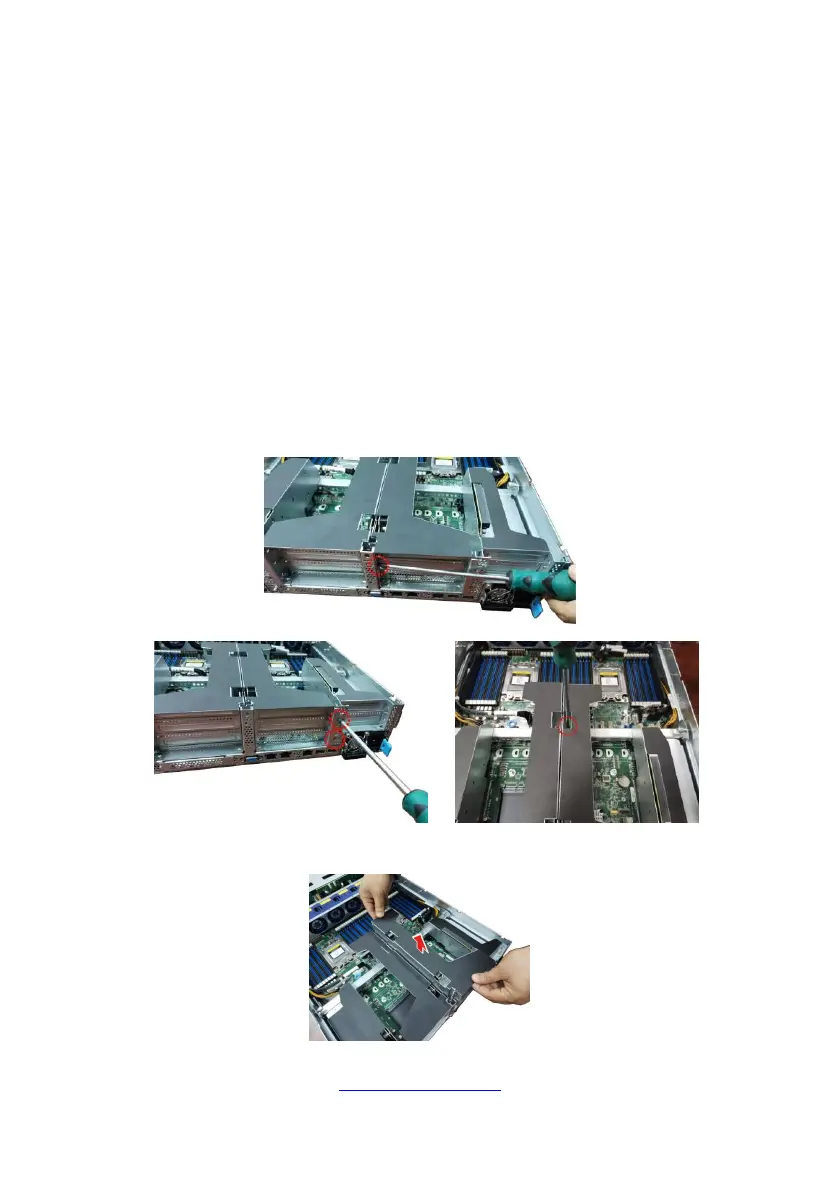
3.4.1 Replacing the Riser Card
Follow these instructions to replace the M8252T75-L16-1L / M8252T75-L24-1F /
M8252T75-R24-2F and M8252T75-R16-1L Riser cards.
1. Unscrew the riser card bracket.
2. Remove the riser card bracket from the chassis.



 To Next Page