80
http://www.tyan.com
Chapter 4: Installing GPU Cards
The TN75-B8252 supports several kinds of GPU cards which are listed below. In this
chapter we will introduce you how to install the T4 / RTX6000 / RTX8000 GPU card.
4.1 Installing the Nvidia
®
T4 GPU card
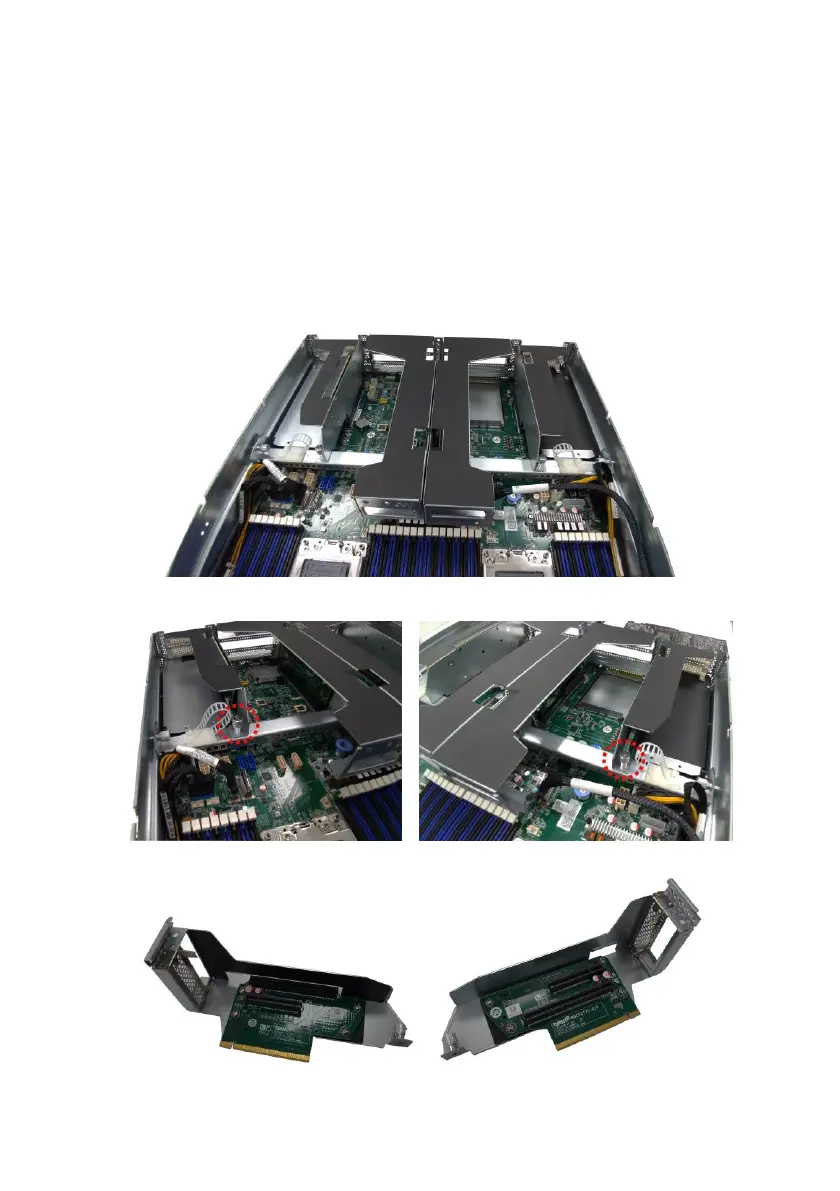
The TN75-B8252 supports four PCI-E Riser Card Brackets. Follow these instructions
to install GPU card in your system.
1. Unscrew the riser card bracket.
2. Release the riser card bracket from the chassis.
3. Remove the dummy bracket from the riser.



 To Next Page