42
http://www.tyan.com
Installing 2.5” Hot-Swap Hard Drives
Follow these instructions to install a 2.5” HDD/SSD.
Warning!!! Always install the hard disk drive to the chassis after the chassis has
been secured on the rack.
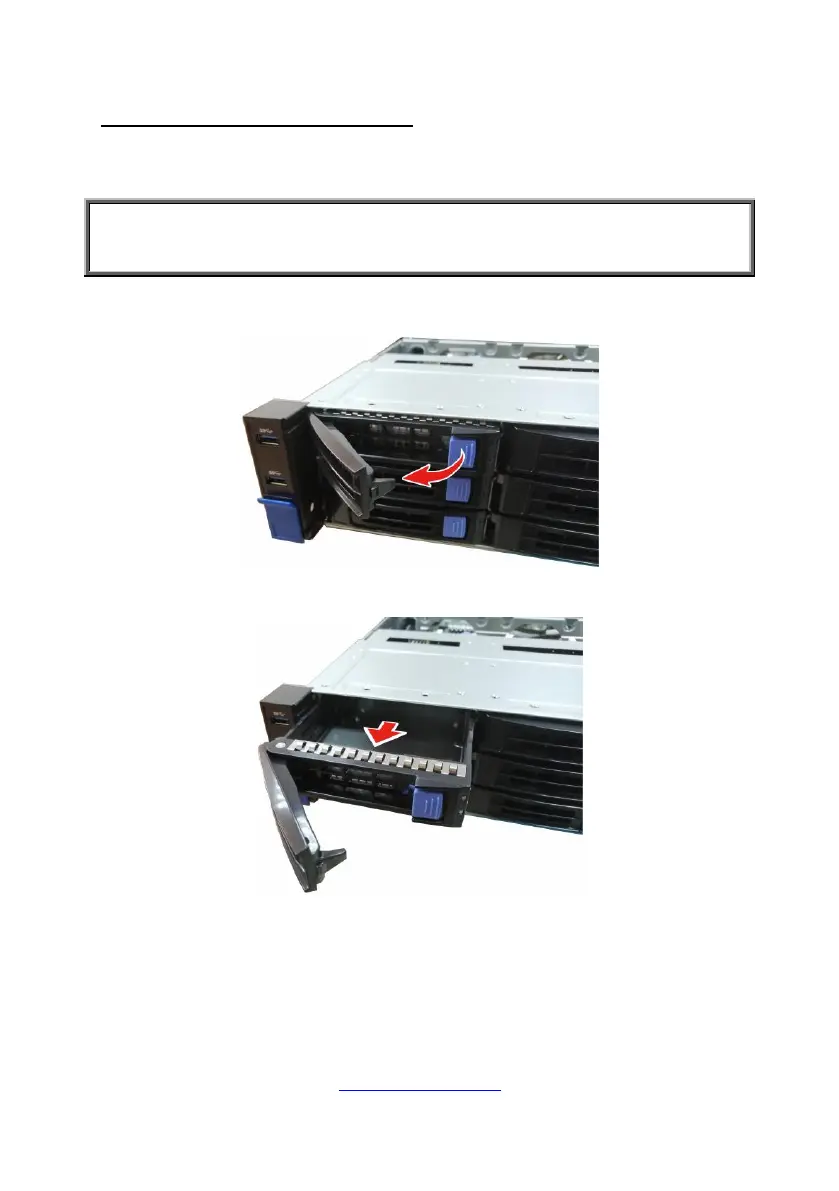
1. Press the locking lever latch and pull the locking lever open.
2. Slide the HDD tray out.


 To Next Page
 Loading...