Cocoon 1100 11
Cocoon 1100
ENGLISH
6.6 Navigating the menu
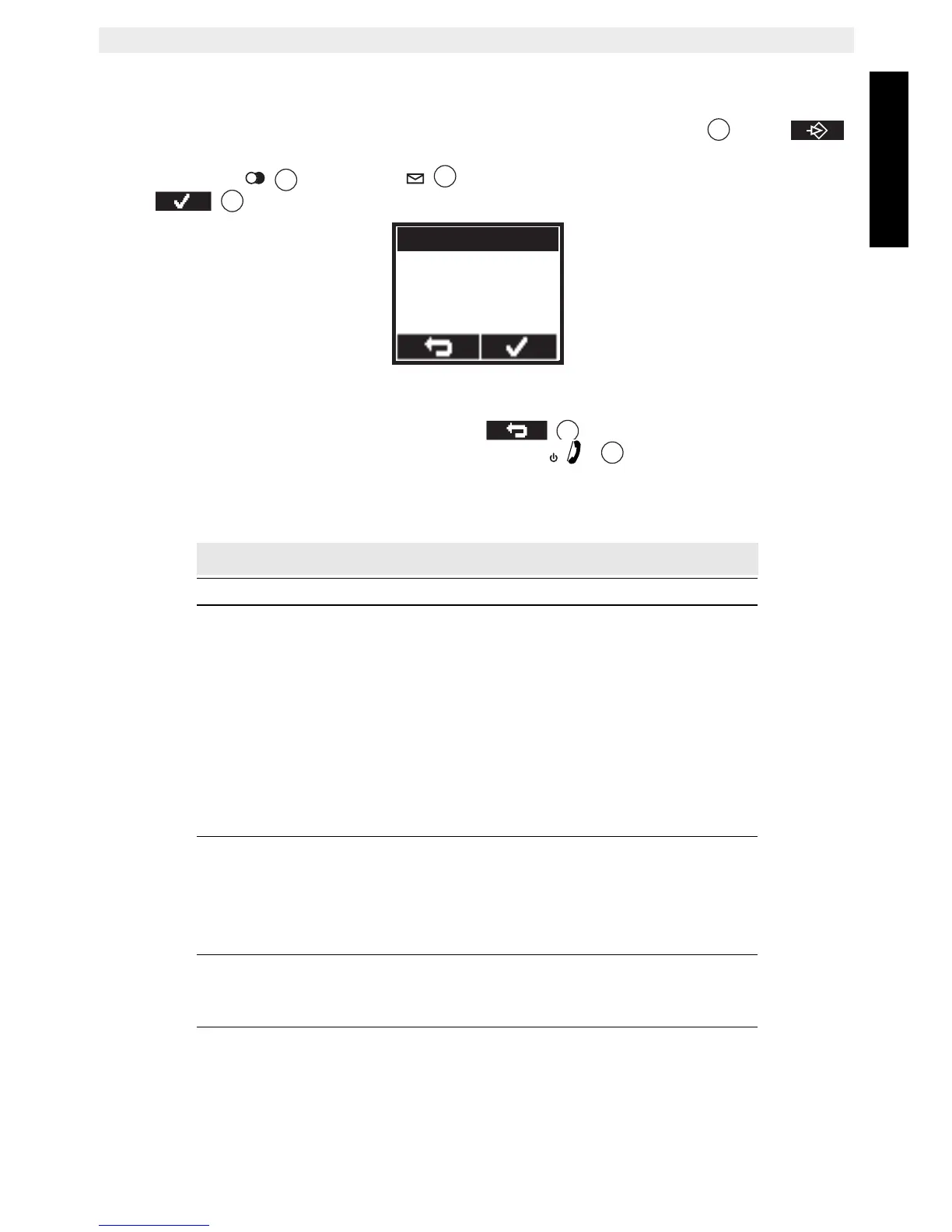
The handset has a menu system which is easy to use. Each menu leads to a list of options.
When the handset is switched On and in standby, press the left menu key under
to open the main menu.
Press the up key or the down key to scroll to the menu option you want. Then
press to select further options or confirm the setting displayed.
Exit or go back one level in the menu:
To go to the previous level in the menu, press .
To cancel and return to standby at any time, press the
key. If no button is pressed
for 15 seconds, the handset returns to standby automatically.
6.7 Menu overview
Menu Submenu items
Phonebook
Handset
Ringtone
Ringer Volume
Handset Name
Keypad Beep
Contrast
Auto Talk
Backlight Time
Select Base
Language
Registration
Base settings
Ringtone
Ringer volume
Dial mode
Recall
System PIN
Time
Set Alarm
Date and Time
Set Time Format
Tools
Appointment
Stop Watch



 To Next Page