Cocoon 1100 17
Cocoon 1100
ENGLISH
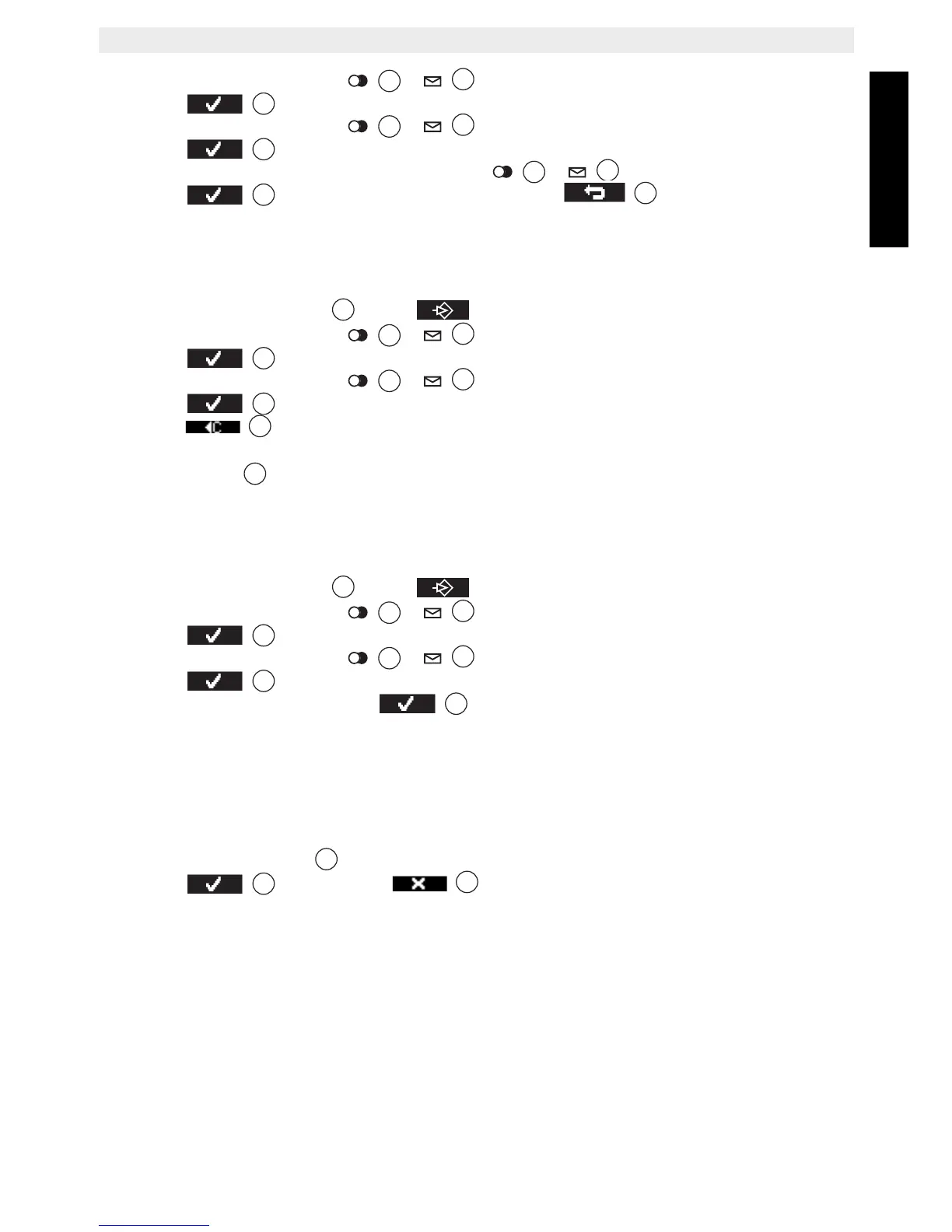
• Press the up or down key / repeatedly until ‘Handset’ is selected.
• Press to confirm.
• Press the up or down key
/ repeatedly until ‘Contrast’ is selected.
• Press to confirm.
• Select the contrast with the up or down key / .
• Press to confirm your selection or press to leave the menu.
7.19 Changing the handset name
You can change the handset name displayed on the handset during standby (max. 8-11
characters).
• Press the left menu key under .
• Press the up or down key
/ repeatedly until ‘Handset’ is selected.
• Press to confirm.
• Press the up or down key
/ repeatedly until ‘Handset name’ is selected.
• Press to confirm.
• Press to delete each letter of the name and use the alphanumeric keypad to
enter the correct name.
•Press ‘Save’
to set the new handset name.
7.20 Auto answer
When there is an incoming call and the handset is on the base, the phone automatically takes
the line when lifted. This function can be turned on or off.
• Press the left menu key under .
• Press the up or down key
/ repeatedly until ‘Handset’ is selected
• Press to confirm.
• Press the up or down key
/ repeatedly until ‘Autotalk’ is selected.
• Press to confirm.
•Select ‘On’ or ‘Off’ and press
to confirm.
8 Default reset (Handset reset)
You can restore all handset settings back to default and erase all phonebook, call log, VIP
list and redial entries.
To restore the default settings:
• Press the flash key R for about 10 seconds until ‘Handset reset?’ appears
• Press to confirm or to leave the menu without saving.
The default settings are:
Base Select: Auto select
Key Beep: On
External Melody: Melody 10
Internal Melody: Melody 1
Ringer Volume: Volume 3
Earpiece Volume: Volume 3
Handsfree: Volume 3
LCD Contrast: 6
Time Format: 24 hours
3



 To Next Page