Cocoon 1100 25
Cocoon 1100
ENGLISH
13.3.2 Manual selection
If you set the handset to ‘manual selection’, the handset will only choose the base unit you
have set.
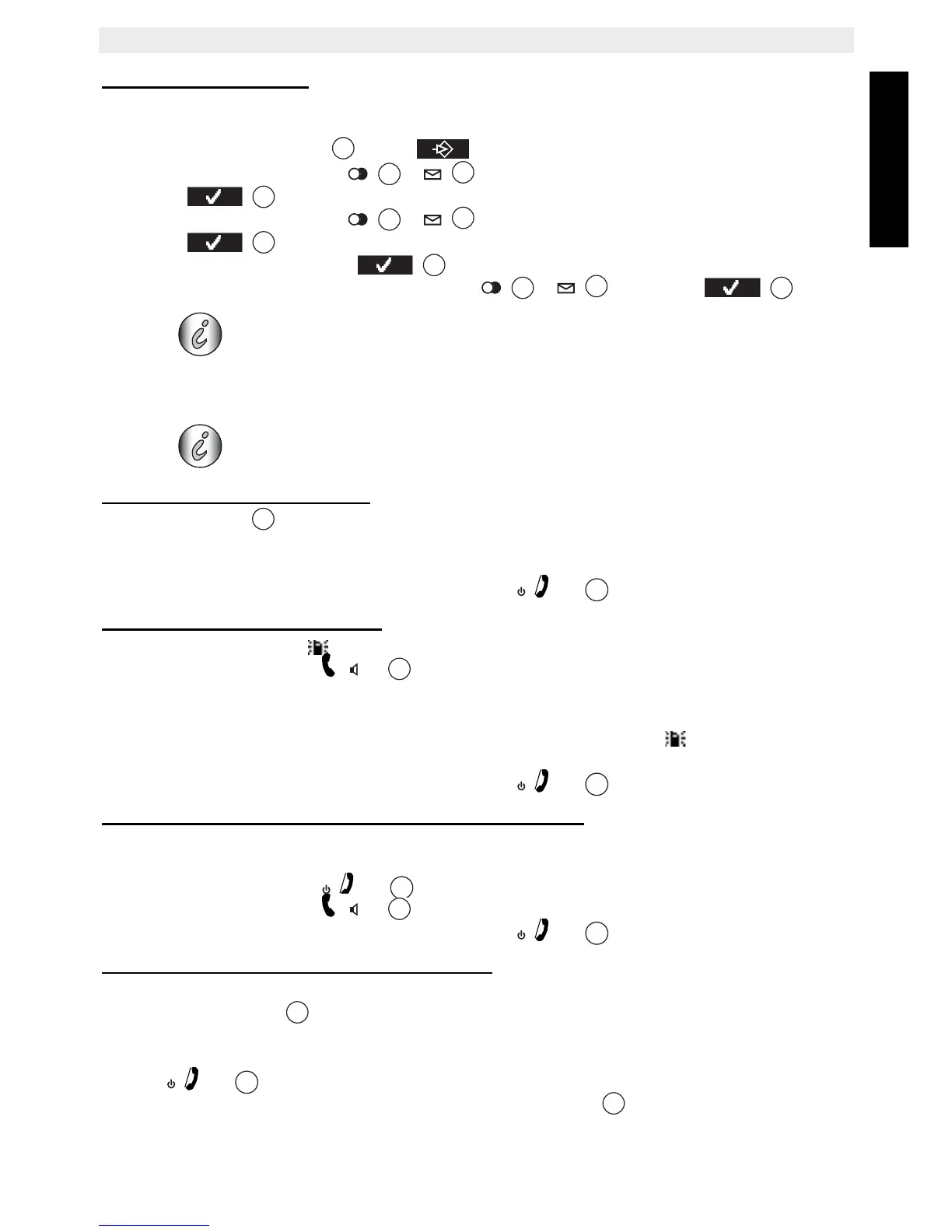
• Press the left menu key under .
• Press the up or down key
/ repeatedly until ‘Handset’ is selected.
• Press to confirm.
• Press the up or down key
/ repeatedly until ‘Select Base’ is selected.
• Press to confirm.
•Select ‘Manual’ and press to confirm.
• Select the base with the up and down key
/ and press .
13.4 Using multiple handsets
13.4.1 Calling another handset
• Press the INT key.
•‘INTERNAL_” appears on the display.
• Dial the number of the handset you would like to call.
• After finishing your call, press the on hook key
to hang up.
13.4.2 Receiving an internal call
• The internal call icon and the number of the handset calling, appear on the display.
• Press the off hook key to accept the internal call.
OR
• Lift the handset off its base (if the auto answer option is active, see §“7.20 Auto answer” )
• During the call, the handset number of the caller and the symbol appear on the
display.
• After finishing your call, press the on hook key
to hang up.
13.4.3 Receiving an external call during an internal call
If you receive an external call during an internal call, you will hear a call waiting tone (double
beep) on both handsets being used for an internal call.
• Press the on hook key to end the internal call.
• Press the off hook key
to accept the external call.
• After finishing your call, press the on hook key to hang up.
13.4.4 Transferring a call to another handset
• You have an external caller on the line.
• Press the INT key . ‘INTERNAL_’ appears on the display.
• Dial the number of the handset to which you would like to transfer the call.
• If the handset dialed answers, you can have an internal conversation. Press the on hook
key
and the external call is transferred.
• If the handset dialed does not answer, press the INT key to speak to the external
caller again.
Caution: Before you can select a base unit, the handset must be
subscribed to the base first.
These functions are only possible when more than one handset is
subscribed to the base.



 To Next Page