Cocoon 1100 7
Cocoon 1100
ENGLISH
5Installation
5.1 Installing the base
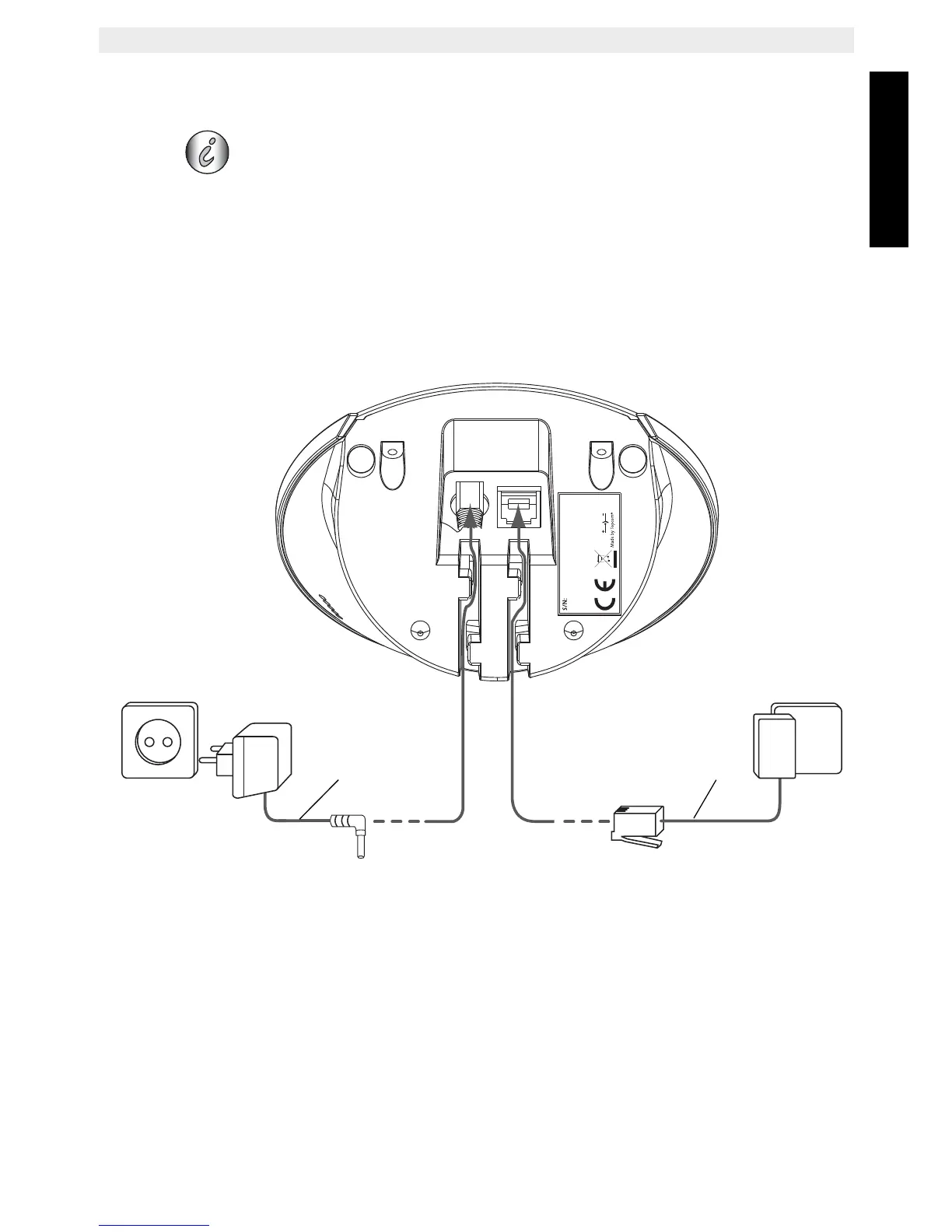
For installation, do the following:
• Plug one end of the adaptor into the 230V outlet and the other end into the adapter jack
on the bottom of the base.
• Connect one end of the telephone cord with the wall phone jack and the other end to the
bottom of the base. Use the included telephone cord.
1. Telephone wall outlet
2. Power cable
3. Bottom view of the base
4. Telephone cord
Before you use the telephone for the first time, you must first make
sure the batteries are charged. If not, the telephone will not work
optimally.
Cocoon 1100
6V DC
200mA
1
2
3
4



 To Next Page