Cocoon 1100 15
Cocoon 1100
ENGLISH
7.11 Pause key
If you dial a telephone number and you would like to add a pause to this number, press the
Pause key P
at the desired place in the number.
When you dial or redial this number, the pause (3 seconds) is automatically included.
7.12 Locating a misplaced handset (paging)
If you cannot find the handset, briefly press the Paging key on the base unit.
All handsets subscribed on the base unit will ring so you can locate the misplaced handset.
To stop the signal, briefly press any key
on any handset.
7.13 Using the alphanumeric handset keypad
Use the alphanumeric keypad to type text. To select a letter, press the corresponding
alphanumeric key . E.g. if you press the alphanumeric key ’5’, the first character ‘j’
appears on the display. Press it repeatedly to select other characters from this key.
Press the ‘2’ key once to select the letter ‘a’. If you would like to select both ‘a’ and ‘b’ after
each other, first press the ‘2’ key once to select ‘a’, wait 2 seconds until the cursor moves to
the next position and then press the ‘2’ key twice to select ‘b’. You can delete characters
mistakenly typed by using the Delete key . The character in front of the cursor will
be deleted. All characters can be deleted at the same time by pressing the Delete key
for 2 seconds.
You can move the cursor by pressing the left and right keys INT / R . You can switch
between upper and lower case by pressing and holding the key. The upper left corner
will show ‘abc’ for lower case and ‘ABC’ for upper case.
You can change the input character set from English (ABC) to Latin (AÀÁ), Greek (
) or
Russian () by pressing and holding the # key for 2 seconds.
7.14 Setting the ring volume level on the handset
You can change the ring volume of an incoming call (internal and external) between 6 levels
(levels ‘1’ to ‘5’ and ‘Off’).
If you select level ‘Off’, the symbol appears on the display. The handset will not ring when
a call is received (the handset will always ring for internal calls).
Level ‘5’ is the highest level. The telephone is set to level ‘5’ by default.
7.14.1 Setting the ring volume for Internal and external calls (0-5)
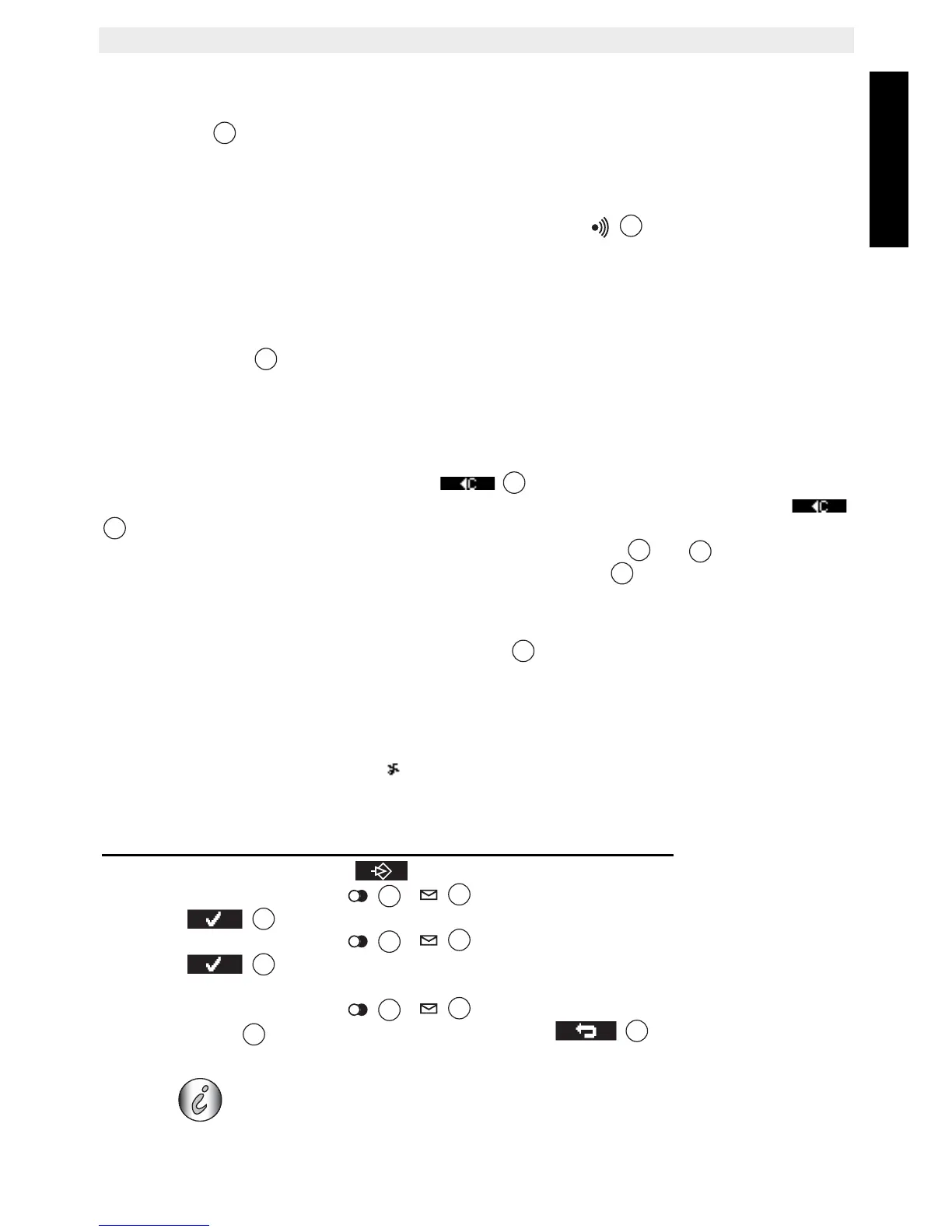
• Press the menu key under .
• Press the up or down key / repeatedly until ‘Handset’ is selected
• Press to confirm.
• Press the up or down key / repeatedly until ‘Ringer volume’ is selected
• Press to confirm.
• The current volume is shown and hearable.
• Press the up or down key / repeatedly to select the desired volume.
•Press ‘Save’
to confirm your selection or press to leave the menu
without saving.
When the handset is inside the base, the base will not ring during
incoming call. So when the handset ring volume is turned off and the
handset is inside the base, your phone will not ring anymore!
8



 To Next Page