Cocoon 1100 27
Cocoon 1100
ENGLISH
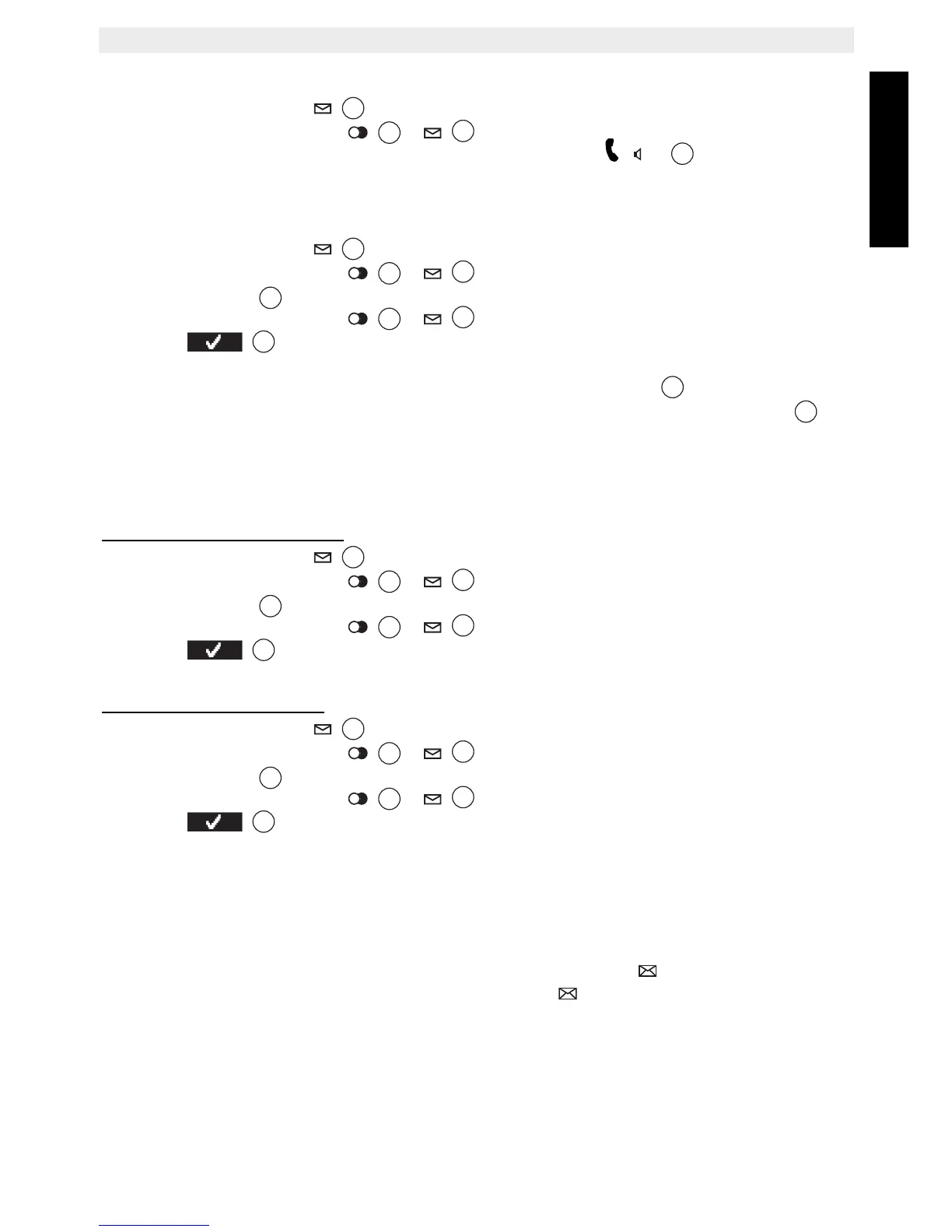
14.2 Calling a number from the call list
• Press the call log key to go into the call list.
• Press the up or down key
/ to look up the desired number.
• Once the number is on the display, press the off hook key and the number is
dialed automatically.
14.3 Storing a number from the call list in the phone book
• Press the call log key to go to the call list.
• Press the up or down key / to look up the desired number.
•Press ‘Option’ .
• Press the up or down key
/ repeatedly until ‘Save number’ is selected.
• Press to confirm.
•‘Name’ is displayed. Use the alphanumeric keys to add a name. Or if the name was
send by the network, you can edit it before saving. Press ‘Save’ to confirm.
• The telephone number is displayed. Edit the number if needed and press ‘Save’
again to store the entry into the phonebook .
• The handset returns to the call list.
14.4 Deleting numbers from the call list
14.4.1 Deleting one number
• Press the call log key to go to the call list.
• Press the up or down key
/ to look up the desired number.
•Press ‘Option’ .
• Press the up or down key
/ repeatedly until ‘Delete call’ is selected.
• Press to confirm.
• The call is deleted and the next call appears on the display.
14.4.2 Delete all numbers
• Press the call log key to go to the call list.
• Press the up or down key / to look up the desired number.
•Press ‘Option’ .
• Press the up or down key
/ repeatedly until ‘Delete all calls’ is selected.
• Press to confirm.
• All calls are deleted.
15 Voice mail indicator
This function only works if you have the voice mail or phone mail service and if the network
sends this indication along with the caller ID (CLIP) information!
When you receive a new message in your voice mail system, the icon will appear on the
display. Once you have listened to your messages, the icon will disappear.



 To Next Page