Cocoon 1100 9
Cocoon 1100
ENGLISH
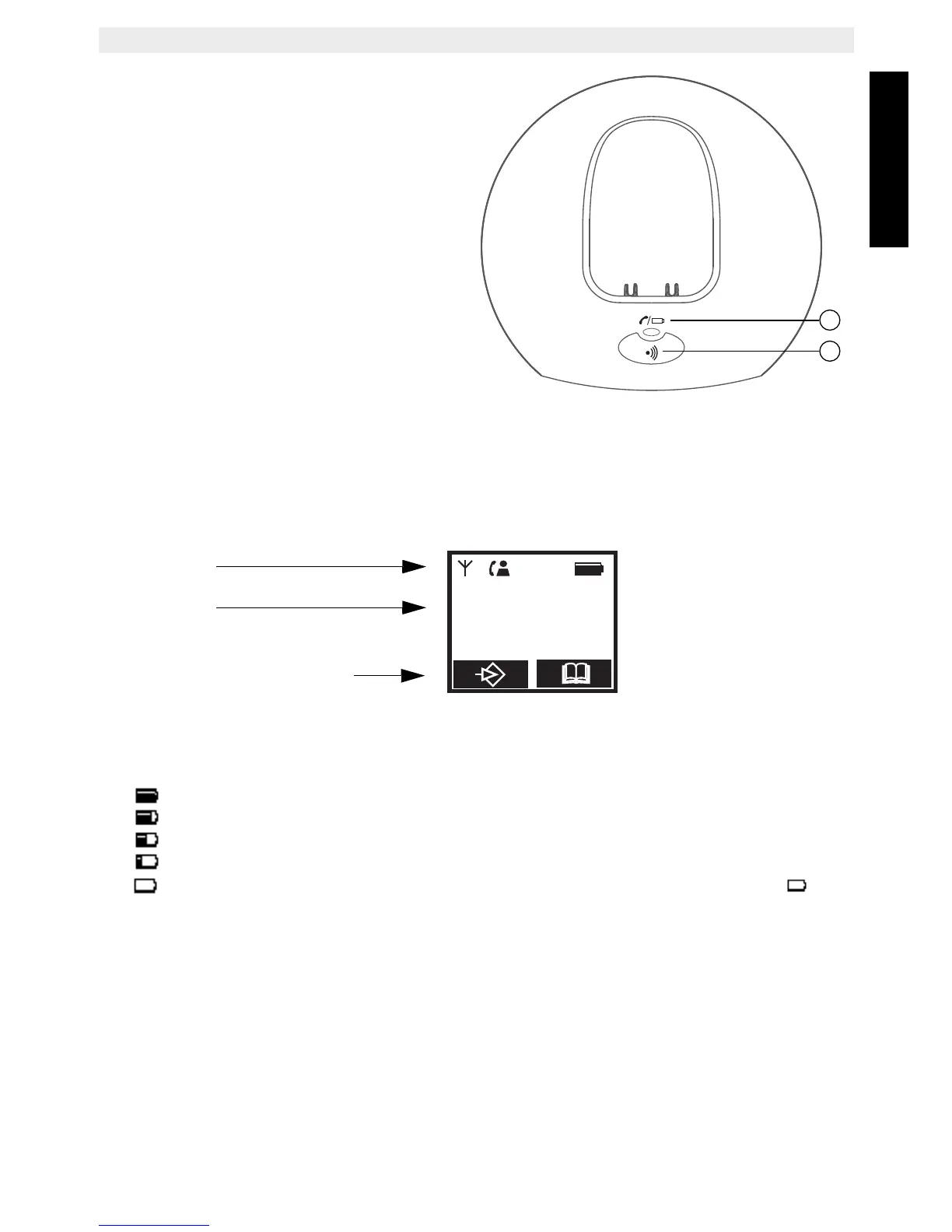
Base
16. Line / Handset charging
indicator (LED)
17. Paging key
6.2 Display (LCD)
Icon line
Text lines
Soft menu/Option menu line
Battery indicator:
• The battery is fully charged
• The battery is 25% drained
• The battery is half drained (50%)
• The battery is 75% drained
• The battery is low. You will hear warning signals and the battery symbol on
the display will blink.



 To Next Page