Cocoon 1100 23
Cocoon 1100
ENGLISH
12 Tools
12.1 Appointment
You can set 5 appointments or reminders which you can give a name and an alarm by date
and time.
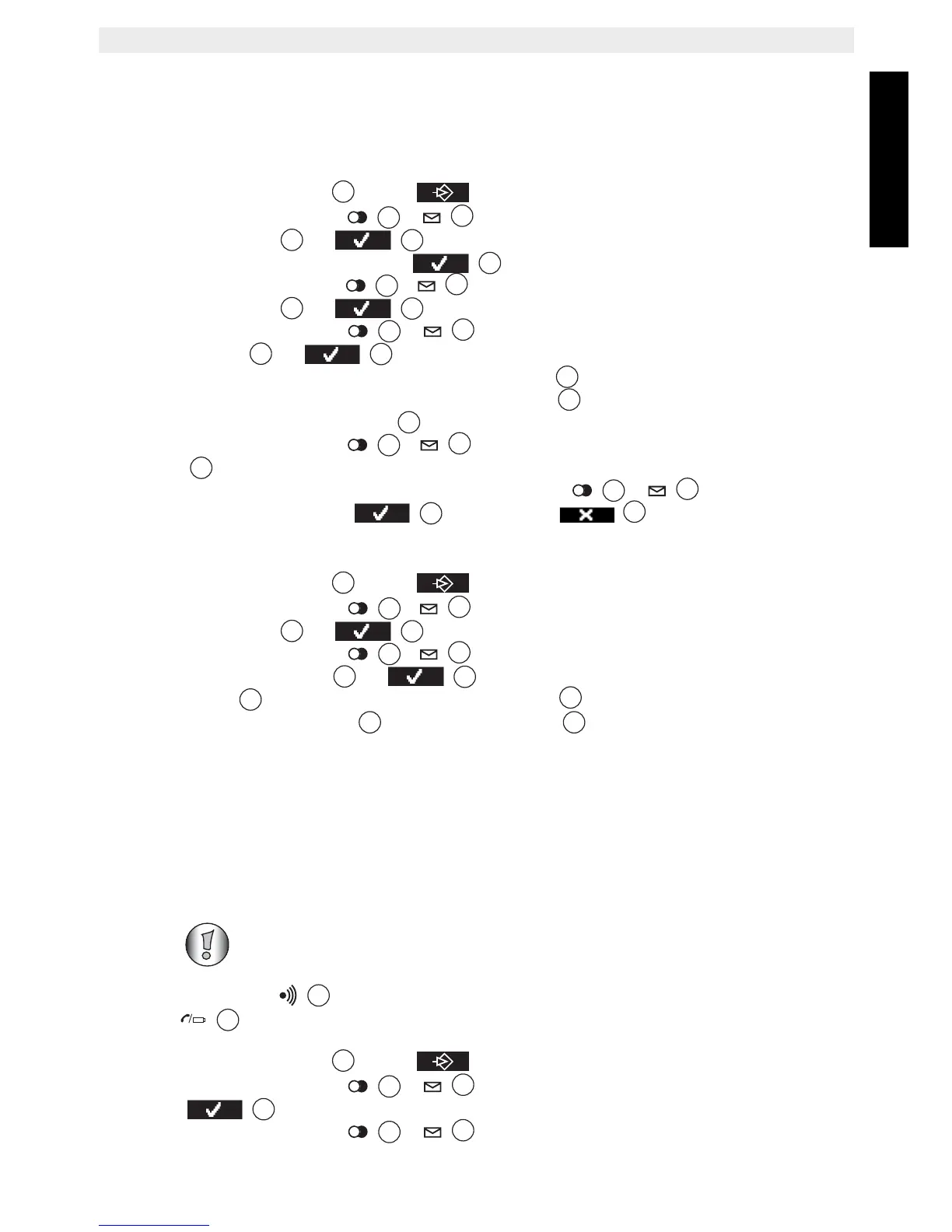
• Press the left menu key under .
• Press the up or down key
/ repeatedly until ‘Tools’ is selected and press
the OK key or to confirm.
•‘Appointment’ is selected. Press to confirm.
• Press the up or down key
/ to select one of the 5 appointments and press
the OK key or .
• Press the up or down key
/ repeatedly until ‘Edit’ is selected. Press the
OK key or to change the appointment.
Edit the name of the appointment and press ‘Save’
.
Enter the date of the appointment and press ‘Save’ .
Enter the time and press ‘Save’ .
Press the up or down key / to select the desired alarm melody and press
‘Save’ to validate.
• To delete the appointment: Press the up or down key / repeatedly until
‘Delete’ is selected. Press to confirm or to cancel.
12.2 Stopwatch
• Press the left menu key under .
• Press the up or down key / repeatedly until ‘Tools’ is selected and press
the OK key or to confirm.
• Press the up or down key / repeatedly until ‘Stopwatch’ is selected.
Press the OK key or to confirm.
•Press ‘Start’ to start the stopwatch. Press ‘Stop’ to stop the stopwatch. To restart
the stopwatch press ‘Start’ again. Press ‘Reset’ to reset the counter to 00:00.
13 Additional handsets and bases
You can subscribe up to 4 handsets on one base. Each handset can register to 4 base
stations and the user can select which base he wants to use. By default the handset 1 is
registered to the base unit 1.
13.1 Adding a new handset
Keep the Paging key on the base unit pressed for 10 seconds until The line/handset
indicator on the base unit begins to blink rapidly. The base unit will stay in
subscribing mode for 3 minutes. Do the following to subscribe the handset:
• Press the left menu key under
.
• Press the up or down key / repeatedly until ‘Handset’ is selected.
• Press to confirm.
• Press the up or down key
/ repeatedly until ‘Registration’ is selected.
This is only needed when you have deregistered a handset or when
you bought a new one.



 To Next Page