10
Using the corded telephone
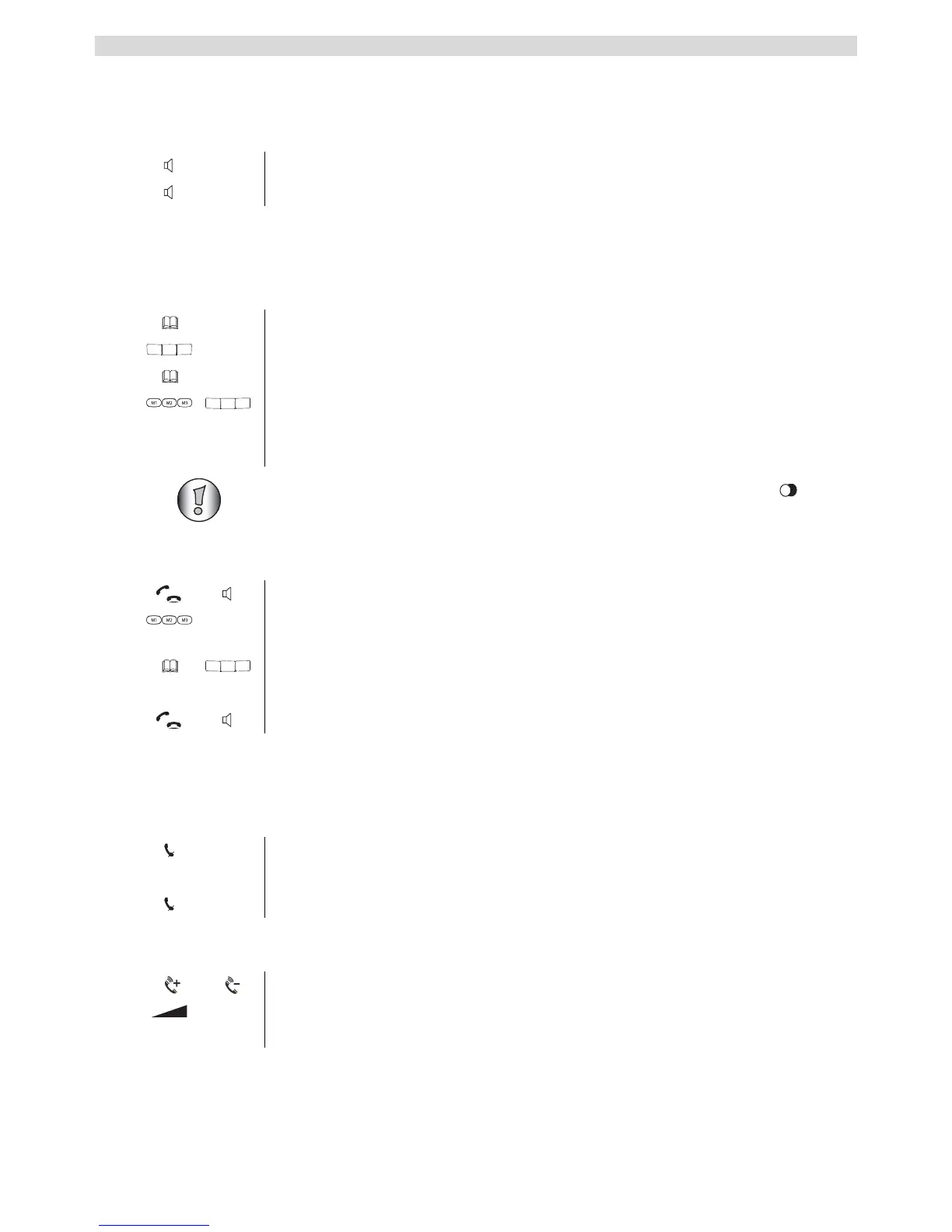
5.2 Hands free mode on / off
You can use this function to answer a call without having to lift the handset or if the handset is
already in your hand.
5.3 Programming memory numbers
You can store 3 direct memory numbers M1, M2 and M3 (each up to 16 digits) and 10 indirect
memory numbers (0-9) in the corded telephone.
5.4 Dialling a memory number
5.5 Mute
You can mute the microphone during a call so that you can speak without the person on the other
end of the line hearing you.
5.6 Setting the speaker and handset volume
1 Press the hands free key to activate the function.
2 Press the hands free key again to switch the call back to the handset.
1 Press the memory key.
2 Enter the telephone number you want to store.
3 Press the memory key again to confirm.
4 Enter the direct (M1, M2 or M3) or indirect (0-9) key under which you
want to store the telephone number.
You will here a confirmation tone.
If you want to store a pause in a telephone number, press the Pause key (see
key 15 - figure 2F on page 8) on the location were you want a pause of 3 seconds.
1 Pick up the handset or press the hands free key.
2 Press the direct memory key.
OR
Press the memory key followed by an indirect memory number (0-9).
The memory number is automatically dialled.
3 Hang up the handset or press the hands free key again to end the call.
1 Press the mute key.
The microphone is muted.
2 Press the mute key again to activate the microphone again.
1 Press the volume key during a call.
Use the control on the right-hand side of the device to adjust the volume of
the hands free function.



 To Next Page