5.7 Setting the ring tone
You can choose between 5 different ring tones (1 - 5).
5.8 Setting the ring tone volume
Use the switch on the left-hand side of the telephone to increase or decrease the ring tone volume.
5.9 Diverting a call to the cordless handset
You can divert a call to the handset while you are conducting a call on the corded telephone.
5.10 Paging function (for finding the handset)
You can use this function to find your handset.
5.11 The R key (Flash)
Press the Flash key (key 16 - figure 2F on page 8) to use particular services on your external line
such as "call waiting" (assuming your provider offers this feature) or to forward a call when using
a telephone system. The R key (Flash) causes a brief interruption in the line. You can set this
interruption time to 100 ms or 300 ms. However, if your system requires an other flash time, you
can change this. (See "6.9 The R key (Flash)" on page 14.)
6 Using the cordless handset
6.1 Navigating the menu
The Cocoon 8002 has a menu system which is easy to use. Each menu leads to a list of options.
The menu map is shown on the following paragraph.
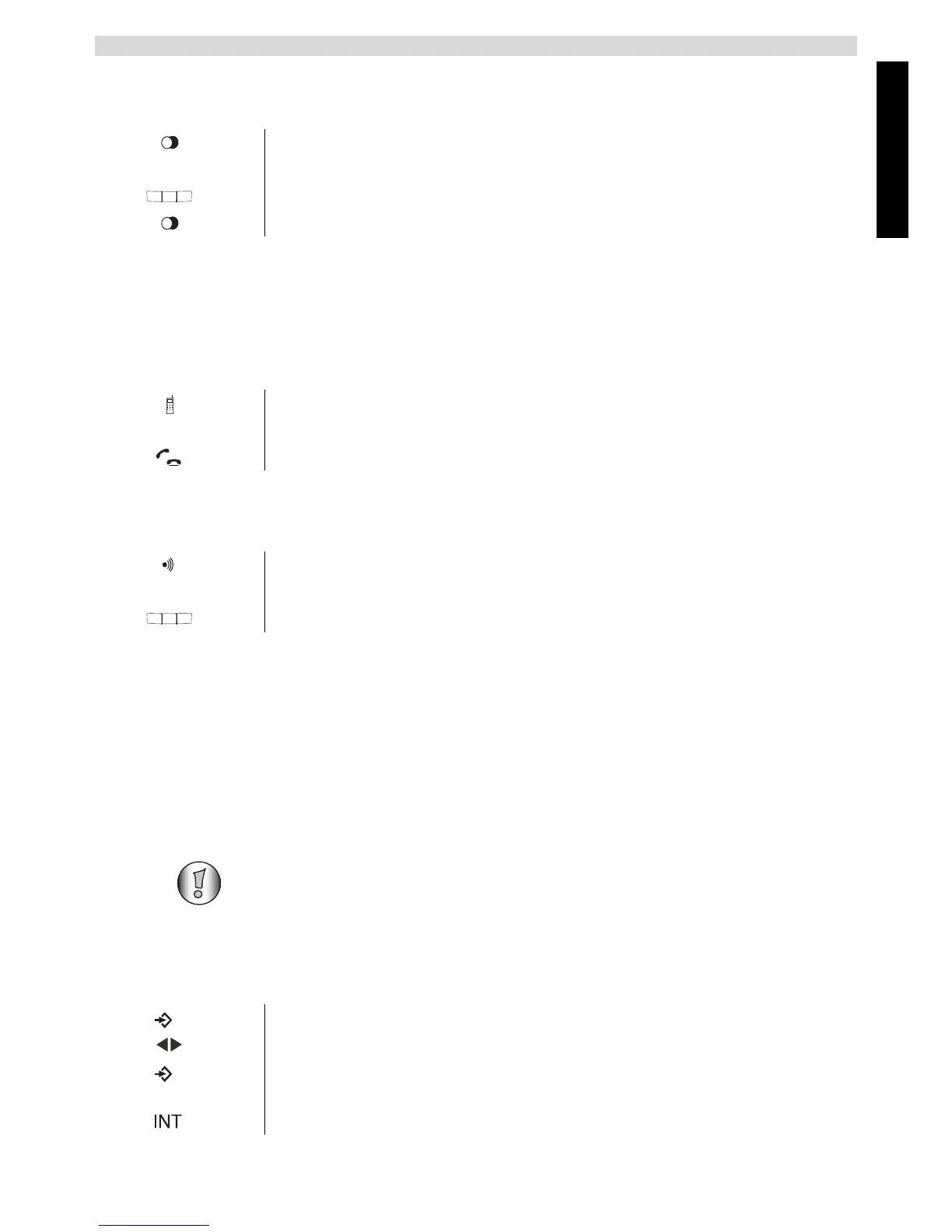
1 Hold down the redial key on the corded telephone.
The phone will ring.
2 Use the keypad to enter the ring tone (1-5).
3 Press the redial key again to confirm.
1 Press the divert key.
The handset will ring.
2 Press the call key to accept the call on the cordless handset.
1 Press the paging key on the base station.
The handset generates a ring tone for 20 seconds.
2 Press any key on the handset to stop it ringing.
This section only describes the functions of the cordless handset! For information
on using the corded telephone, see “5 Using the corded telephone” .
1 Press the menu key to open the main menu.
2 Scroll to the desired menu option.
3 Press the menu key to view further options or to confirm the setting
displayed.
4 To go to the previous level in the menu, press the INT -key.



 To Next Page