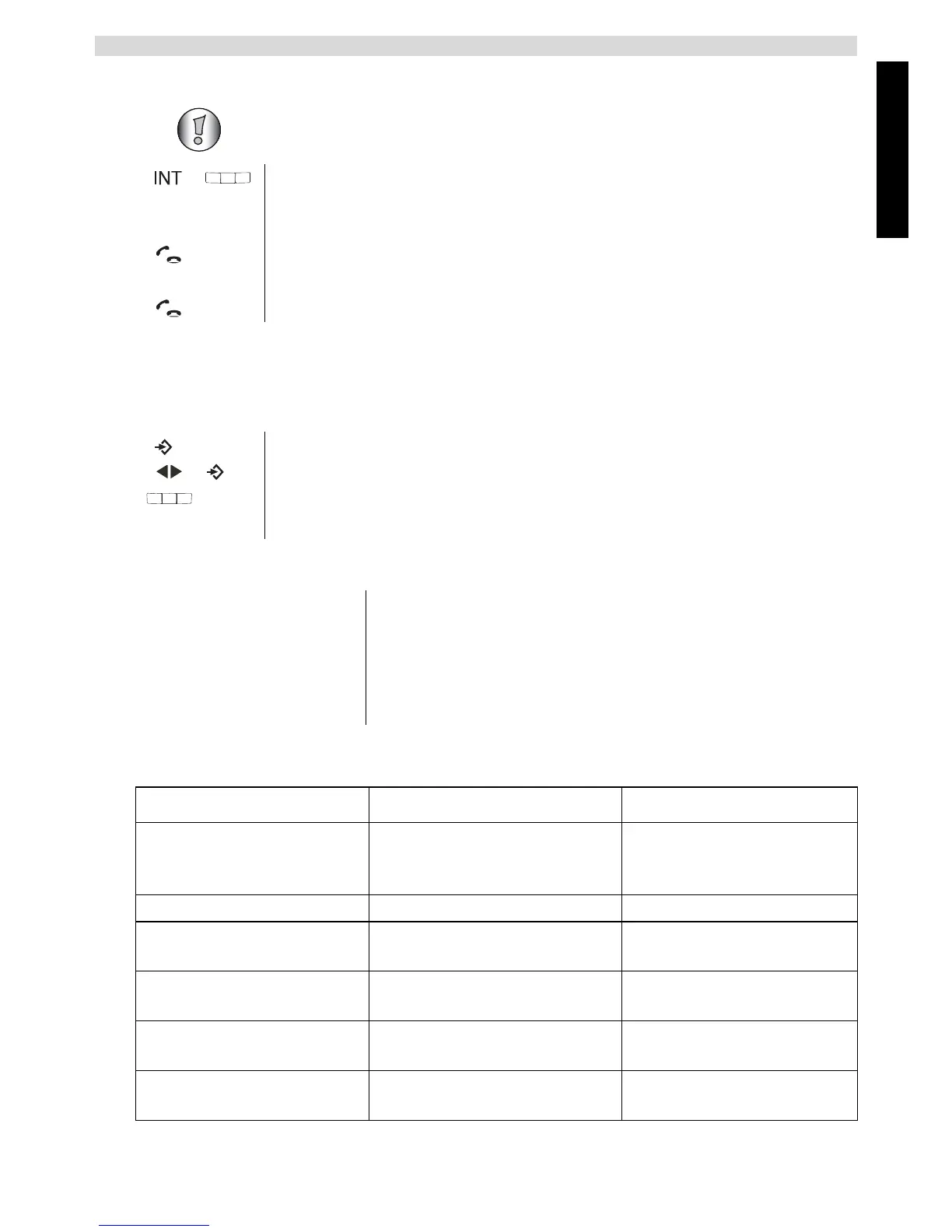
10.2 Internal call (house phone function)
11 Reset to default settings
This will undo all changes and set back all default settings (ringer volume, ringer melody,
etc...).
Default settings are:
12 Troubleshooting
You cannot conduct a call between the corded telephone and the cordless handset,
only between two cordless handsets.
1 In standby mode, press the INT key and then the number of the
handset (1-4).
The other handset will ring.
2 Press the call key to start the call.
You can now talk internally.
3 Press the call key to end the call.
1 Press the menu key.
2 Select “RESET” and confirm.
3 Enter the PIN number of the base station (default 0000).
4 The unit will go back to standby.
Handset name HANDSET X
Dialling mode Tone dialling
Ring tone volume Level 3
Ring tone Ring tone 8
Base station PIN 0000
Fault Possible cause Solution
No display Batteries not charged
Check that both rechargeable
batteries have been inserted
correctly
Charge batteries
No tone The telephone cable is not
connected properly
Check the connection of the
telephone cable
The line is engaged by a
different handset
Wait until the other handset
hangs up
The volume of the other party
to the call is too low
Adjust the volume during the
call using the volume key
The handset ring tone volume
is too low
Adjust the ring tone volume



 To Next Page