16
Calling line identification (CLIP)
7.3 Edit a phonebook entry
7.4 Delete a phonebook entries
8 Calling line identification (CLIP)
The Cocoon 8002 displays the telephone number of incoming calls. This function can only be used
if you are registered for this service with your network provider. For more information, please
contact your network provider.
When you receive a call, the telephone number is stored in a call list. This list can hold up to 20
numbers (each of up to 23 digits).
8.1 New calls
8.2 Opening the call list
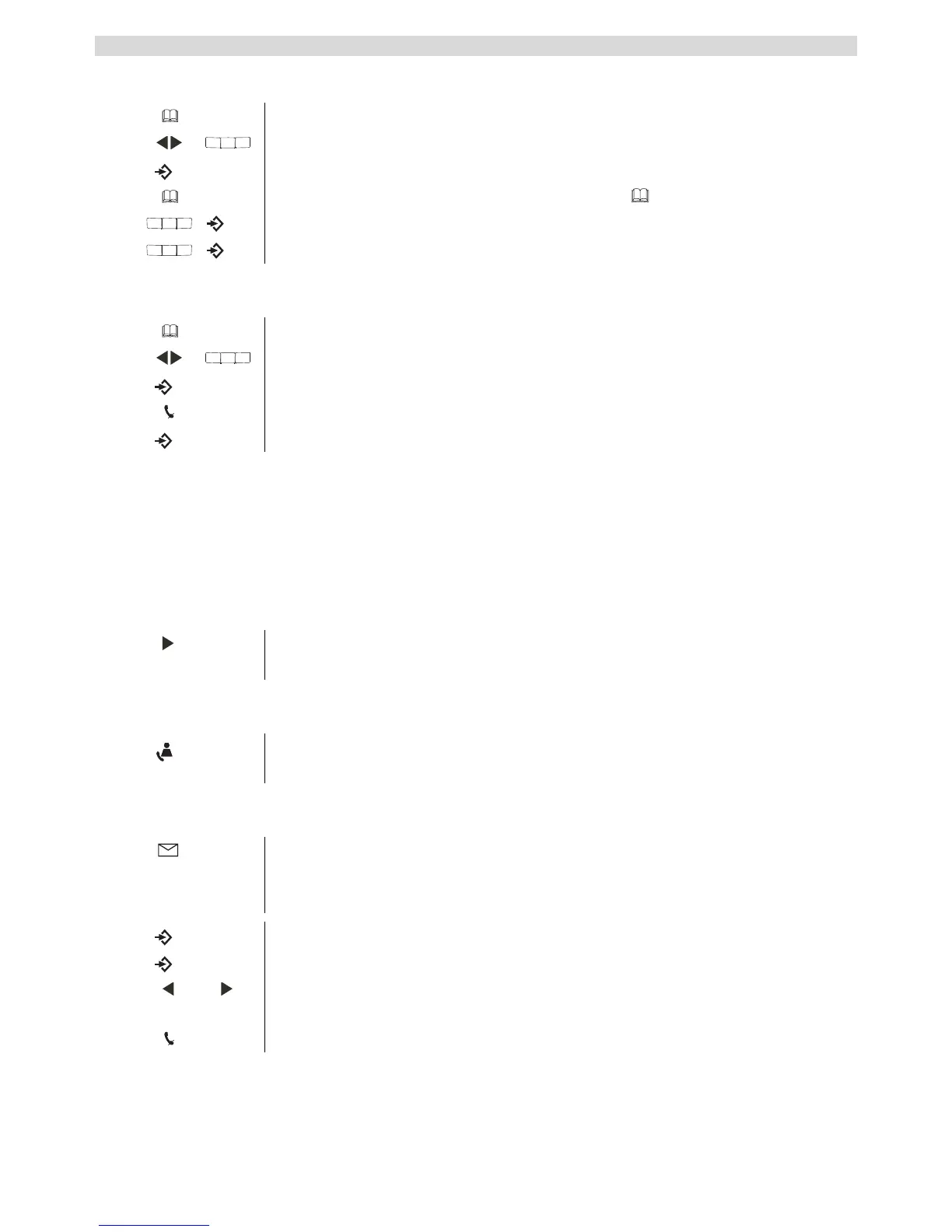
1 Press the phonebook key.
2 Scroll to the name or press the first charcter of the name you want.
3 Press menu key to see the telephonenumber.
4 Press and hold the phonebook key until the icon starts to blink.
5 Edit the name and press the menu key to confirm.
6 Edit the number and press the menu key to confirm.
1 Press the phonebook key.
2 Scroll to the name or press the first charcter of the name you want to delete.
3 Press menu key to see the telephonenumber.
4 Press the mute key to delete this entry.
5 Press menu key to confirm.
If the telephone number consists of more than 14 digits, you can scroll to the
right in the display to see the other digits.
When there is a new call received in the call list, the CLIP symbol flashes in
the display.
1 Press the call list key.
The last call received is displayed. If the list is empty, "EMPTY" appears in
the display.
2 Press the menu key to skip to the number.
3 Press the menu key to skip to the date and time.
4 Press the left scroll key to display the previous call. Press the right scroll
key to display the next entry.
5 Press the mute key to exit the call list.



 To Next Page