8.3 Calling a number in the call list
8.4 Deleting a number or all numbers from the call list
8.5 Storing a number from the call list into the memory.
9 Register / deregister a handset
9.1 Register a handset onto the Cocoon 8002 base station
You can log up to 4 handsets onto one base station. Every handset is logged onto the base station
on delivery.
You only need register a handset if
• the handset had previously been deregistered from this base station (e.g. for reinitialisation).
• you want to register a different handset onto the base station.
The following description only applies to Cocoon 8002 handsets and base stations.
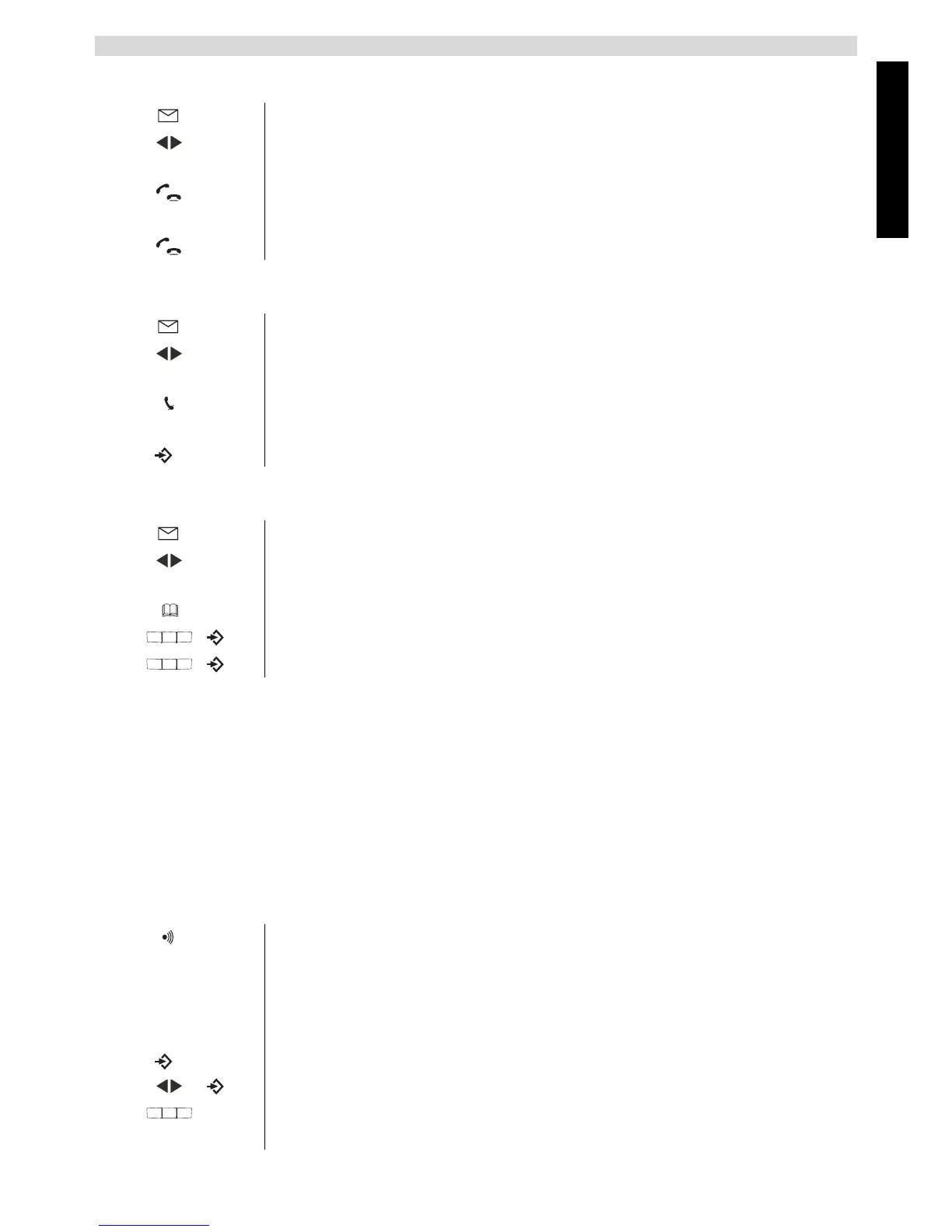
1 Press the call list key.
2 Scroll through the call list until the telephone number you want is
displayed.
3 Press the call key to start the call.
The telephone number is automatically dialled.
4 Press the call key again to end the call.
1 Press the call list key.
2 Scroll through the call list until the telephone number you want is
displayed.
3 Press the mute key to delete the telephone number or press and hold the
mute key for 3 seconds to delete all.
4 Press the menu key to confirm.
1 Press the call list key.
2 Scroll through the call list until the telephone number you want is
displayed.
3 Press the phonebook key.
4 Edit or add a name and press to cofirm.
5 Edit the number and press to confirm.
1 Hold down the paging key on the base station for 10 seconds.
The ‘Cordless handset in use LED’(19) on the base station flashes rapidly for 1
minute.
During this time the base station is in registration mode and you can perform
the following steps to register the handset:
1 Press the menu key.
2 Select “REGISTER” and confirm.
3 Enter the number of the base station (1-4) that you want to register the
handset onto.



 To Next Page