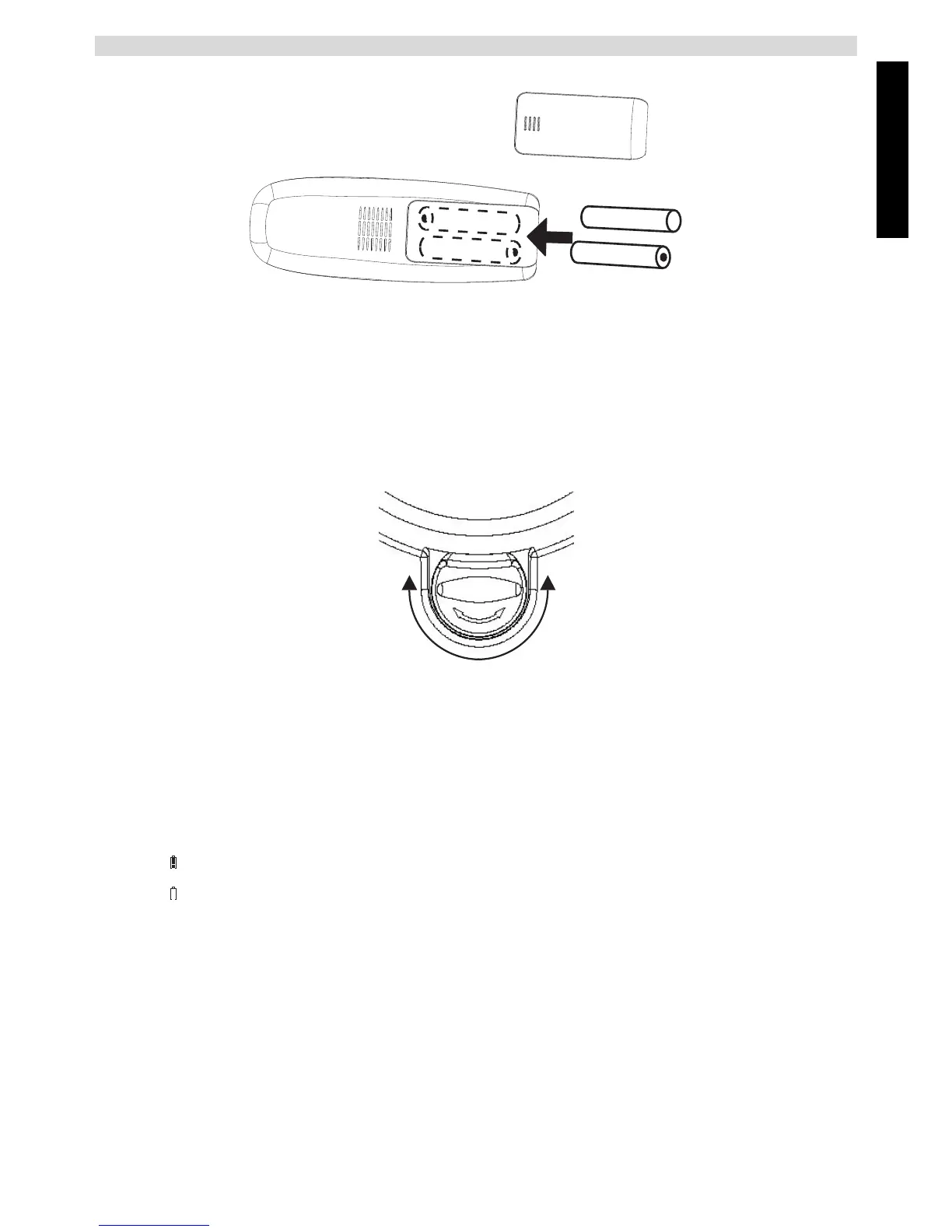
- 2C Back of the handset -
A. Cover
B. Rechargeable batteries
4.5 Wall mounting
You can fix the corded telephone to the wall using 2 screws, one 75 mm below the other. In order
to hang the handset on the corded telephone, the cradle (see point 28 - figure 2F on page 8) must
be rotated by 180° as shown in the diagram.
- 2D Cradle -
4.6 Battery low indicator
The handset will stop working when the batteries are flat. If the batteries are completely flat and
you place the handset on the base station for just a short time, the battery charge indicator will
show that they are full. However they are not and the battery performance will deteriorate rapidly.
Place the handset on the base station for 16 hours so that the batteries are completely recharged.
If the rechargeable batteries are nearly flat during a call, the handset will emit a warning tone.
Place the handset on the handset charger to recharge the batteries.
Full batteries
Flat batteries
+
-
+
-
A
B
Cocoon 8002



 To Next Page