18
Call forwarding and internal calls from one
9.2 Deregistering a handset from the Cocoon 8002 base station
You can log a handset off from a base station in order to log on a different handset.
10 Call forwarding and internal calls from one handset to another
10.1 Call forwarding and conference calls during an external call
4 The device will search for the base station. When it has found it, you will
be asked to enter the (four-digit) PIN number:
5 Enter the PIN number of the base station (default 0000). If the PIN number
if wrong, the handset will search for the base station again.
When the handset has been logged on, the handset name followed by the
number of the handset will appear in the display.
The PIN number of the base station CANNOT be changed.
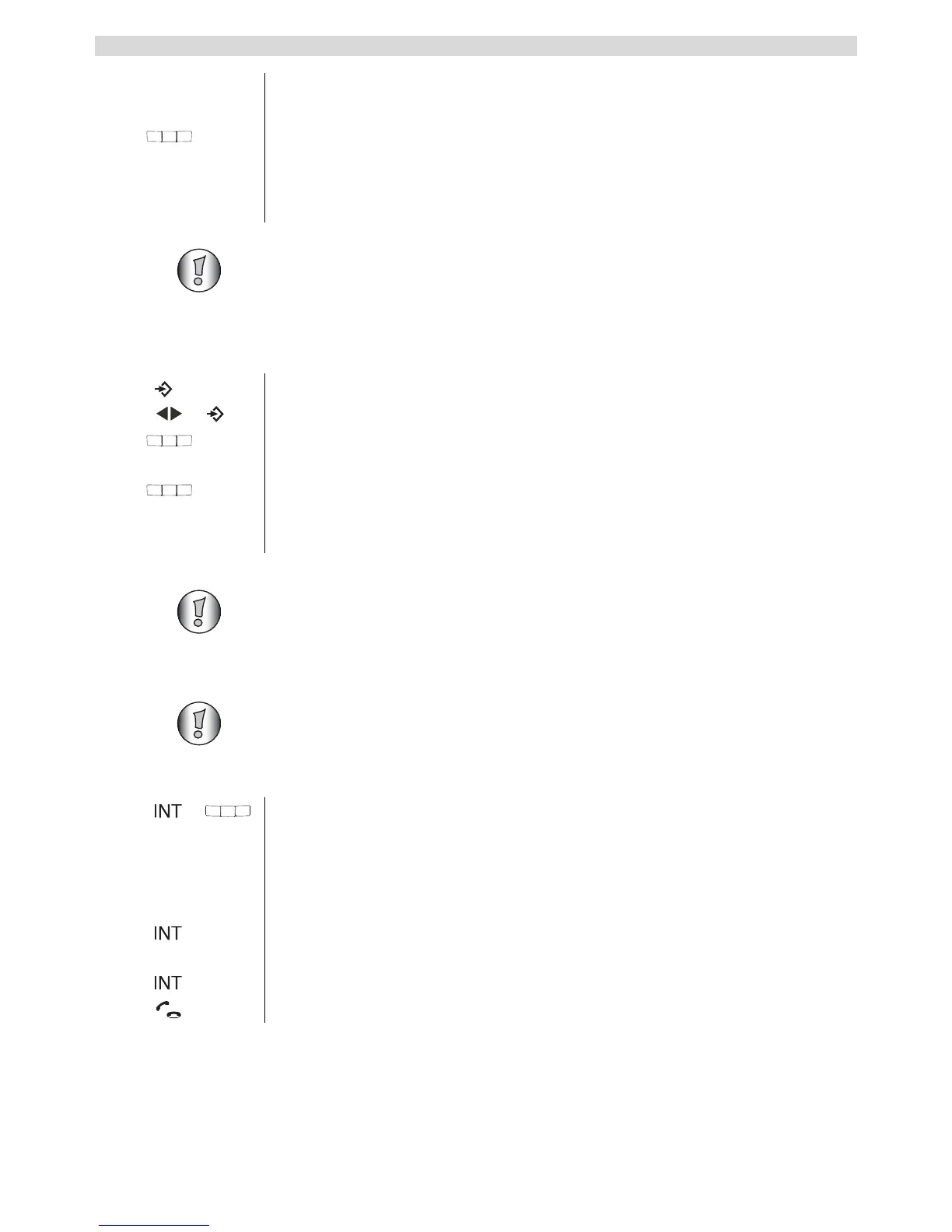
1 Press the menu key.
2 Select “REMOVE HS” and confirm.
3 Enter the PIN number of the base station (default 0000). If the PIN number
if wrong, the handset will search for the base station again.
4 Enter the number (1-4) of the handset that you want to deregister.
When the handset has been successfully removed, it will revert to standby
mode. If it does not, you will be asked to enter the handset number again.
You can only remove a handset that is not currently in use.
This function can only be used if at least 2 handsets (e.g. Twin/Triple/Quatro
version) are registered onto the same base station.
1 During an external call, press the INT key and then the number of the
handset (1-4).
The other handset will ring.
If the call was set up with the other handset, you can talk internally. When
you hang up, the external call will be forwarded to the other handset.
2 Hold down the INT key for 3 seconds. You can now talk to the second
handset and the external call at the same time (conference call).
3 Press the INT key again to switch back to the external call.
4 Press the call key to end the call.



 To Next Page