EasyManua.ls Logo

UniFlow MiCard MultiTech4 - Configuring the NT-ware Mobile Badge BLE App

UniFlow MiCard MultiTech4
50 pages
Print Icon
To Next Page IconTo Next Page
To Previous Page IconTo Previous Page
Loading...
MiCard MultiTech4
16
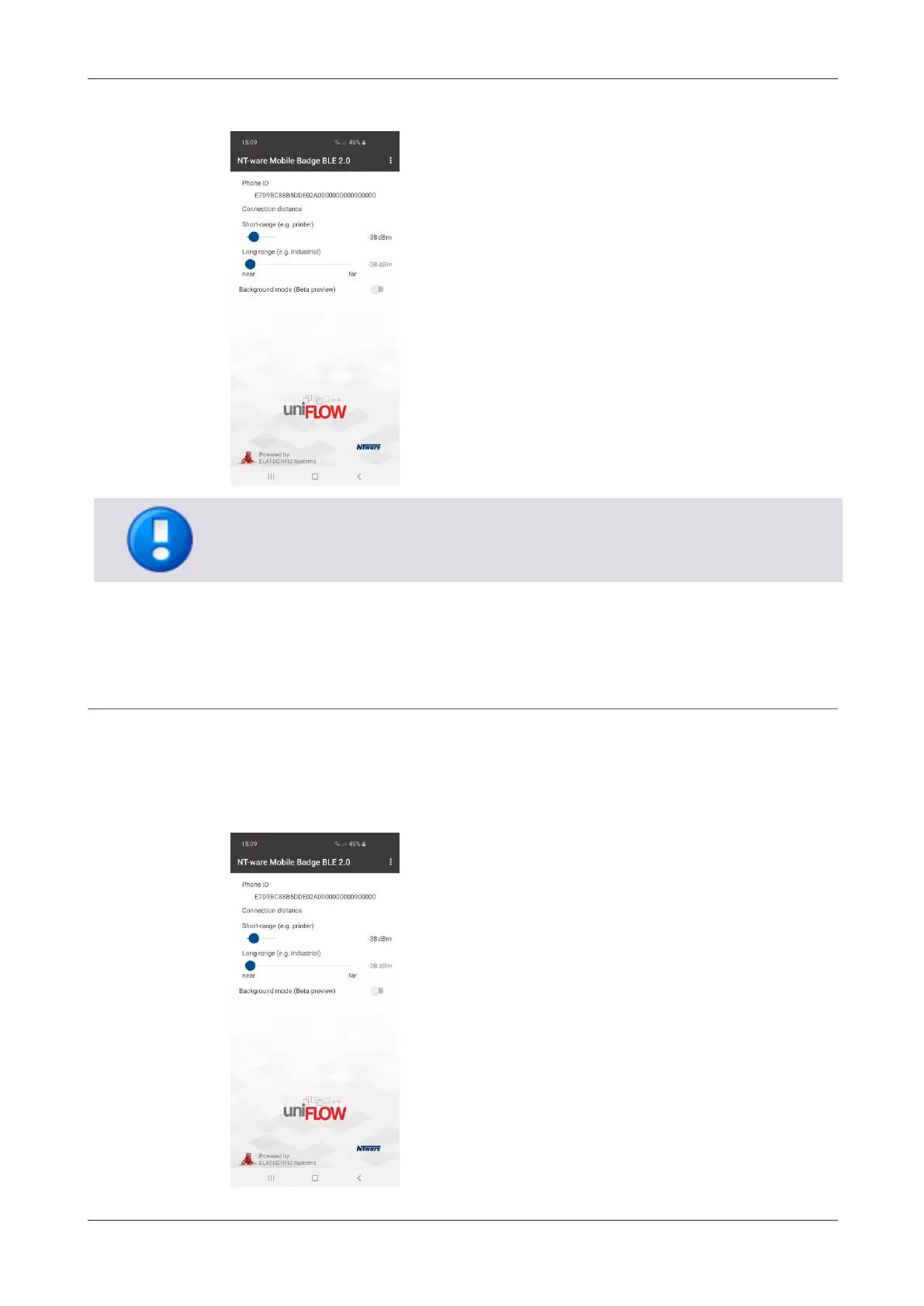
The Phone ID utilized is displayed in the Settings screen of the app:
Please be aware that a factory reset of the smartphone can result in a new Phone ID.
6.1.3 Configuration of the app
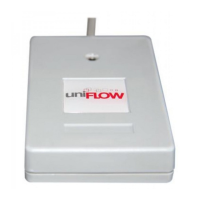
In general default settings are recommended, so no user interaction is required. It is
possible to individually configure the connection distance on the Settings screen of the
app. Please note that only the Short-Range setting applies since only this range is
relevant in uniFLOW / uniFLOW Online environments.

Related product manuals