MiCard MultiTech4
18
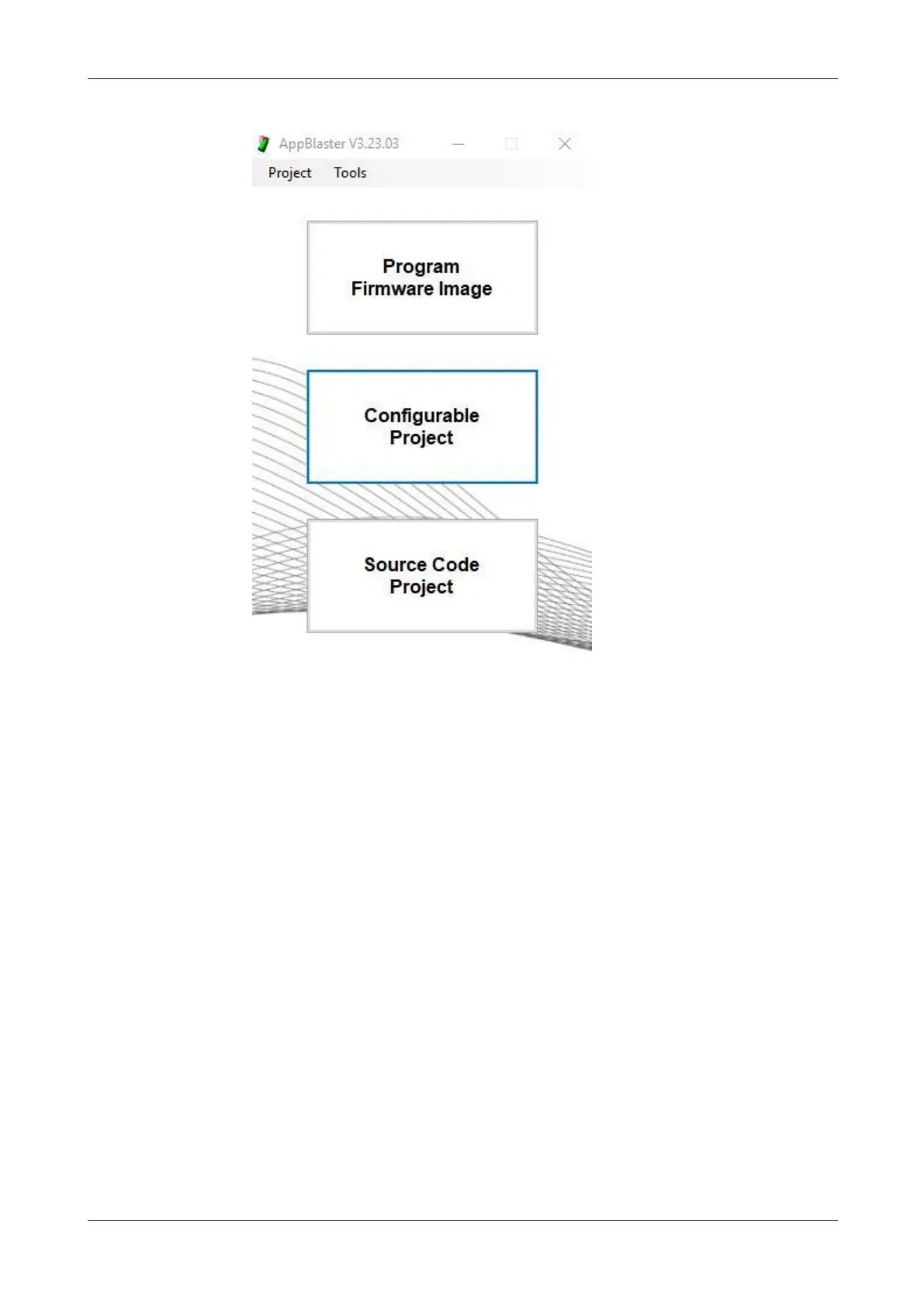
1. Open the AppBlaster (NT-ware Edition) and select Configurable Project.
2. Since different devices require different communication protocols, we need to
configure the reader with the respective firmware Nano module.
Select Application Template.
3. Select the firmware Nano module:
a. For Canon CMFP devices (not eULM), select Encrypted NT-ware Nano CMFP
V3.23, App NT-ware CMFP V1.01.


 To Next Page