Chapter 5 Instructions for operation under Windows System
5.2 Program Publishing
5.2.1 Publish Program through Direct USB
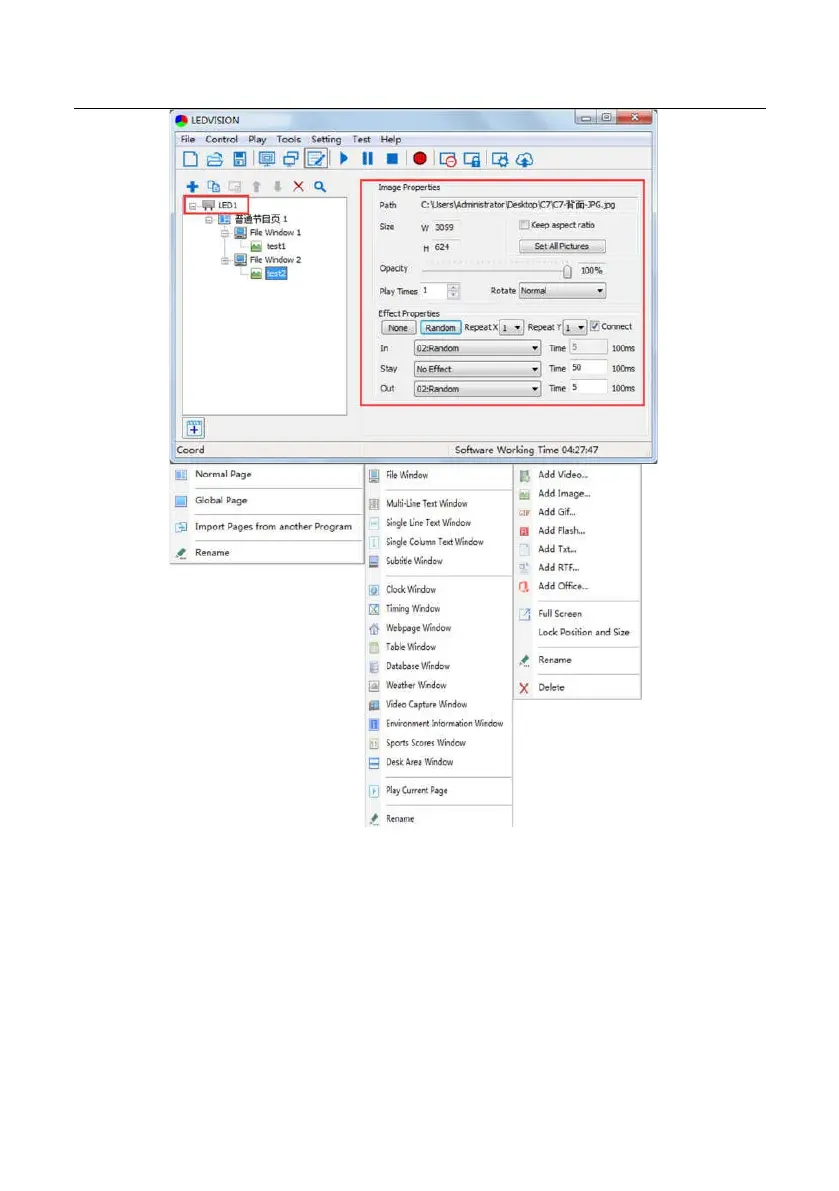
①In [ Program Editing Area ], after finishing program editing, select the [ Program
Page ] that you are going to publish.
②Click [ UTV-P ] and then right-click to choose [ Publish current program to the
selected player ], you must rename the program and allow it to finish uploading to
fully publish your program.
34


 To Next Page