UBio-X Pro2 User Guide 84
UNIONCOMMUNITY Co., Ltd.
Addr : 12F, Munjeong Daemyeong Valeon bldg, 127 Beobwon-ro Songpa-gu,
Seoul, Korea (zip code: 05836)
Tel: +82-2-6488-3000, Fax: +82-2-6488-3099,
E-Mail :sales@unioncomm.co.kr; http://www.unioncomm.co.kr
4. How to use terminal
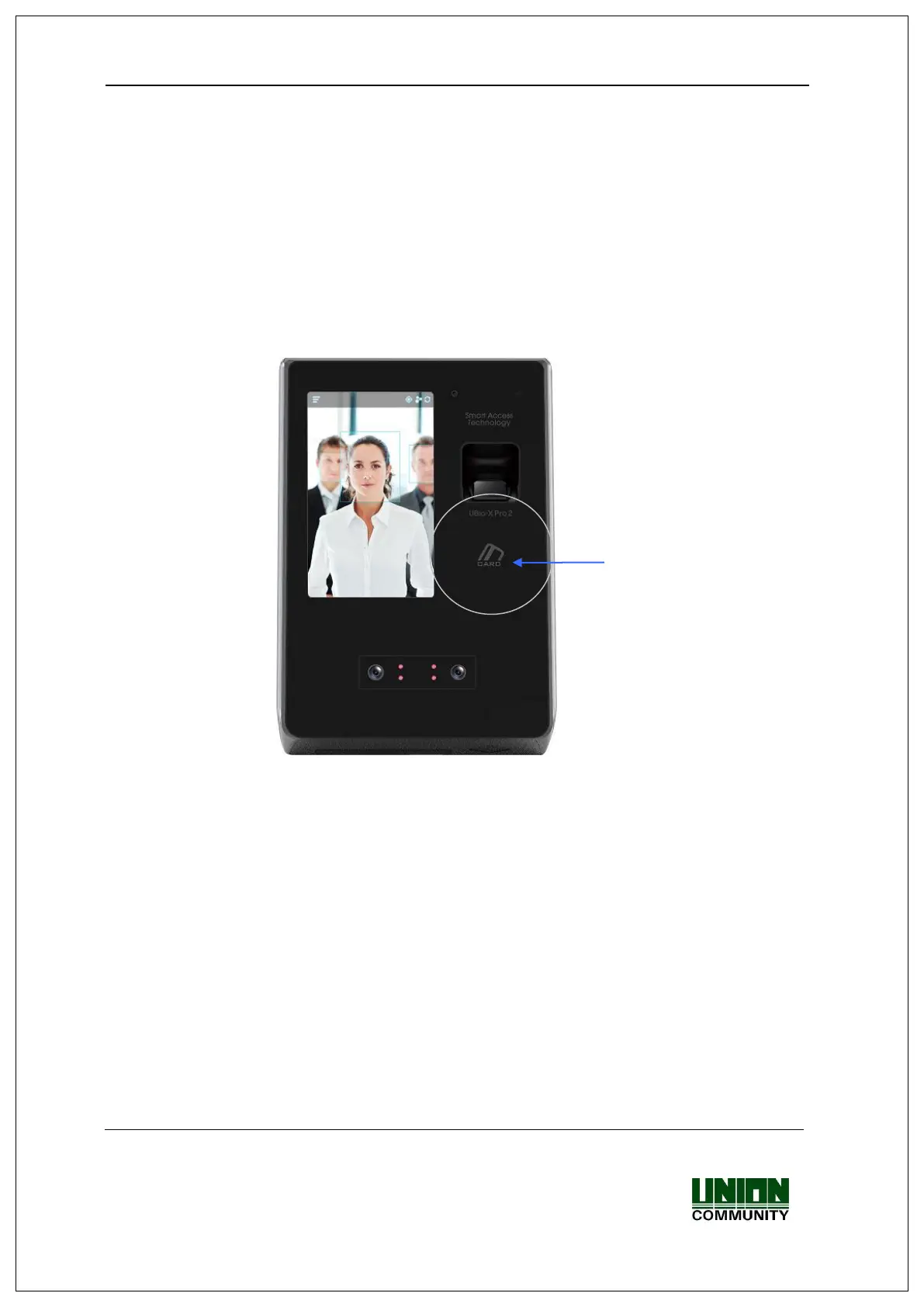
The background image and composition of the basic window can be changed according
to the administrator’s setting. In addition, if the administrator set the screen saver time,
the LCD screen is turned off automatically if there is no action for set time, and when the
user accessed to the terminal, tried the authentication with fingerprint/card, or touched
the main screen, the LCD screen is turned on automatically.
4.1. How to change Auth mode
<Fig. 4-1>
Select the function key button among Attend [F1], Leave [F2], Out [F3], In [F4] on the
screen for choosing the function mode before authentication.


 To Next Page
 Loading...