3.CONNECTION
9
3. CONNECTION
3-1. Connection with Power Source Input Terminal
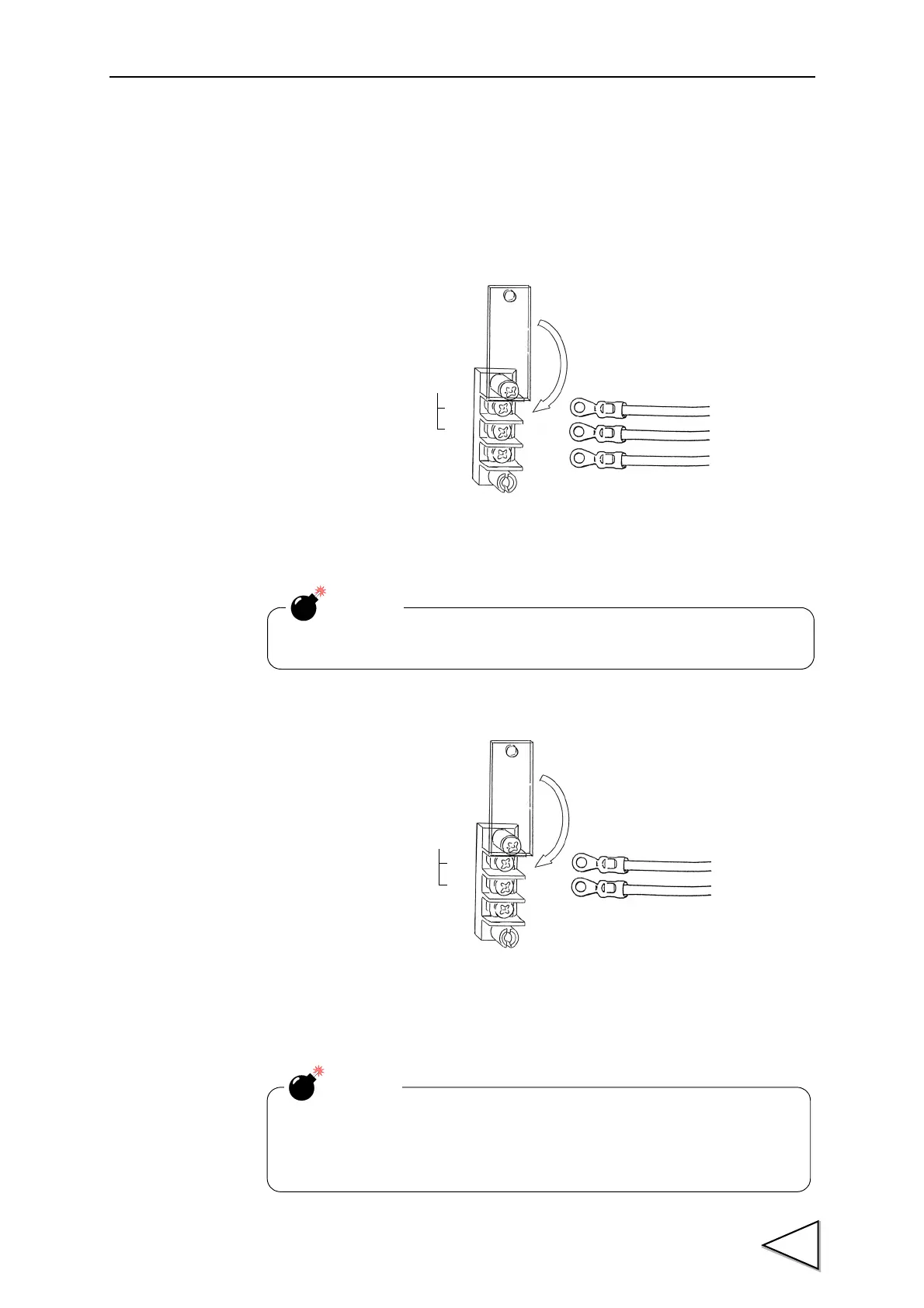
AC spec.
Connect AC power code attached to the terminal.
Voltage input : AC100V - 240V Frequency : 50/ 60Hz
DC spec. (Depending on the request at the time of order)
Connect the positive (+) side of the power source to the red screw side of the terminal
block on the back of the F370, and its negative (-) side to the black screw side. The input
voltage is 12V - 24V DC.
(
Black
)
(
White)
(
Green)
AC
IN
L
N
F.G.
Check the wiring precisely before power source is turned on.
CAUTION
Be aware that the voltage drops depending on the wire thickness and
length. Also, never input an AC power source. Doing so will cause a
failure.
CAUTION



 To Next Page