4.CALIBRATION
16
4-2. Actual Load Calibration Procedure
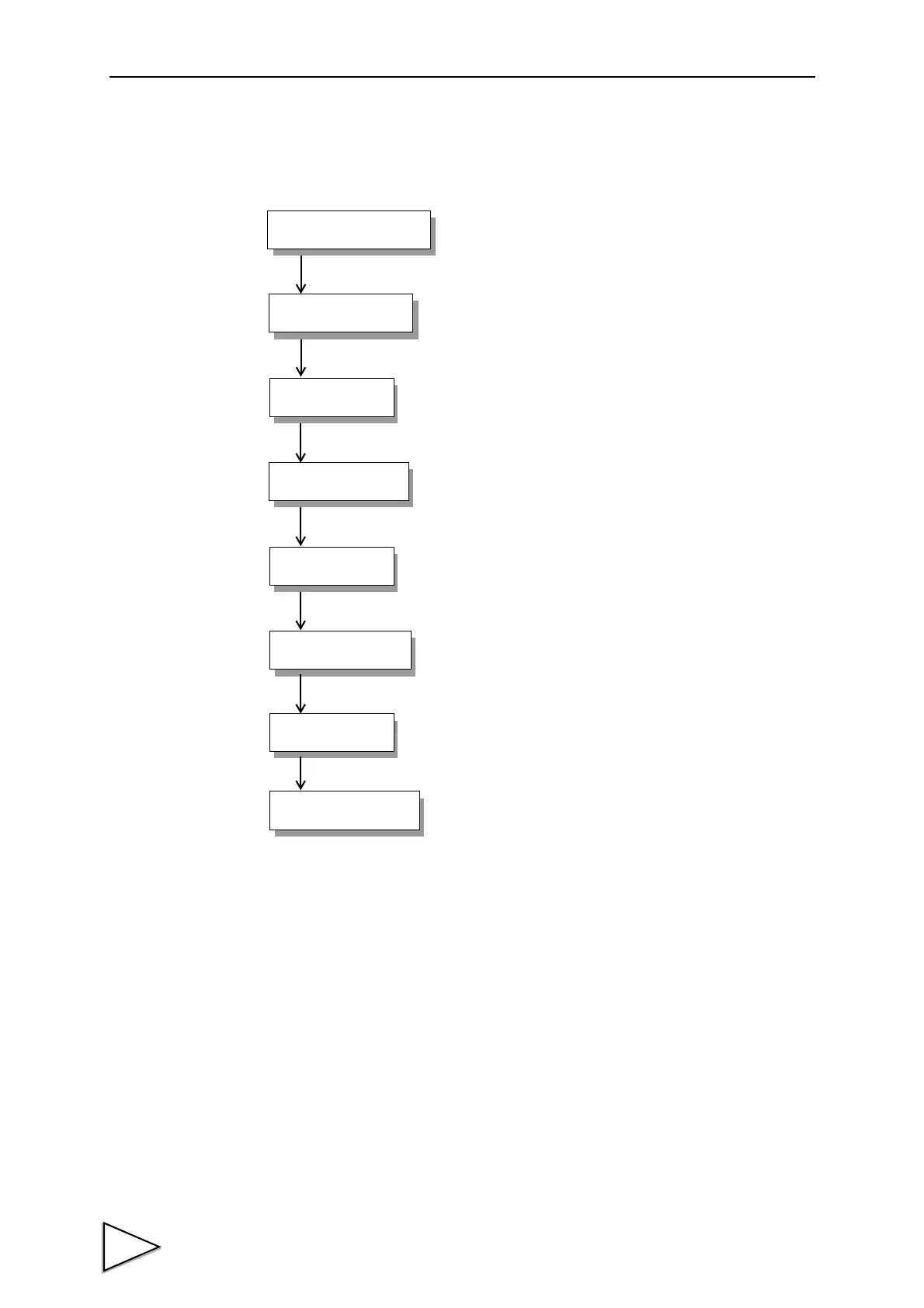
Follow the steps below to perform equivalent input calibration.
Release the calibration protection.
Set the calibration value No.
(This step may be omitted for use with only one
selection.)
Enter the minimum value of digital increments.
(This step may be omitted if there is no change.)
Determine the decimal point place of the indicated value.
(This step may be omitted if there is no change.)
Set the zero point of the strain-gage sensor in no-load
condition (with the sensor unloaded).
Enter the span (gain) point of the strain-gage sensor with a
load applied to the sensor.
The calibrated value can be offset in advance.
(This step may be omitted if there is no change.)
Turn on the calibration protection for preventing
misoperation.
Protection Release
Increment
Load Calibration
Calibration Protection
Decimal Place
Digital Offset
4-9.
4-7.
4-8.
4-4.
4-6.
4-9.
Zero Calibration
4-3.
Value Selection
4-10.
Calibration
Actual
Calibration



 To Next Page