5.SETTING OF FUNCTIONS
29
Digital Zero conducted by External signal (D/Z input)
Digital Zero activates in the moment when the connection of the external input
terminal D/Z on the rear panel and COM2 is switched from Open to Short-circuit
then the indicated value becomes Zero.
5-2. Digital Filter
The digital filter is a function for reducing drifts of the indicated value by means of a
moving average of data converted from analog to digital. The number of the moving
averages can be selected a range between 0 and 512.
With an increase in the number of filterings, the indicated value becomes more stable,but
the response to inputs becomes slower.
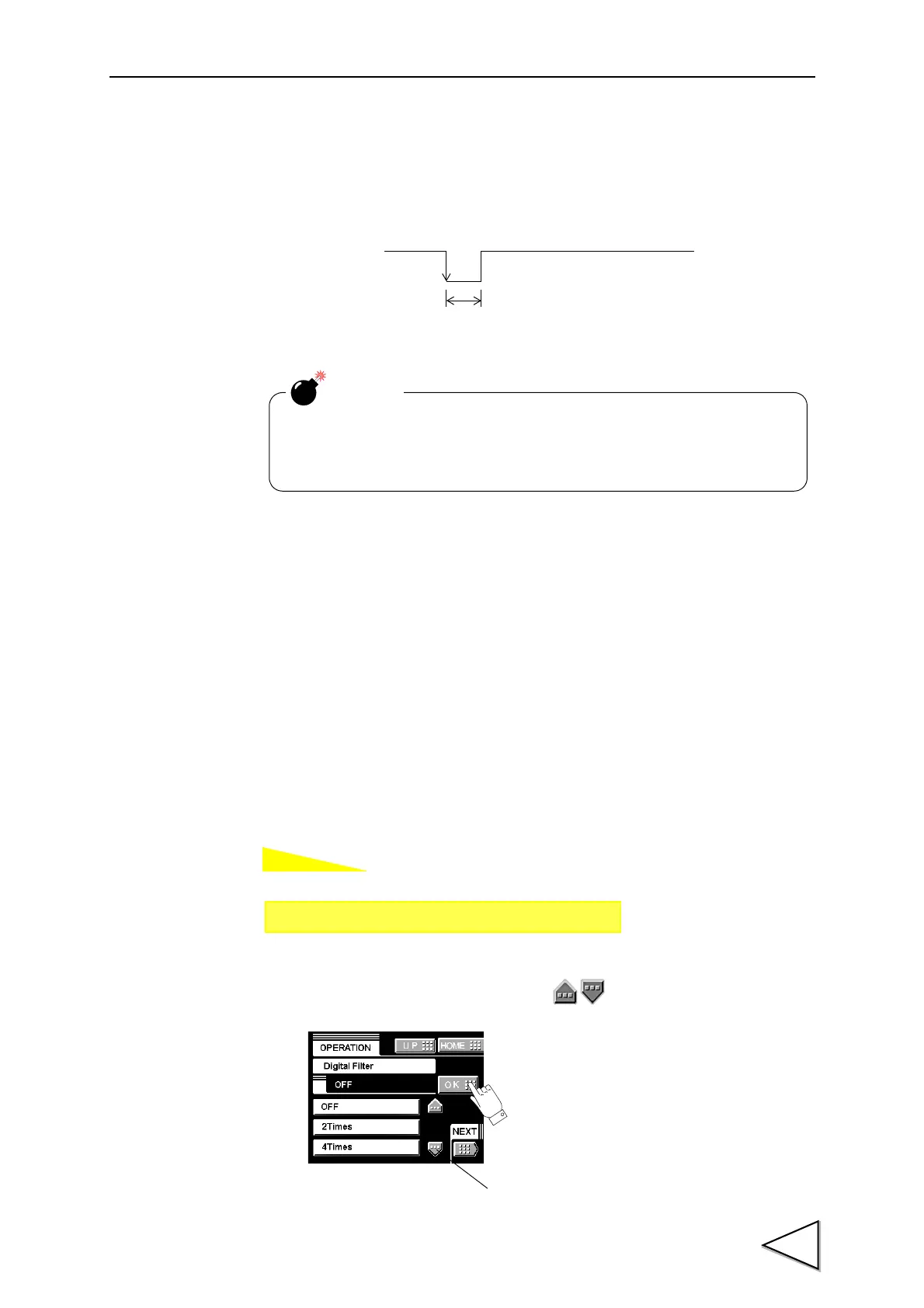
Number of settings:OFF, 2, 4, 8, 16, 32, 64, 128, 256, 512
The value of a digital filter is scrolled with a button.
D/Z
OFF
ON
Keep on for 1.0 msec. or more.
In case of power interruption Digital Zero is released.
After recovering from power interruption, carry out the digital zero
again if necessary.
CAUTION
Setting call Page 1
→
→
Operation Setting
* See the section on About a
Setting Call page 8 .



 To Next Page