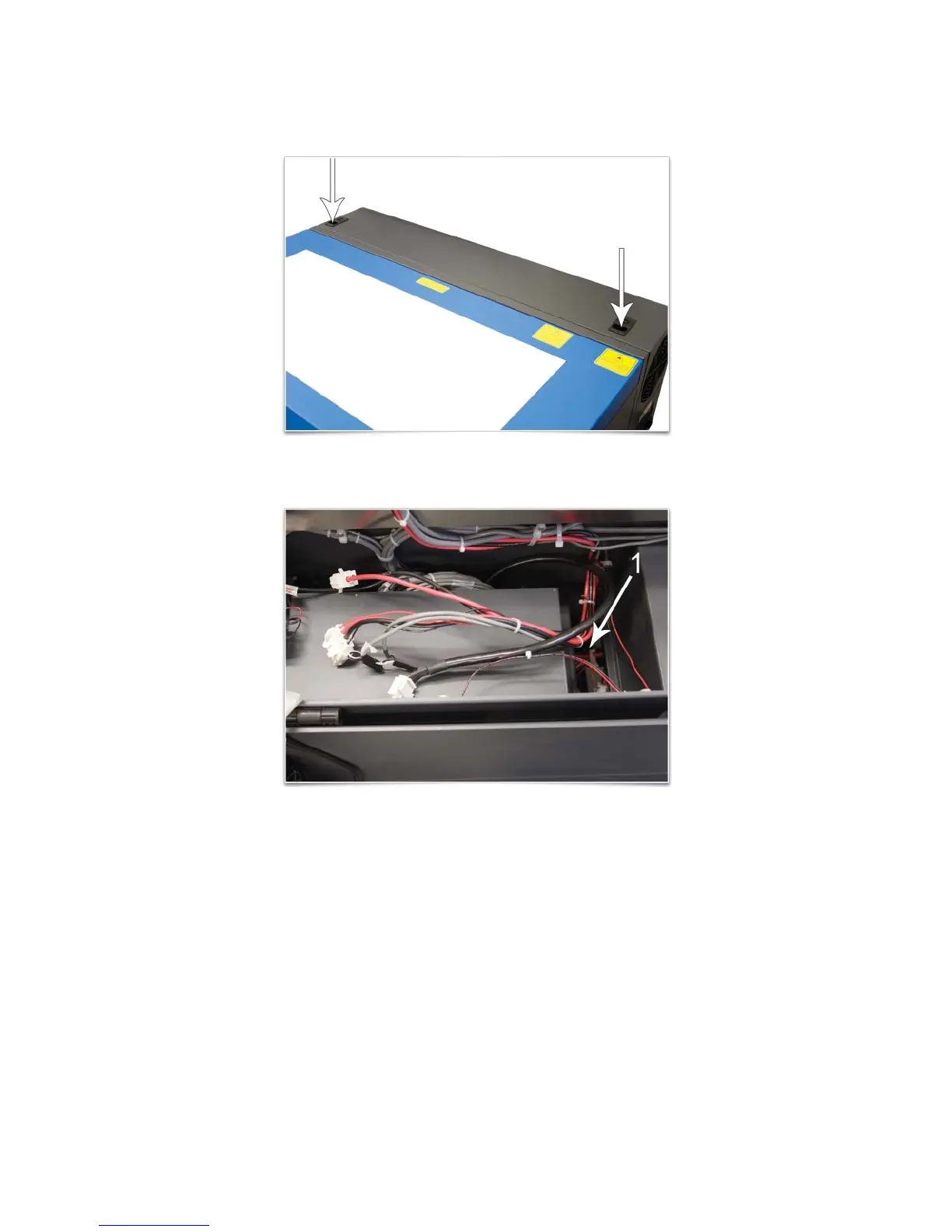
c. Open the rear cover of the laser system.
d. Locate the pocket (1) where the cables disconnected in step b reside. Gently pull the cables up
and rest them on top of the sheet metal as shown below.
e. Close and latch the rear cover.
f. Tape the front and top doors closed using strong shipping tape, prior to lifting the laser system off
the cart, to ensure they stay closed.
31



 To Next Page