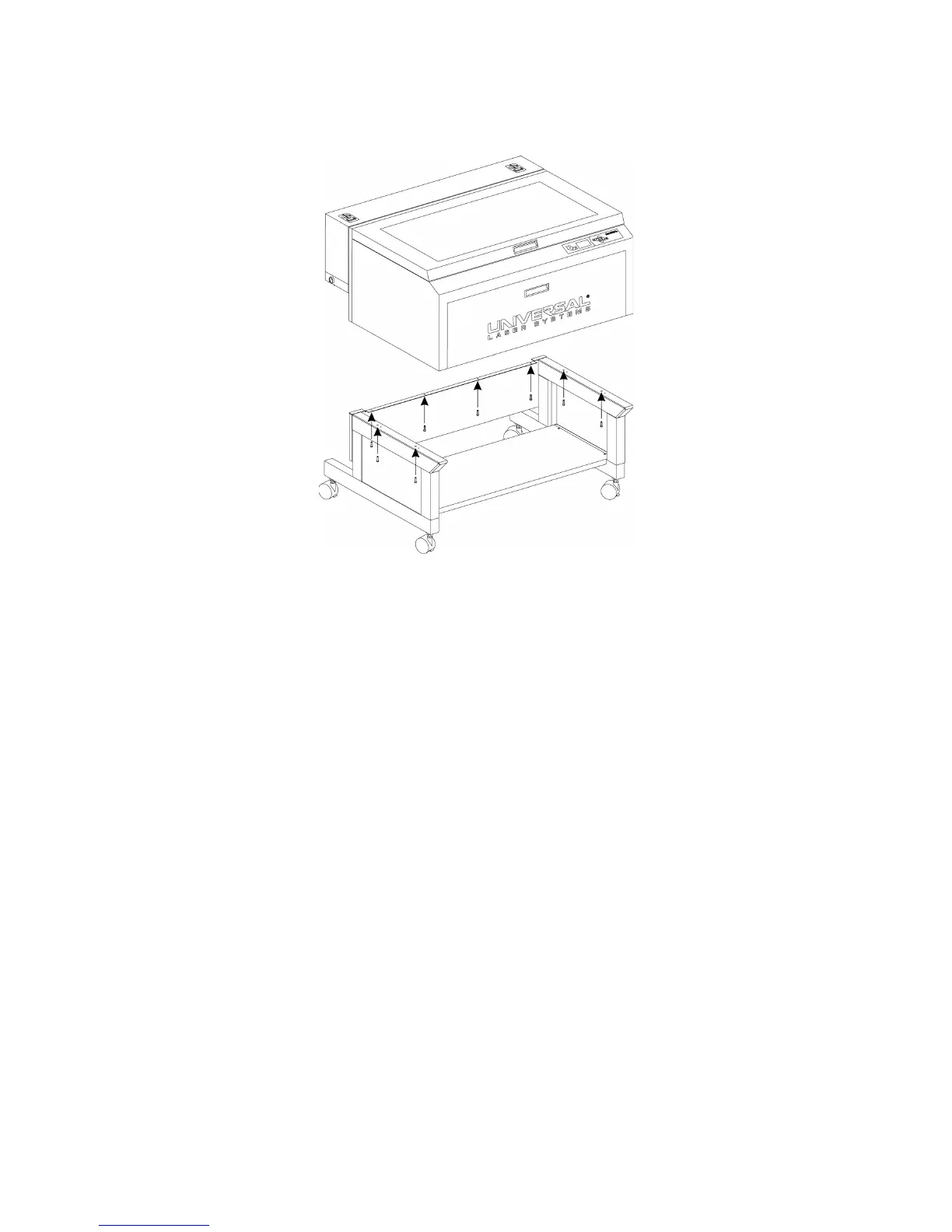
g. Locate and remove the eight screws that attach the cart to the laser system (see below).
h. Lift the laser system off the cart and place the laser system front door down on a dolly for
transport.
i. The cart and laser system can now be moved separately to the install location.
j. Reassemble in reverse order by placing the cart into position first and locking the casters. Then,
carefully line up the laser system and place it back on top of the cart.
k. Bolt the laser system to the cart, re-connect the plugs and replace the access panel.
32



 To Next Page