- 40 -
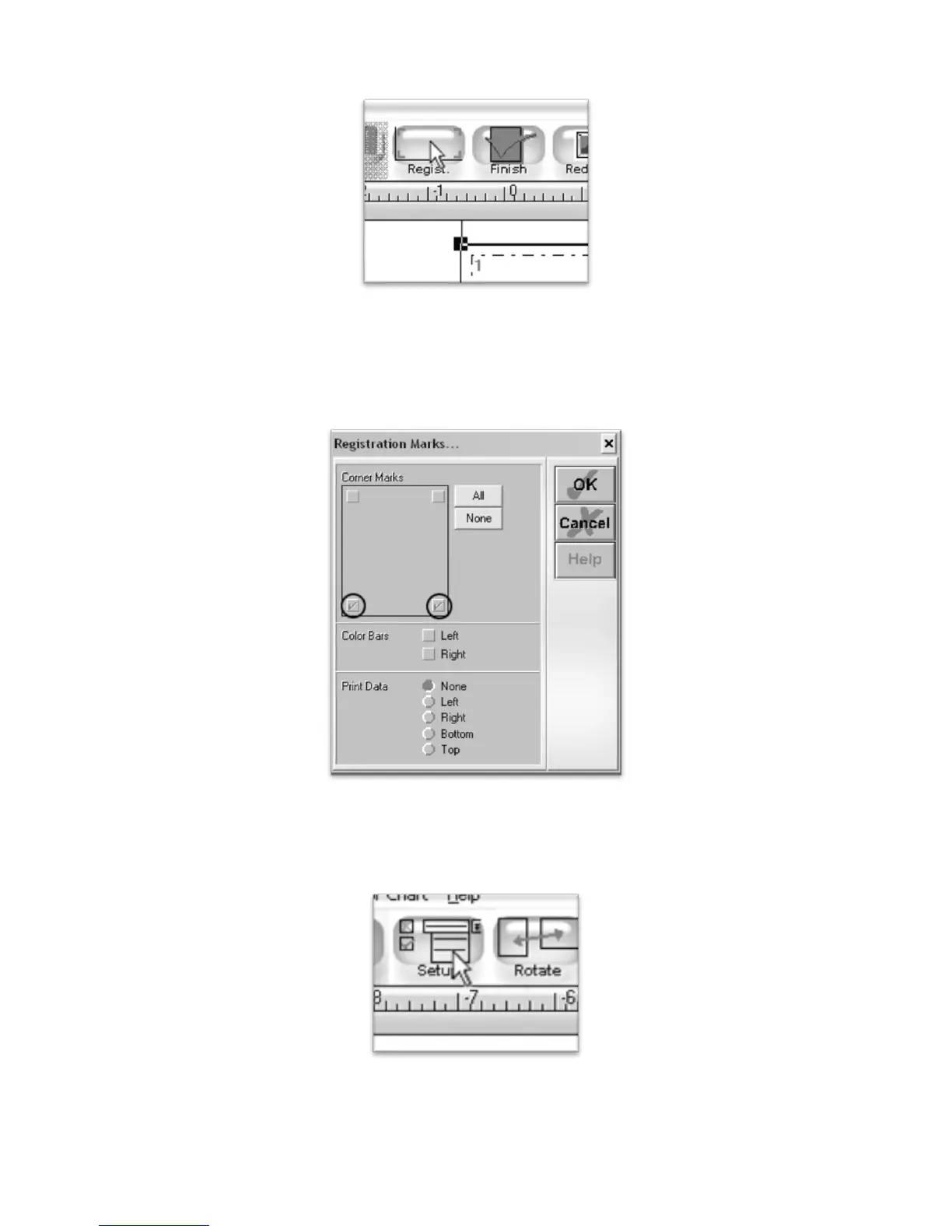
We need to add registration marks to the printed image. To do so, select “Regist.” from the top menu
boxes.
You will need to add registration marks on both the left and right sides of the bottom edge of the printed
image.
Select the two boxes towards the bottom in the Corner Marks selection.
Accept these options by pressing the OK button in the Registration Marks window.
To adjust your printer settings, select the Setup button from the top menu boxes.



 To Next Page