- 41 -
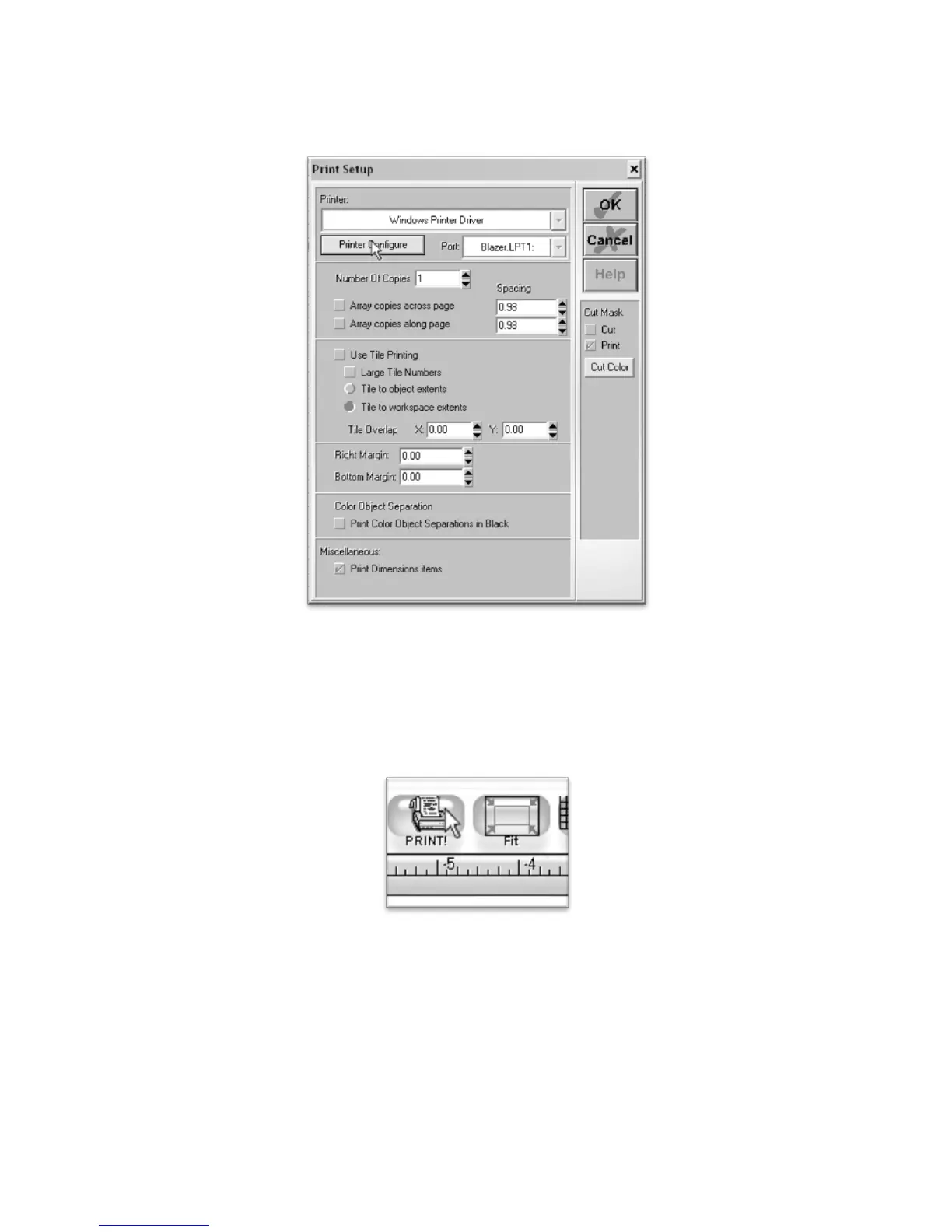
This will bring you to the Print Setup window. The default options should be sufficient for this
demonstration, but you can make changes here if you need to on future projects. You can access your
common print setup window by pressing the Printer Configure button (to select a printer from your network,
or to adjust print quality).
Make any necessary changes for your specific print setup and then confirm the changes by pressing the OK
button.
You are now ready to print. Press the Print Button from the top menu boxes to print the image with your
selected printer options.



 To Next Page