- 9 -
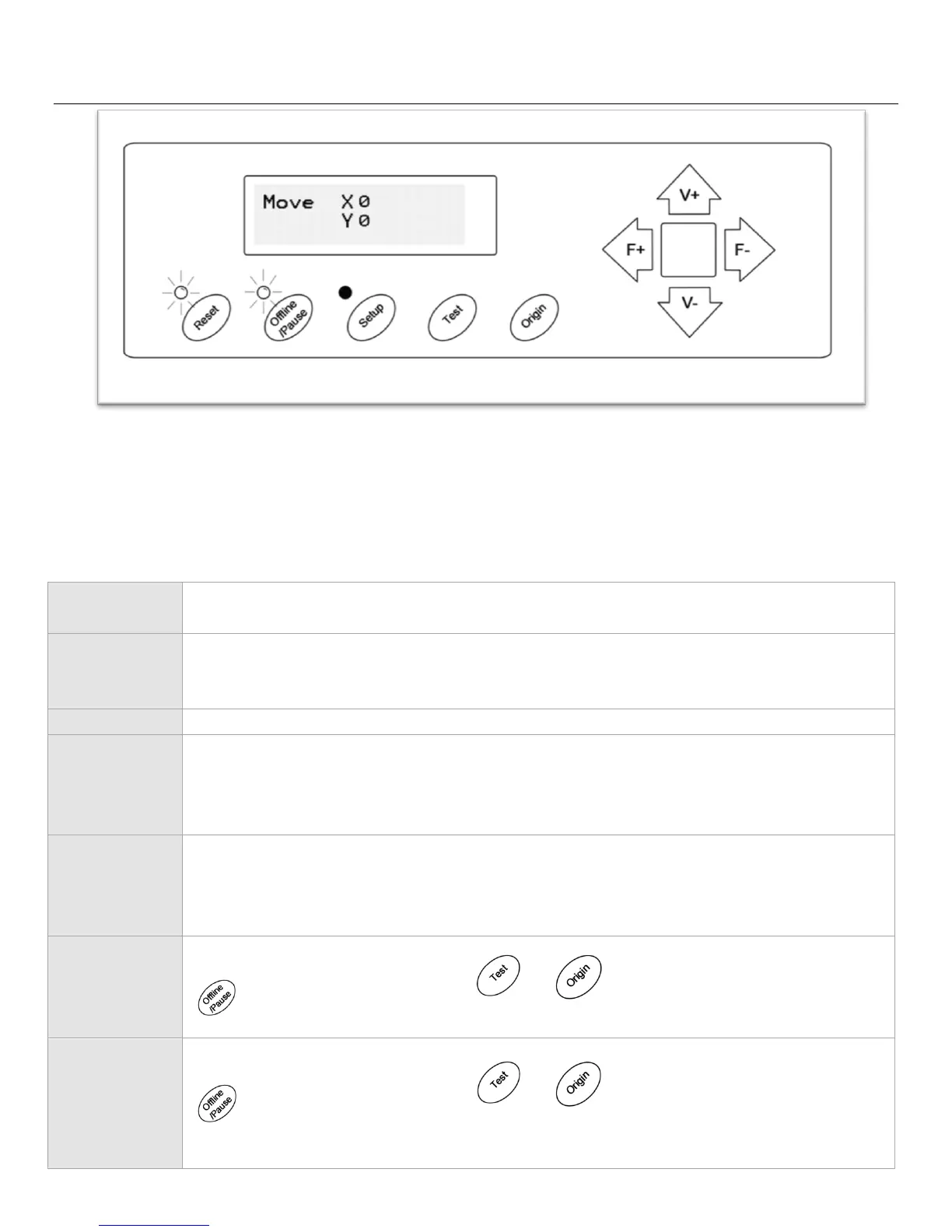
Offline/Pause Screen
Offline mode is used to reposition the cutting material and blade so that a new starting position can be set
for the next design. Offline mode can also be accessed while the cutter is in operation and will pause the
current cutting process. Although changes can be made to the material and blade positions if Offline/Pause mode is
accessed during cutting, making changes to either setting is not normally recommended.
Resets the cutter by setting the Baud rate back to 9600, clearing the memory of the
machine, and setting the origin of the carriage arm to its rightmost position.
Ignores any changes that have been made to the material or blade positions and exits
Offline/Pause mode, returning the cutter to the main screen. Resumes any cutting that
was taking place when Offline/Pause mode was entered.
Accepts any changes that have been made to the material or blade positions and exits
Offline/Pause mode returning the cutter to the main screen. Resumes any cutting that
was taking place when Offline/Pause mode was entered from the new blade/material
positions. Same as Origin button.
Accepts any changes that have been made to the material or blade positions and exits
Offline/Pause mode returning the cutter to the main screen. Resumes any cutting that
was taking place when Offline/Pause mode was entered from the new blade/material
positions. Same as Test button.
Repositions the material by moving the feed rollers. After movements are made you can
confirm the changes by pressing the or buttons or cancel by pressing the
button.
Repositions the blade by moving the carriage arm. After movements are made you can
confirm the changes by pressing the or buttons or cancel by pressing the
button.



 To Next Page