- 11 -
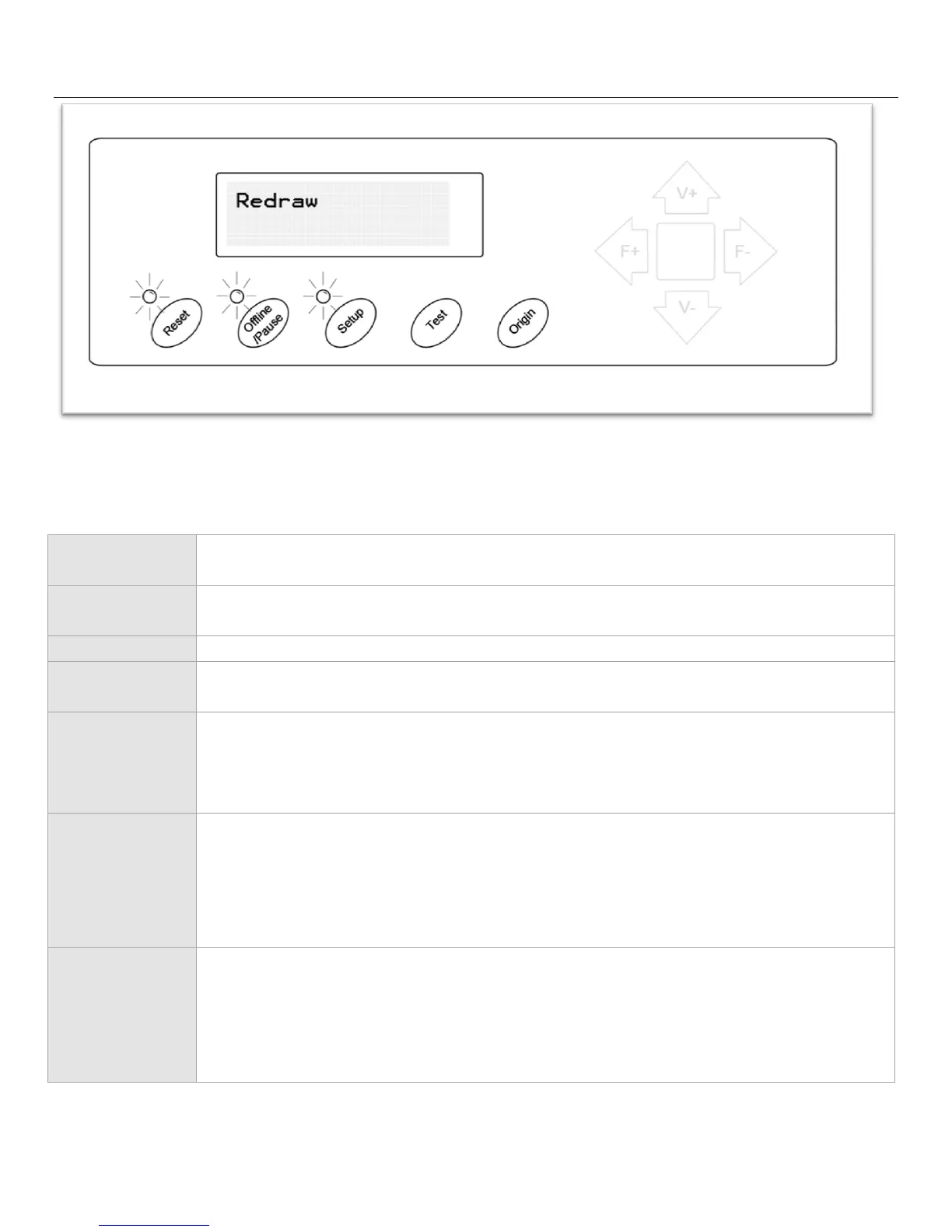
Redraw Screen
Redraw mode will allow you to repeat simple cuts that have recently been sent to the cutter.
Resets the cutter by setting the Baud rate back to 9600, clearing the memory of the
machine, and setting the origin of the carriage arm to its rightmost position.
Exits Redraw mode and returns to Setup mode.
Exits Redraw mode and returns to Offline/Pause mode.
Exits Redraw mode and returns to the main screen.
Starts the Redraw process. If the cutters memory has been recently cleared or if the
information of the last cut is too large to be completely stored in the cutters memory
than the phrase “Nodata” will be shown on the screen and the cutter will return to the
main screen.
Has no function in this mode.
Has no function in this mode.



 To Next Page