- 10 -
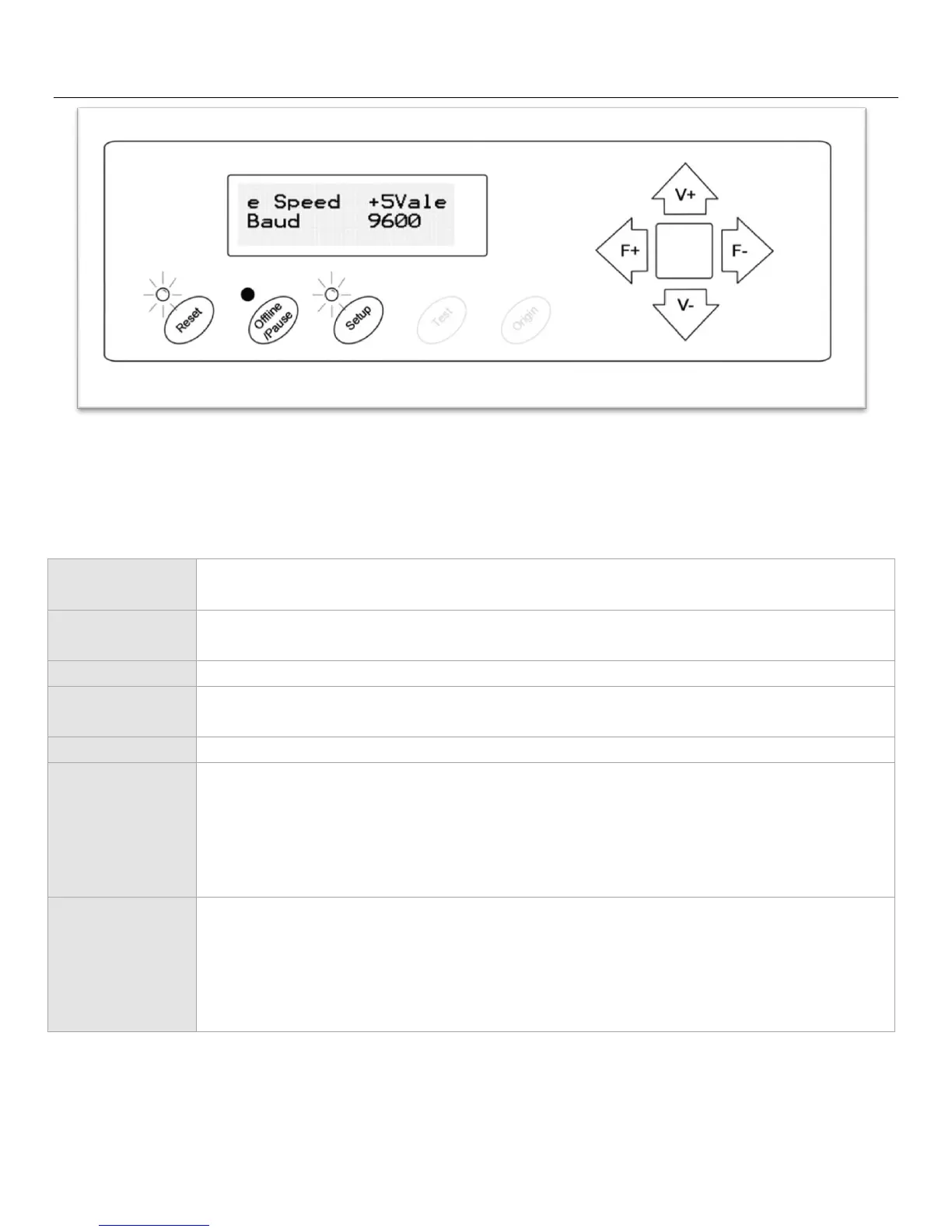
Setup Screen
The Setup screen allows you to adjust some of the more technical settings of the cutter. For most users, these
settings should not be changed.
Resets the cutter by setting the Baud rate back to 9600, clearing the memory of the
machine, and setting the origin of the carriage arm to its rightmost position.
Exits Setup mode and returns to the main screen.
Has no function in this mode.
Has no function in this mode.
Adjusts the e Speed of the cutter.
Adjusts the Baud rate of the cutter.



 To Next Page