- 25 -
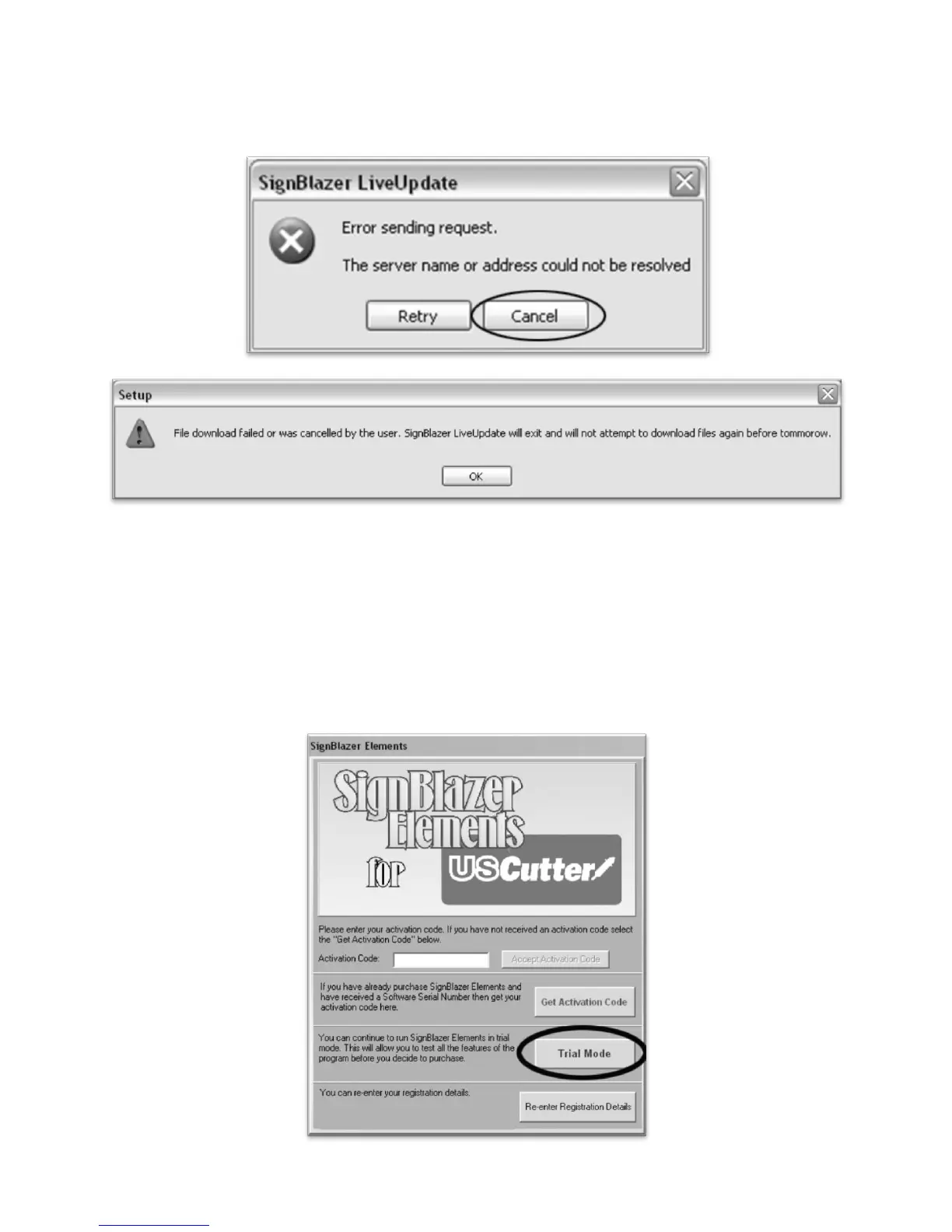
When it fails, cancel the update process (By Pressing the Cancel button on the error window and then OK on the
confirmation window) and the program will start regularly. To override the update process in the future,
refer to the Troubleshooting listing titled “When starting the SignBlazer Software it fails to find updates”,
located in the Troubleshooting section of the manual (starting on 35).
We will be working in Trial Mode. Select “Trial Mode” from the following screen, then select “Yes” from
the confirmation window.



 To Next Page