- 27 -
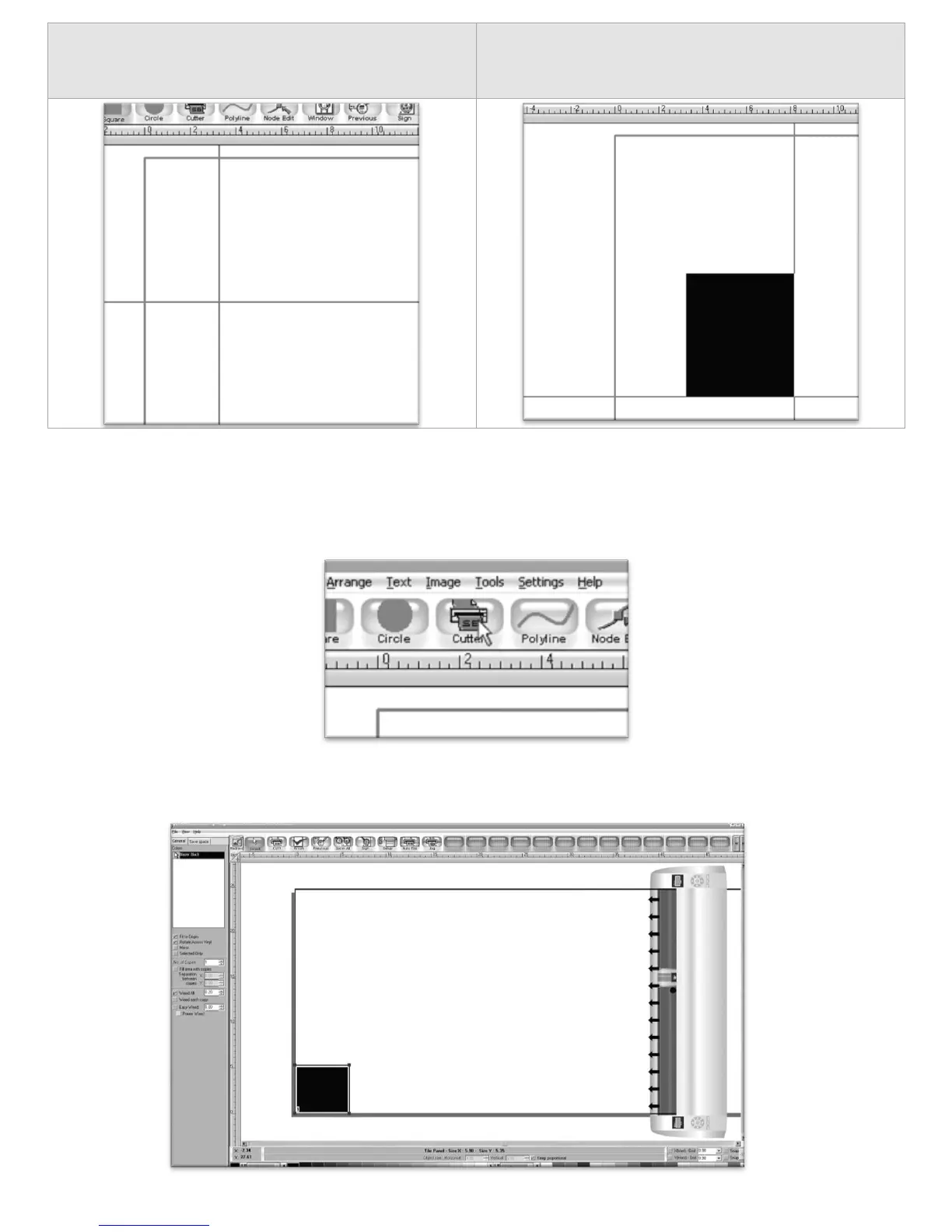
Now draw a square by clicking first in the main
window…
And then moving the mouse to determine the size
of the square desired, and clicking a second time.
Now to cut this simple shape from the cutter:
Select Cutter from the top selection menu.
This will take you to the cutter screen of SignBlazer Elements where you can see a representation of how
your cut will be made when sent to the cutter as well as various cutter options.



 To Next Page