Menus
27
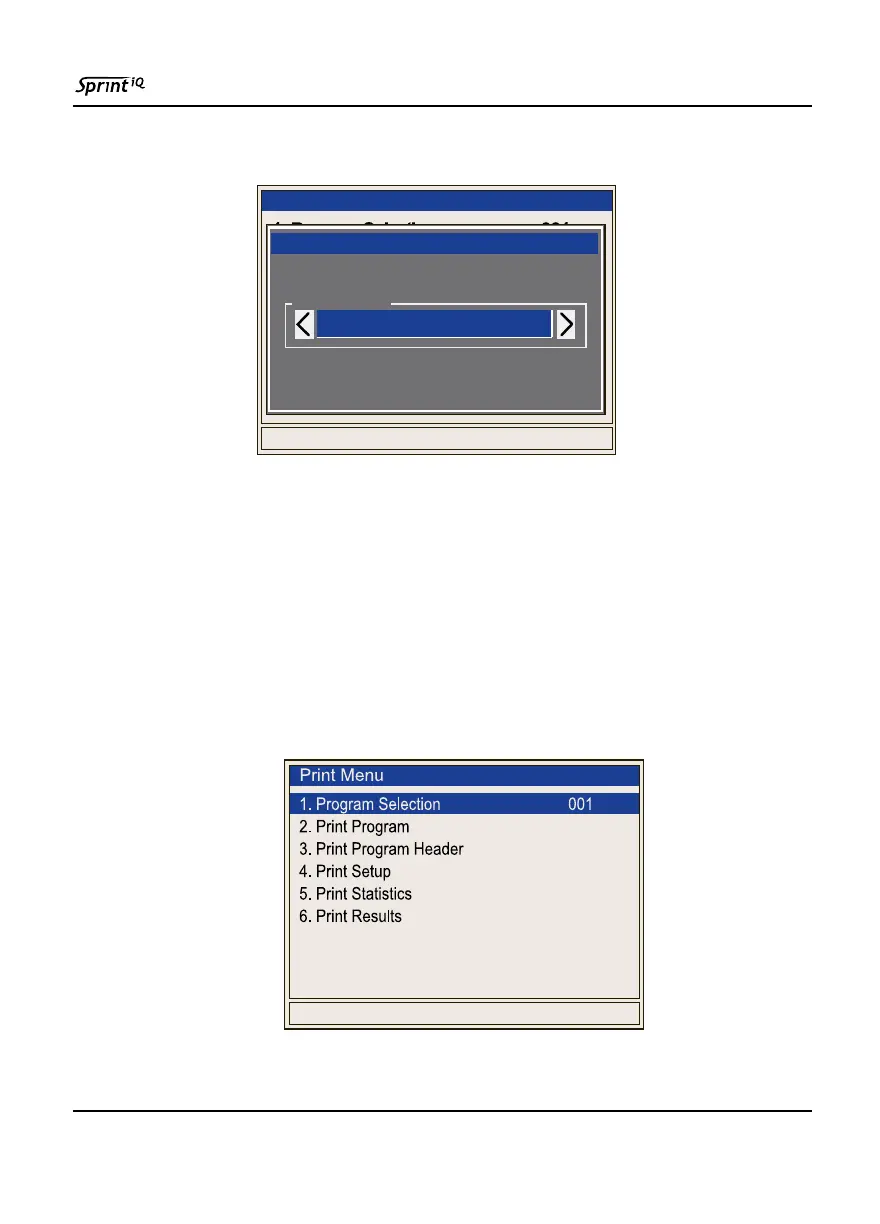
Selecting the first option (Program Selection) will open the
Parameter Editor for that option.
Parameter Editor (001 to 100)
(Use Left / Right keys to change selection.)
The remaining items are listed below. To help with staying
oriented in the list, the opening menu and any sub-menus are
shown.
Always bear in mind that not all functions and items shown
here may be available on every Sprint iQ model.
2. Print Menu
5. Verification Menu
Run Mode Options Menu
1. Program Selection 001
2. Print Menu
3. View Menu
4. Results Menu
List Selection
Parameter Editor
001



 To Next Page