6-10
Using Various Functions > Functions
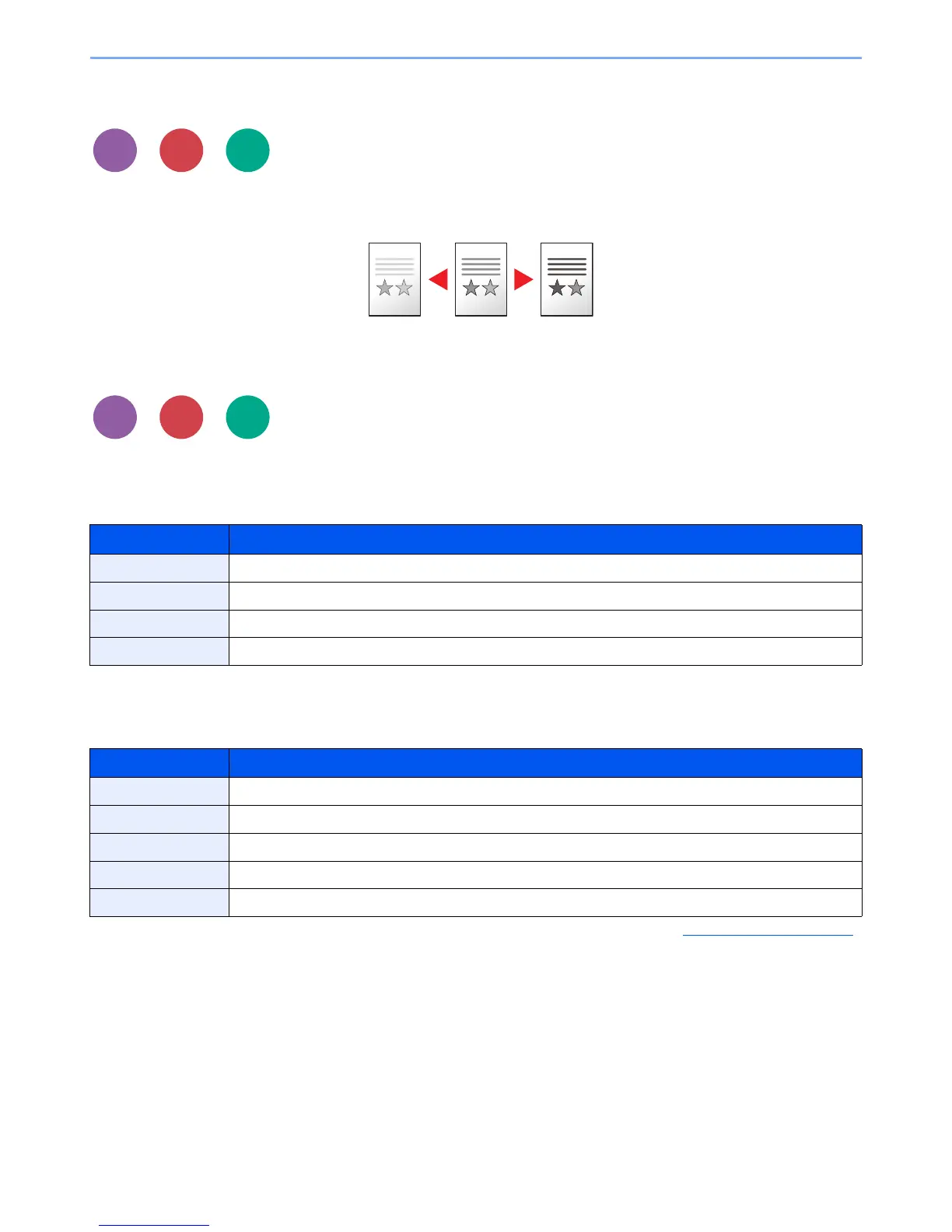
Density
Adjust density using 9 levels.
Adjust density pressing [Lighter -4] to [Darker +4].
Original Image
Select original image type for best results.
Copying/Printing
Sending/Storing
Item Description
Text+Photo
*1
*1 If gray text is not printed completely using [Text + Photo], selecting [Text] may improve the result.
Best for mixed text and photo documents.
Photo Best for photos taken with a camera.
Text Best for documents that are mostly text
Light Text/Line Clearly reproduces faint characters written in pencil, etc., and thin lines on map originals or diagrams.
Item Description
Text+Photo Best for mixed text and photo documents.
Photo Best for photos taken with a camera.
Text Best for documents that are mostly text
for OCR
*1
*1 This function is only available when Color Selection is set to Black and White. For details, refer to Color Selection on page 6-11.
Scanning produces an image that is suitable for OCR.
Light Text/Line Clearly reproduces faint characters written in pencil, etc., and thin lines on map originals or diagrams.



 To Next Page