->Switch screen
Sets the screen view: Main, Alternative (only in Dive Mode) or Compass.
Switching between screens in Dive Mode is made by pressing both buttons.
See in detail Dive Mode.
->DiveSimulator
(only in Surface Interval mode) Turning On/Off Dive Simulator Mode. «Dive» Depth
adjusting.
When the Dive Simulator mode is on, quick access to «Dive» Depth adjusting can be done
by simultaneous pressing of 2 buttons. See in detail Dive Simulator mode.
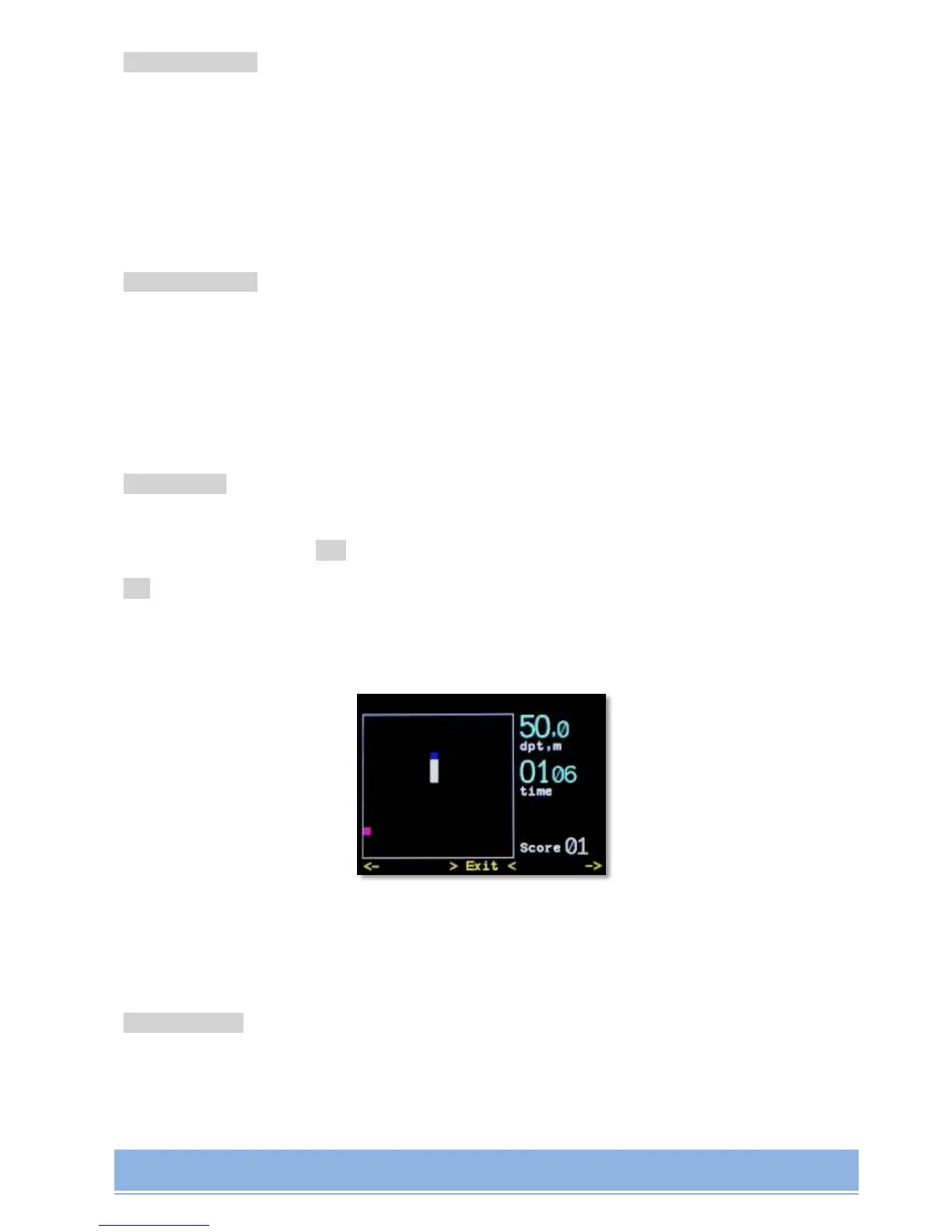
->Play game
Available in all Modes.
Game «Python». Button “<-” - counterclockwise turn.
“->” – clockwise turn.
Pressing both buttons – game exit.
During the game all decompression calculations are made on a full scale in a background
mode
->CellsControl
(only in CCR mode)
Turning On/Off PO
2
control mode managed by Oxygen cells.


 To Next Page