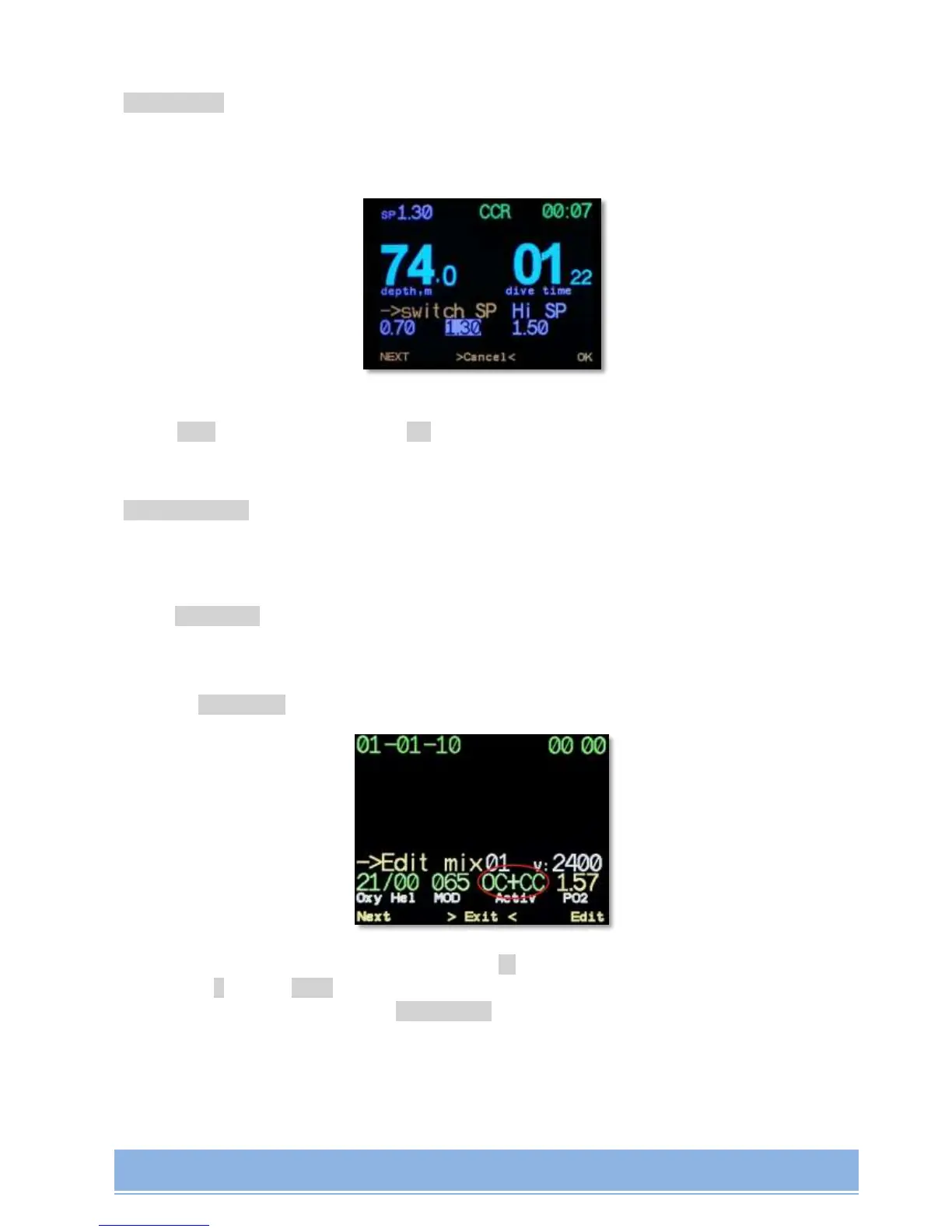
->Switch SP
(only in CCR mode)
manual switching between Low, High and Deco Setpoints. Choose the required Setpoint with
button Next and confirm with button ОК.
->Dive setup ->
Entry to the submenu of dive mode settings
->Edit mix
Gas list editing. Here you can add gases into active gases' list which will be available
in Select mix menu item. You can also edit MOD field.
Navigating between fields is made with button, changing the field value is made
with + button. MOD field value is taken into account when best mix is offered at the
moment of gas change via ->selectmix menu item, and when TTS value calculation
and when planning your dive.
Each gas in the list may have the status of "non active", "for open cycle", "for the
closed circuit" and "open and closed circuit". This is taken into account when planning
and decompression when entering the list of gases while switching gases.


 To Next Page