3. switch AV1 to Update mode:
System setup -> Up\Down load -> OK
AV1 will switch to DFU mode (Device Firmware Update mode).
Windows will identify AV1 as a standard HID-device and automatically install all the
required drivers.
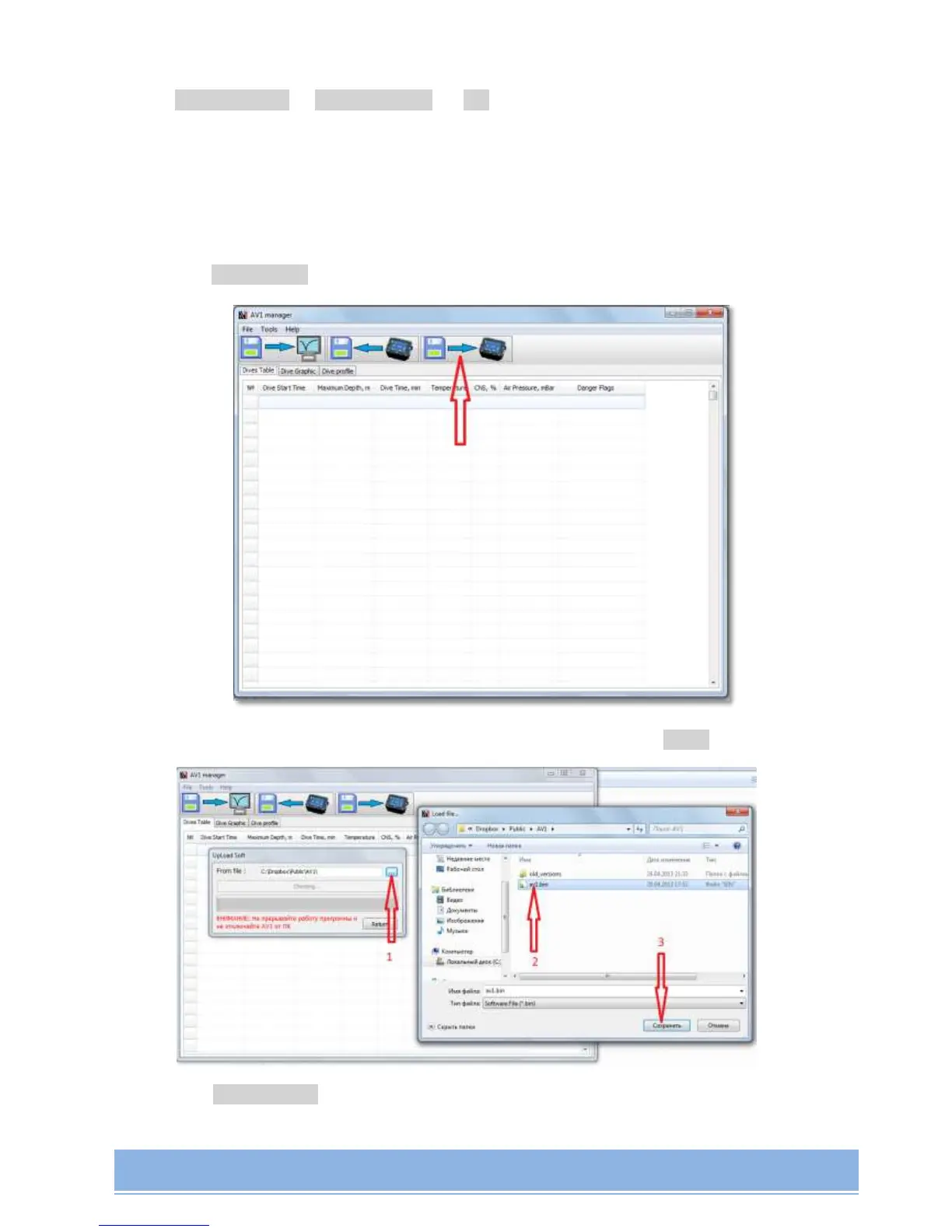
4. launch AV1 Manager;
5. press Upload soft on the toolbar of the main screen;
6. Choose the folder with Firmware, then - the Firmware file, press Save.
7. Press Start Upload to start updating;



 To Next Page