45
Numerical entry
When a numerical entry is made, a value is set by entering the
individual decimal positions.
Menu Name
Parameter Name
12.3456 [Unit]
Next Edit
1. Select th
e parameters you want to set in the
menu.
2. Use
to call up the parameter for editing. The decimal
place that is currently selected is highlighted.
Parameter Name
12.3456 [unit]
Next O
3. Use
to select the next decimal place to change.
4. Use or to set the desired value.
5. Use
to select the next decimal place.
6.
Select and set additional decimal places as need
ed in
a
ccordance
with steps 3 to 4.
7.
Use to confirm your setting
.
This conc
ludes the procedure for changing a parameter valu
e.
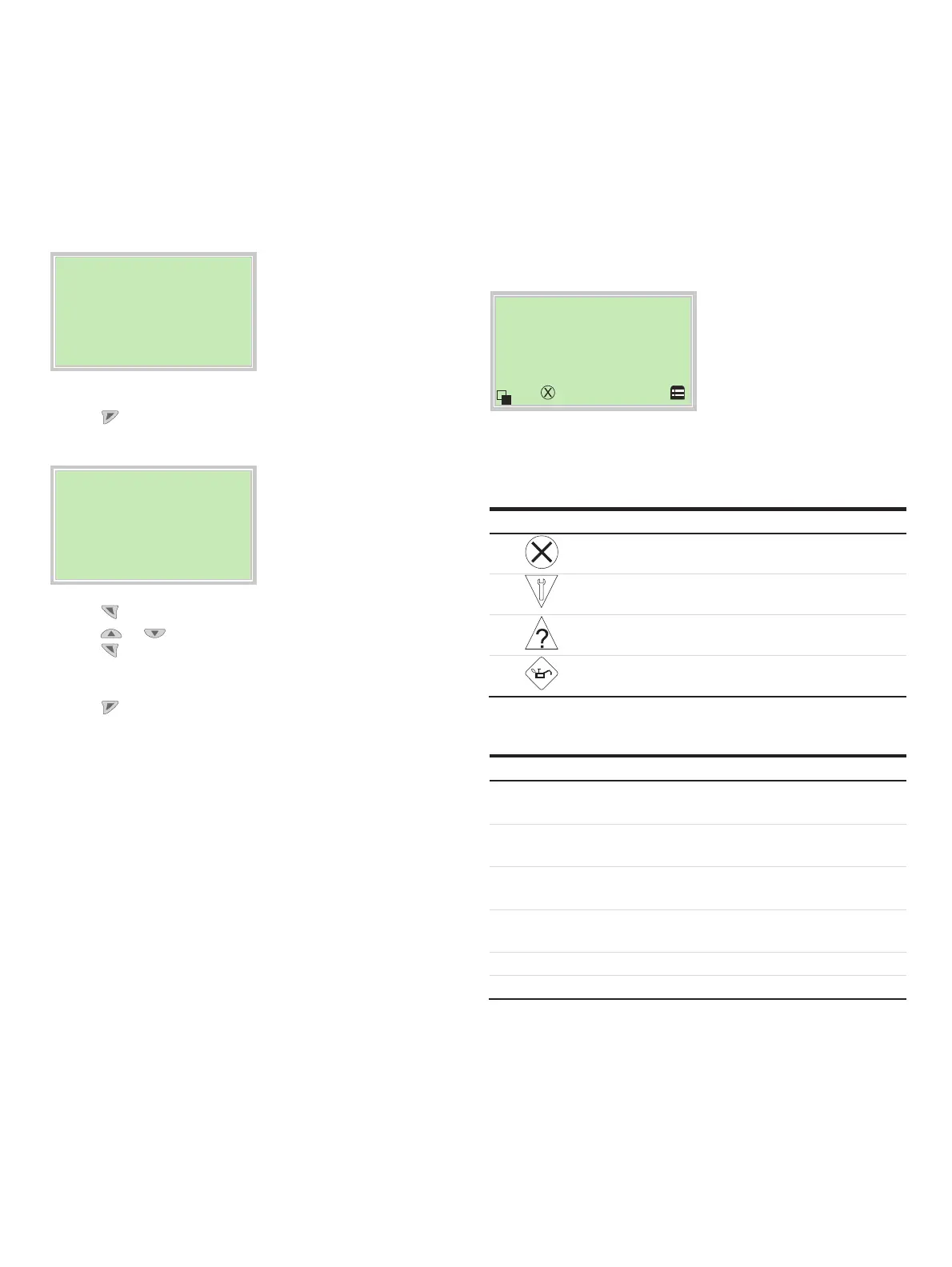
Error messages on the LCD display
In the event of an error, a message consisting of a symbol and
text appears at the bottom of the process screen
(e. g. electronics) The text displayed provides information about
the area in which the error has occurred.
Process dis
la
Electronic
The
error messages are divided into four groups in accordance
with the NAMUR classification scheme. The group assignment
can only be changed using a DTM or EDD:
Symbol Fault message Description
Failur
e
Errors
Fcheck Check for
errors
OOS
p Outside of the specification
MtReq Mainten
ance requ
ired
The error messages are also divided into the following areas:
Range Description
Actuator Diagnosis notices affecting the valve or the pneumatic
actuator
Operation Diagnosis notices with a negative effect on the operation
of the positioner
Process Diagnosis notices that refer to the process and display
impairments or states.
Sensor Alarms indicating problems affecting the reading of the
valve position
Electronic Errors in the device electronics are displayed.
Configuration Detects if the positioner configuration is missing or faulty
Note
For a detailed description of errors and troubleshooting
instructions, please see Diagnosis / error messages on page 74.
C
hange from two to one colum n



 To Next Page